How I Turn a Prompt Into Structured VideoJSON With VideoFlow
The first time I asked an AI model to help me make a video, it behaved like a very confident timeline editor. It wanted to place clips, nudge layers, and invent details I had not approved. That might be fine for a toy demo. It is a bad interface for something I plan to ship, reuse, or hand to another renderer later.
What I wanted was simpler: a draft I could inspect as data.
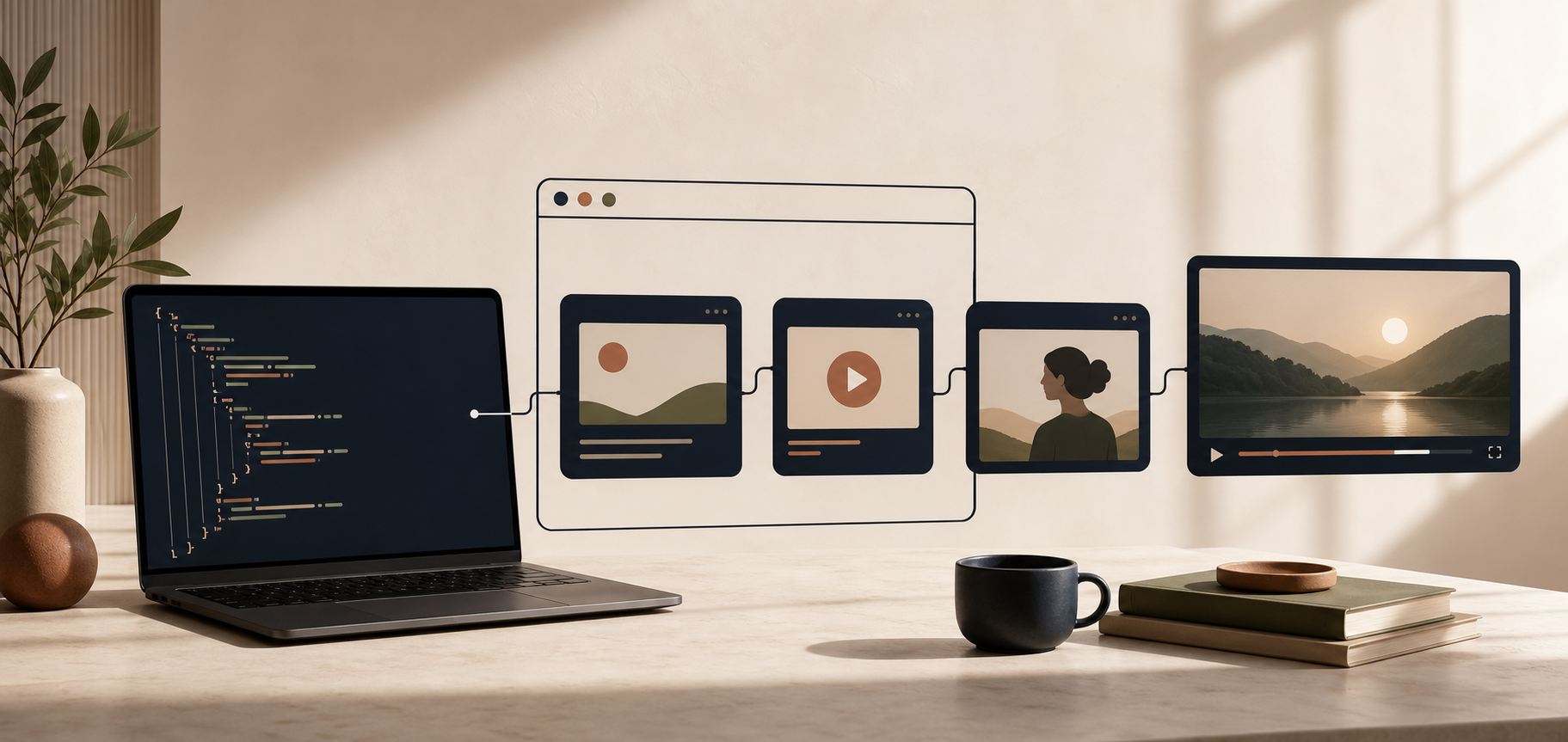
With VideoFlow, that is finally the default. I start with a prompt, but I do not let the model own the timeline. I ask it to draft structured VideoJSON, then I compile that into a video I can render in the browser, on a server, or inside the React editor when I want a human to clean it up.

Why I stopped asking AI for a timeline
A timeline is the wrong place to begin when the content is still changing.
If I ask for an edit too early, the model spends its budget on decisions that should stay fluid:
- exact clip timing before the message is stable
- layer placement before the scene order is locked
- visual effects before the asset list is final
- transitions before I even know which scenes belong in the cut
That is how you end up with a draft that looks finished but is expensive to revise.
A structured video spec is easier to reason about. I can review it the same way I review any other piece of app data:
- Does the scene order make sense?
- Are the captions accurate?
- Are the assets real?
- Is the duration sensible?
- Can I render this in more than one environment?
That last question matters more than it sounds. A video workflow becomes much more useful when the same source can move between preview, editing, and export without being rewritten every time.
The shape of the workflow I use
My version is usually:
- Write a short brief.
- Ask the model for scene-level structure, not timeline gestures.
- Validate the output against the constraints I already know.
- Compile it with @videoflow/core.
- Render it with the browser renderer or server renderer, depending on the job.
- Open it in the React video editor if I want a human pass on pacing or polish.
That works because VideoFlow is built around portable JSON, not a single editing surface. The same scene data can be rendered through browser rendering, server rendering, or a live DOM preview, which makes the workflow feel like software instead of a one-off export button.
If you want the broader product context, the main site is videoflow.dev, and the source is on GitHub.

The constraints I give the model
I do not ask the model to improvise everything. I make it stay inside a narrower lane:
- Use only approved scene types.
- Keep captions short enough to read on a phone.
- Treat every asset as a named input, not a vague visual idea.
- Leave layout space for the human editor when the shot needs polish.
- Prefer explicit durations over “make this feel dynamic.”
- Never invent a missing product claim just to fill space.
That is the part that usually makes the difference between a useful draft and a creative mess.
I am not looking for the model to be brilliant at video taste. I am looking for it to be dependable at structure. Once the structure is solid, the rest of the system can do its job.
Why the renderer choice still matters
Once the draft is structured, the rendering decision becomes practical instead of philosophical.
I will use the browser renderer when I want export to stay close to the app experience. I will use the server renderer when I need batch work or queue-based output. I will use the React editor when I want someone on the team to trim a layer or adjust a transition without touching the template itself.
That same separation is why I keep coming back to posts like How I Keep One Video Template Working Across Browser, Server, and Editor, How I Pick the Right VideoFlow Renderer for the Job, How I Add a React Video Editor Without Rewriting Your Render Pipeline, and How I Turn Product Data Into Reusable Video Demos Without Forking Templates. The recurring lesson is simple: do not tie the meaning of the video to the place where it is rendered.

What changed for me
The biggest shift was not technical. It was editorial.
I stopped treating the model as a substitute for an editor and started treating it as a structured draft assistant. That means I get to keep the parts that matter: review, diffing, reuse, and portability.
It also means the same approach works when the source is not a prompt at all. I can feed VideoFlow data from ecommerce, product catalogs, or other structured inputs and get a repeatable result instead of a one-off cut. That is the same pattern I wrote about in How I Turn Product Data Into Reusable Video Demos Without Forking Templates. When the shape of the video stays stable, the inputs can change without breaking the system.
The practical takeaway is straightforward: if you want AI to help with video, do not hand it a timeline first. Hand it a schema, a few constraints, and a renderer that can keep the result portable. VideoFlow is a good fit for that because the core, the renderers, and the editor all speak the same structured language.
If I were starting from scratch today, I would build exactly one thing first: a scene schema the model can fill without guessing. Everything else gets easier after that.