How I Turn Product Data Into Reusable Video Demos Without Forking Templates
I used to clone a video demo every time a new product angle showed up. One version for the homepage, one for the ad, one for email, one for the in-app walkthrough. It looked efficient until the edits started drifting.
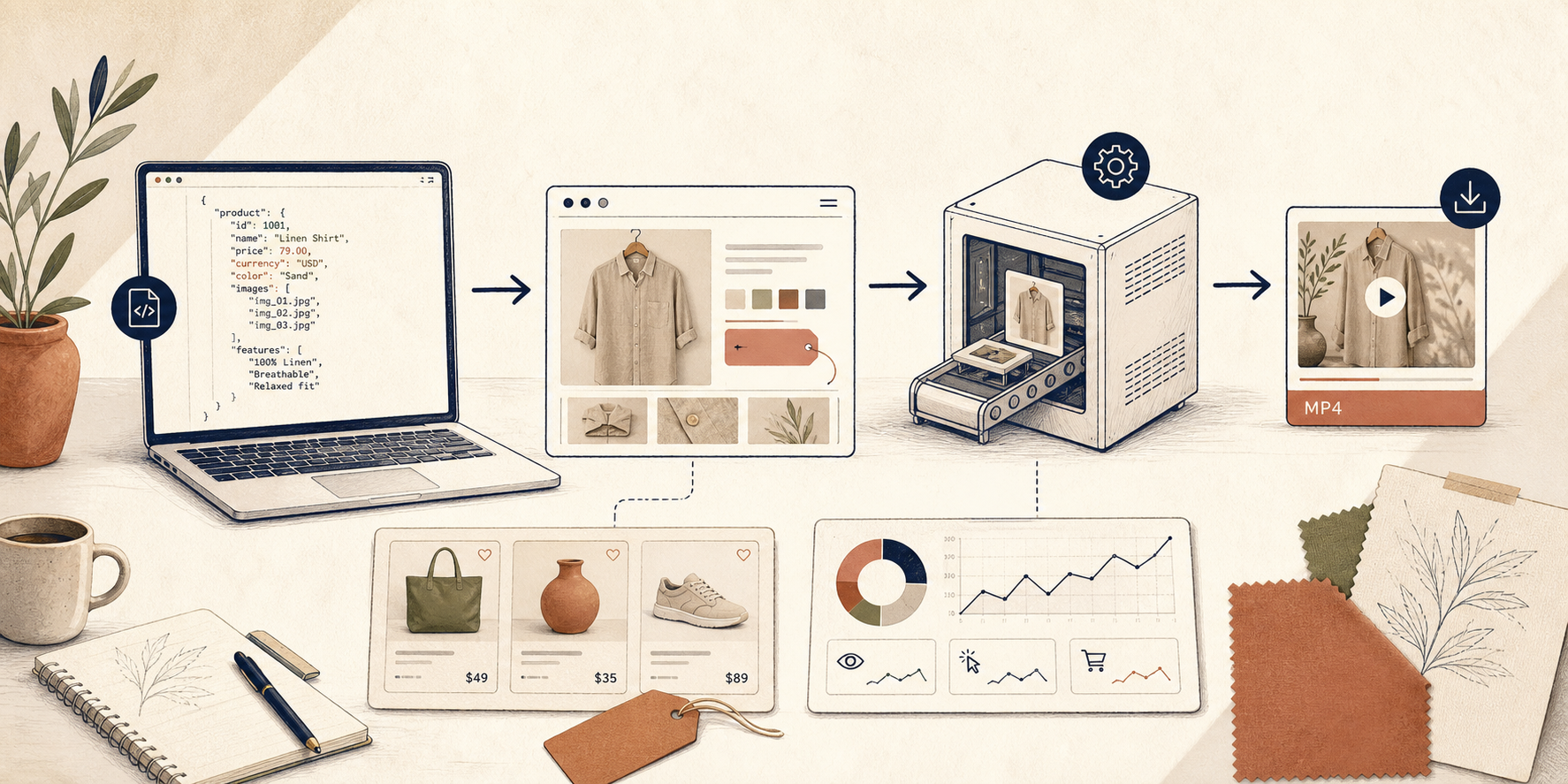
The safer pattern is to keep one VideoFlow template and feed it product data instead of forking the scene. That gives me one JSON source of truth and three ways to use it: preview, edit, and export.
The template I refuse to fork
I keep VideoFlow, docs, core docs, renderers docs, React video editor, examples, and the GitHub repo open while I wire one demo.
The rule is simple: product data can change, but the scene structure stays portable.
import VideoFlow from "@videoflow/core";


const $ = new VideoFlow({

  name: "My Video",

  width: 1920,

  height: 1080,

  fps: 30,

});


$.addText(

  { text: "Hello, VideoFlow!", fontSize: 7, fontWeight: 800 },

  { transitionIn: { transition: "overshootPop", duration: "500ms" } }

);


const json = await $.compile();

const blob = await $.renderVideo();
That is the contract I care about. The product data can swap out a headline, a price, a CTA, or a thumbnail. The template itself stays reusable.
I do not care whether the final output is a browser export, a server batch job, or a live DOM preview. I care that the scene compiles once and survives the next round of edits.
Browser, server, and DOM each earn a different job
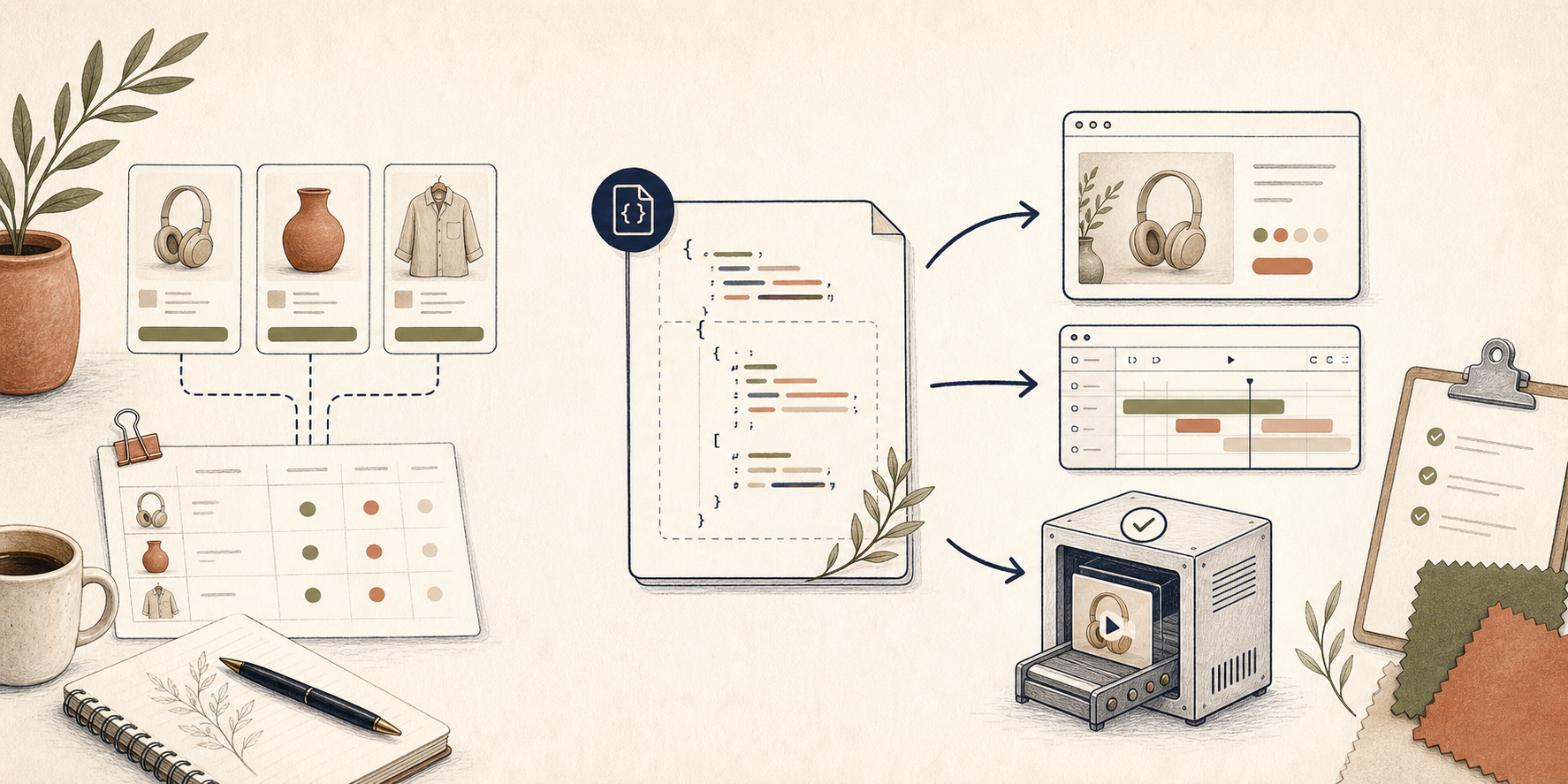
The useful part of VideoFlow is not just that it renders videos. It is that the same
VideoJSON can render in three different places without me rewriting the project.@videoflow/renderer-browseris what I use when export needs to happen client-side and I want progress callbacks, cancellation, or worker acceleration.@videoflow/renderer-serveris what I use when the job is bigger than one person clicking export. Batch jobs, queues, scheduled renders, and API-driven output all fit there.@videoflow/renderer-domis what I use when I want a live preview in an editor or dashboard with scrubbing and frame-accurate playback.
If you want the deeper split, I would read How to Build a Three-Renderer Video Workflow With VideoFlow and How to Turn Video JSON Into Browser Preview and MP4 Export next. Those posts cover the mechanics. The part I keep coming back to is that the renderer can change without changing the template.
The React editor should edit, not fork
I am fine letting humans change the scene. I am not fine letting them create a second scene model.
That is where
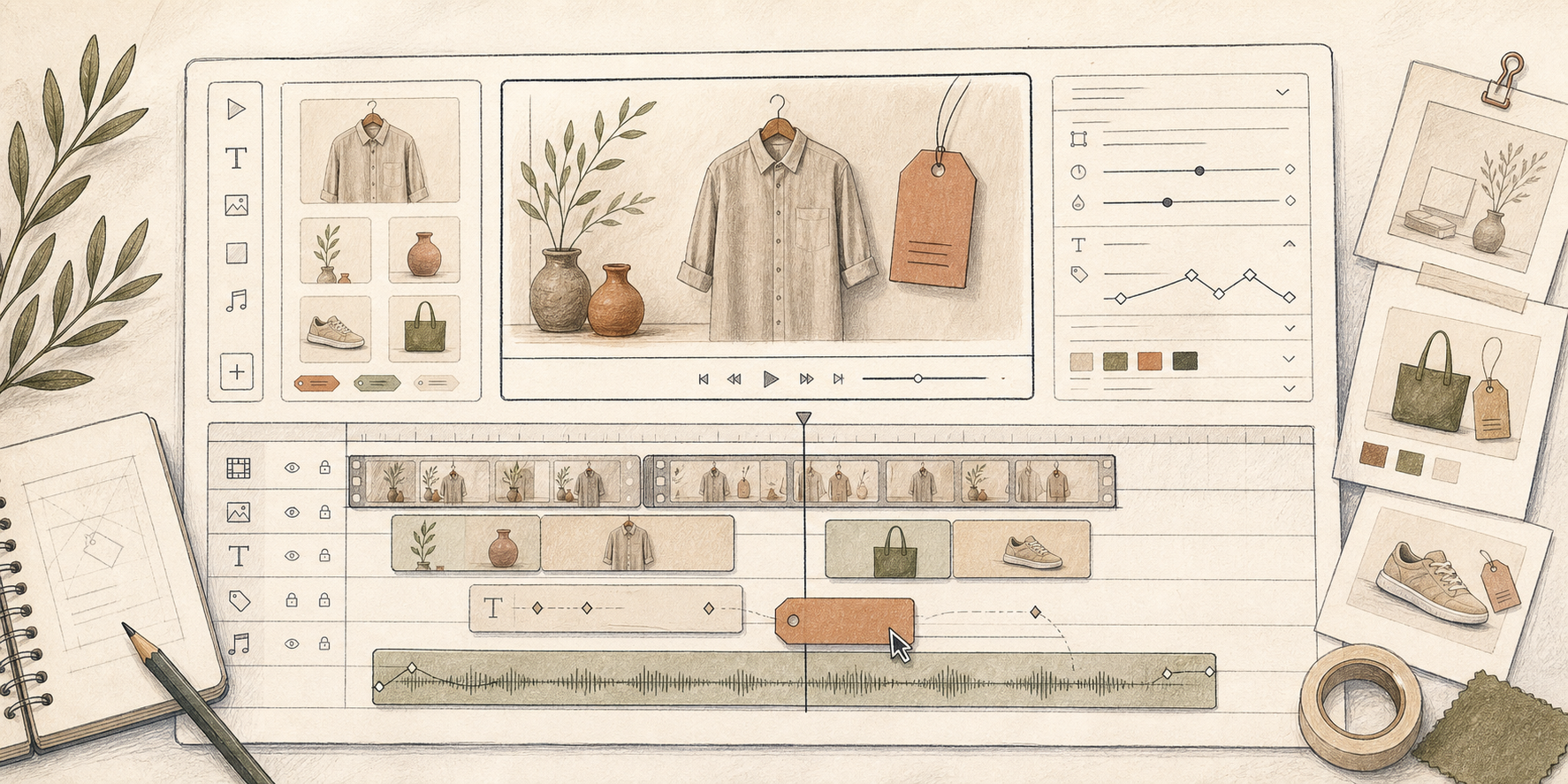
@videoflow/react-video-editor earns its keep. The editor gives me a multi-track timeline, keyframes, transitions, themes, and MP4 export, which means the person adjusting the demo does not need to understand the internals. They just need to make a deliberate change and save it back to the same JSON.This is the same pattern I would use if I were embedding video editing into a SaaS app. The editor is a control surface, not a competing source of truth. If you want the implementation version, How to Add a Multi-Track React Video Editor to Your SaaS App is the right follow-up.
AI should draft structure, not decide the final timing
I do use AI in this workflow, but only as a first pass.
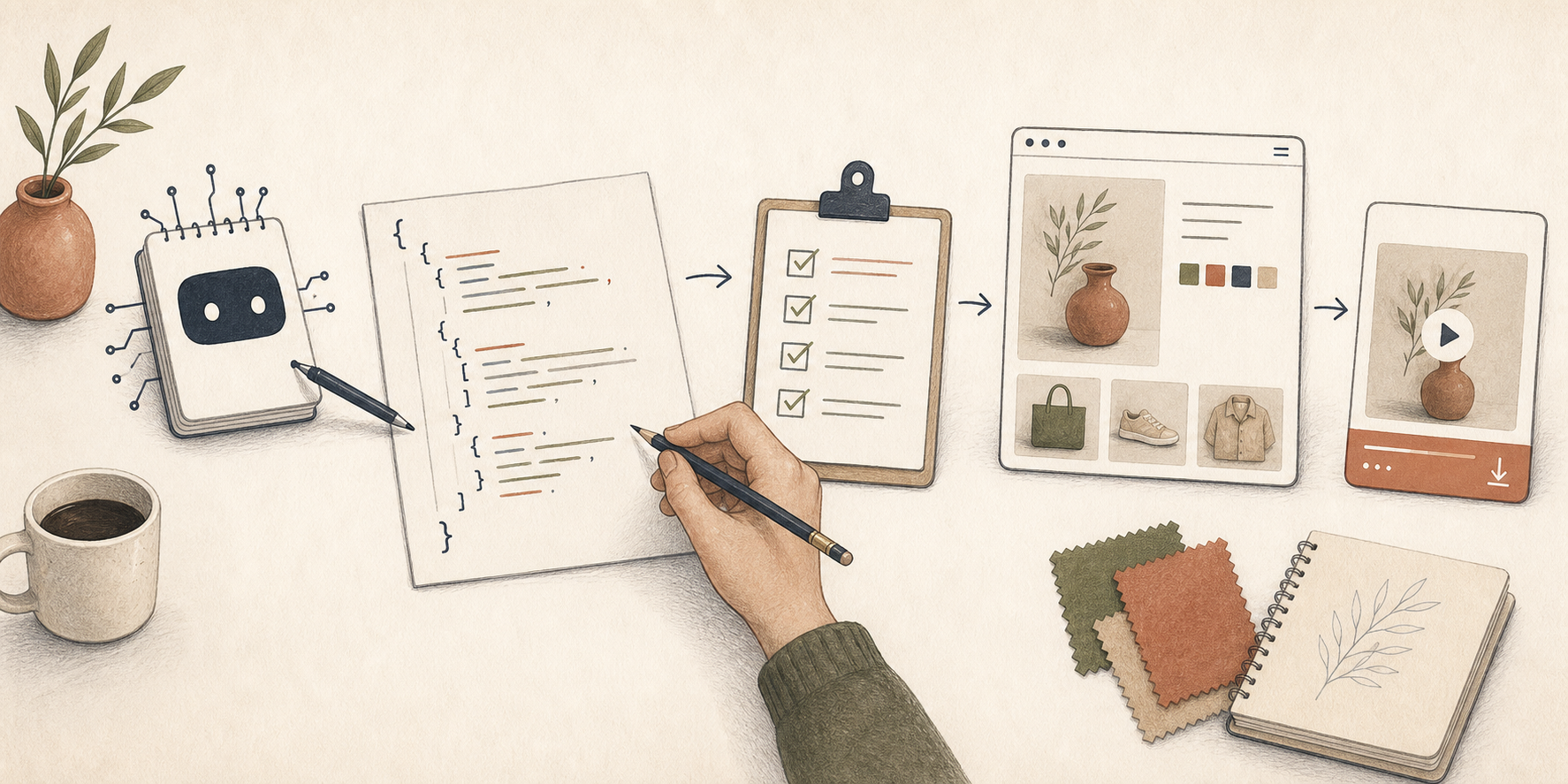
If the model can draft a structured scene, I can review it. If it can only spit out vague creative direction, I am back to hand-editing everything. So I prefer the narrow version: let AI propose a VideoJSON skeleton, then let a human check the layer order, timing, and copy before export.
That is the same mindset behind How to Build an AI Video Workflow From Prompt to JSON to MP4 and How to Let AI Agents Draft VideoJSON for VideoFlow Templates. I read those as a warning and a guide: the model can accelerate structure, but it should not quietly own the final result.
What I check before I ship another demo
Before I let a new video demo go live, I run the same small checklist:
- The product data source is explicit, not hidden in a random script.
- The scene compiles once and renders in the place I expect.
- Preview, editor, and export all point to the same JSON.
- I can swap the renderer without rewriting the template.
- The git diff is understandable the next day.
- The links I rely on are still the right ones, including VideoFlow, docs, core docs, renderers docs, React video editor, examples, and the GitHub repo.
If the workflow gets too fragile, I do not add another tool. I make the template more portable. That is why How to Make Video Templates Diffable in Git with VideoFlow matters so much. A reusable demo has to survive version control, not just a successful export.
The takeaway
I want one product-driven template that can survive preview, editing, and export without turning into three separate projects.
If you are building this now, start with one product brief and one scene. Put it through
@videoflow/core, preview it, edit it, and render it from the job type that fits best. Once that loop holds, the rest of the system gets easier.