What Broke When I Tried To Export A Webflow CMS Site
The first time I exported a Webflow CMS site, I was not trying to be clever. I was trying to stop treating hosting like part of the design decision.
I like Webflow because it lets me move fast on layout and finish a site without turning the build into a long front-end project. But once a site is finished, I do not always want to leave it tied to the same hosting shape forever. Sometimes the right move is to keep the design and export the result.
That is the lane ExFlow.site fits into. It exports Webflow sites as downloadable static files, including CMS content, so I can keep the work I already did and decide later where the output should live.
The Part I Expected To Be Harder

What I expected to be painful was the export itself. What actually mattered was the list of decisions before the export:
- Do I need CSS files, JS files, images, and media?
- Do I want all pages exported?
- Do I need the "Made with Webflow" badge removed?
- Am I adding custom
script.jsorstyle.cssfiles? - Am I syncing to Git, S3, or FTP, or just downloading the static package?
Once I looked at the problem that way, the export stopped feeling like a migration and started feeling like a file handoff. ExFlow is built around that handoff. It accepts the site URL, handles the static export, and gives me a path to host the result on my terms.
What Changed In My Workflow
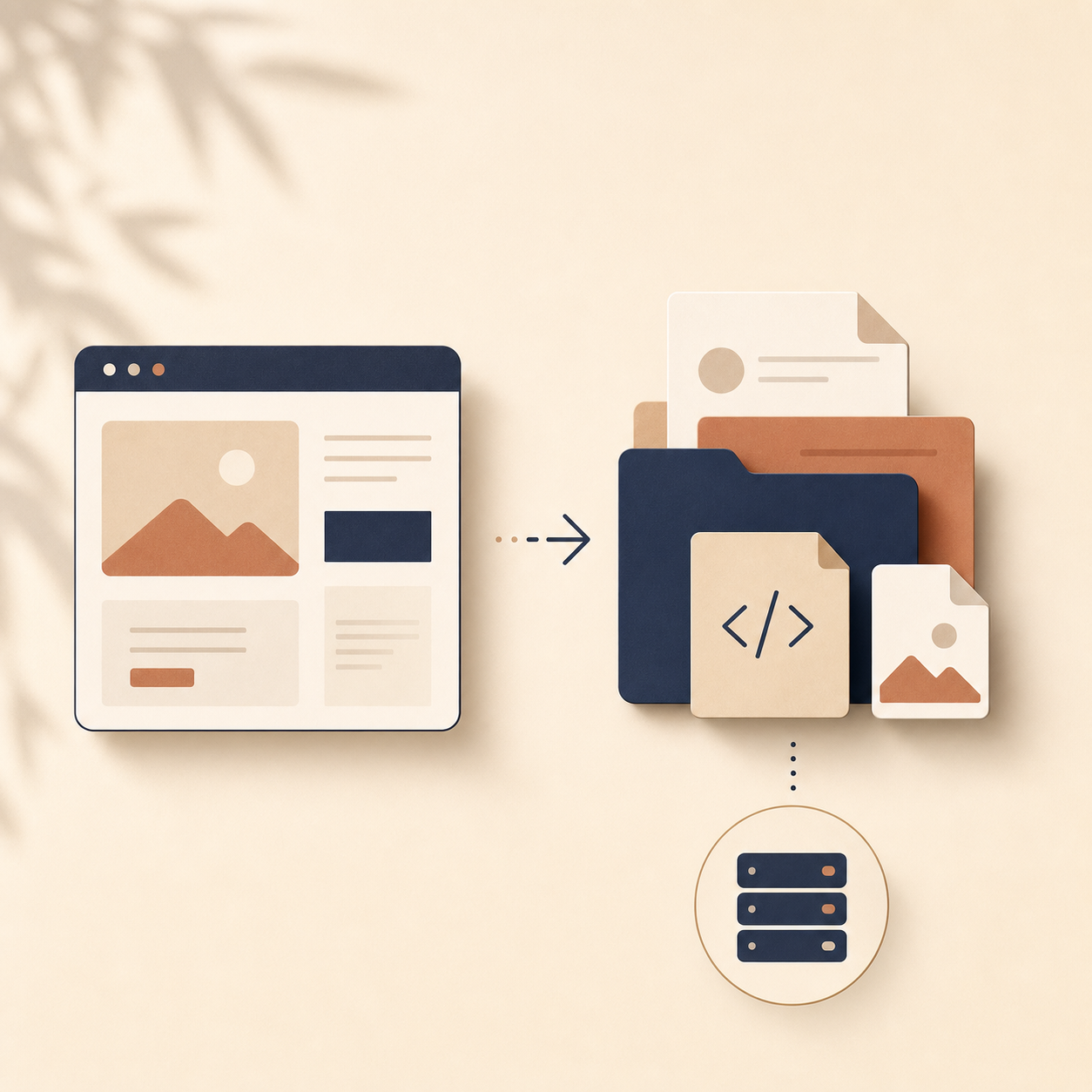
The biggest change was mental, not technical. I stopped thinking of Webflow as the place where the site must live forever. I started thinking of it as the place where the site gets designed.
That made the rest of the workflow simpler:
- I keep the design and content decisions in Webflow.
- I export the site when the structure is ready.
- I keep the output as static files.
- I choose hosting only after I know what the final package looks like.
That order matters because it exposes the real trade-offs. A static export is a great fit when the site is mostly layout, content, and assets. It is less interesting when you want hosting to do more of the work for you. ExFlow does not hide that; it makes the output explicit.
The Settings I Actually Care About

On a real project, I usually care about the same handful of settings more than anything else. I want the exported pages to be clean HTML. I want the CSS, JS, and media files separated out properly. I want the option to include all pages, not just the obvious ones. And if I am planning to hand the files off to another system, I want syncing to Git, S3, or FTP to be there when I need it.
That is also where the self-hosting options become useful. ExFlow is not only about downloading a bundle and stopping there. It also gives you a way to host the exported site on its servers, or push the output into the infrastructure you already use. That is the real value for me: the export is not a dead end.
For a few related walkthroughs, I linked the versions I reached for most often: How to Download a Webflow Site and Host It Yourself with ExFlow, Webflow CMS to HTML: A Practical Export and Self-Hosting Checklist, How to Move a Webflow Site to GitHub Pages with ExFlow, and How to Host a Webflow CMS Site on GitHub Pages with ExFlow.
The Moment It Clicked
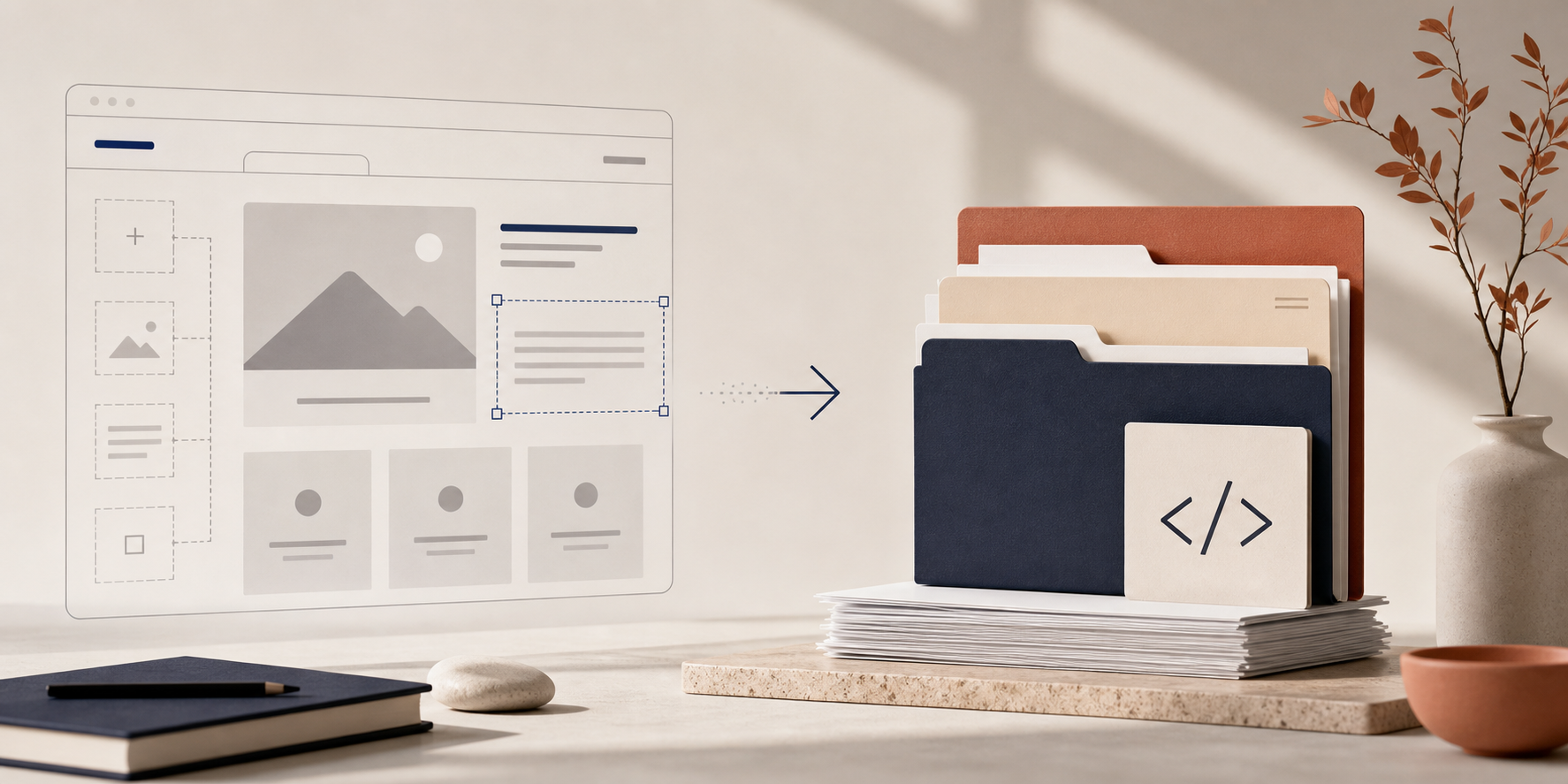
The moment the workflow clicked for me was when I realized I was no longer asking, "Can Webflow do this forever?" I was asking, "What is the cleanest way to ship the site I already built?"
That shift changes the conversation. You stop overpaying for parts of the stack you do not need. You also stop pretending every site needs the same hosting setup. Some sites are better left in Webflow. Others are better as static HTML with control over assets, hosting, and deployment.
If you are deciding whether ExFlow is a fit, I would start with one real page instead of a theoretical rewrite. Export it, inspect the files, and decide whether the output matches the way you actually want to run the site.
That is the test I trust now: not whether the export sounds convenient, but whether the exported files make the site easier to own.