I Treated My Video Template Like a Product Data Contract
I used to treat a product video template as a shortcut: fill in a title, drop in a few images, render an MP4, move on. That worked until the catalog changed, someone wanted a different CTA, or the marketing team needed to correct a scene. The actual problem was not video production. I had no contract between the product data and the finished film.
A better approach is to treat the template like any other product interface. Define the fields it accepts, define what it may decide for itself, and make the intermediate result reviewable before a render job spends time and money. For a team building this into a store tool or SaaS product, VideoFlow makes that middle layer a portable VideoJSON document rather than a hidden timeline.

Start with the inputs you are willing to support
My first pass is intentionally boring. I write a small schema for the information that can change from one product to another:
- product title and short benefit
- approved image or video URLs
- price and currency formatting
- one proof point, such as a rating or material detail
- locale and CTA destination
- a template version
The key word is approved. A data feed may contain twenty images, a provisional description, and five competing prices. That does not mean all of them should reach a public video. Pick the fields the template owns, validate them before generation, and use sensible fallbacks for optional details. This is the same discipline that made my product-video approval loop from catalog data much easier to manage.
For a single SKU, the output might be a 12-second product clip. For an onboarding flow, it could be a customer-specific recap. The contract stays useful because it separates the changing data from the scene decisions: timing, typography, media placement, transitions, and brand-safe constraints.
Make VideoJSON the handoff, not the MP4
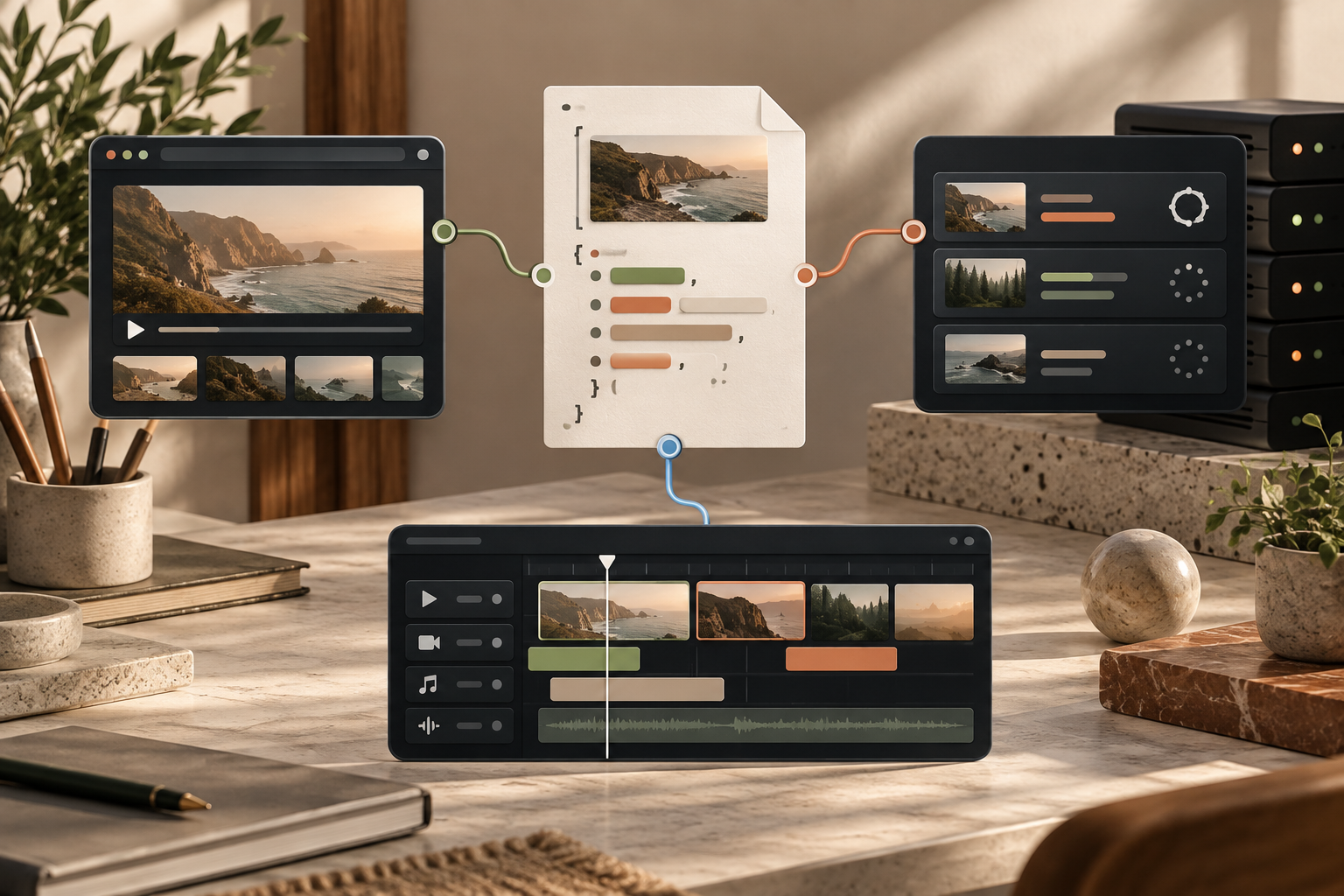
The tempting architecture is data in, MP4 out. It is also the architecture that makes every late edit feel like a request to rebuild a black box. I prefer: data in, VideoJSON out, then preview, review, edit if needed, and render.
VideoFlow's Core compiles a TypeScript-authored sequence into portable VideoJSON. That gives the workflow a real artifact that can be stored with the product ID, template version, and input snapshot. When a teammate asks why a video looked a certain way, I can inspect the document rather than reverse-engineering a finished file.
This matters even more if an AI agent is involved. Let an agent propose structured scene data, validate it against your contract, and keep the result out of production until it passes the same checks as any other input. I learned the value of this boundary after stopping renders before anyone had approved the customer recap: fast generation is only useful when it produces something a person can evaluate.
Pick the preview and renderer deliberately
The same document should not force a single delivery path. In a customer-facing app, I would show the draft using a live DOM preview, then offer a restrained set of edits. VideoFlow's React Video Editor is useful here because it supplies a multi-track timeline, keyframes, transitions, a preview, and export without making the team build a timeline from scratch.
For rendering, make the trade-off explicit:
- Use browser rendering for smaller user-initiated exports where avoiding an upload is valuable.
- Use server rendering for queues, scheduled campaigns, longer videos, and a predictable backend operation.
- Keep the JSON and input snapshot either way, so a retry is reproducible.
That is the practical difference I look for when comparing a JSON-first system with a component-first workflow. A fair VideoFlow Studio versus Remotion comparison is not about declaring one approach universally better; it is about deciding whether a portable data document is central to the product you are building.
Put approval before the expensive step
My minimum review screen shows the input values, a preview, the template version, and a short checklist: correct product, correct price, acceptable crop, correct locale, and a CTA that lands where it should. If any one of those is uncertain, I save a draft instead of rendering.
That small gate is especially important for batch jobs. A five-product pilot tells you far more than a confident-looking queue of 500. It also prevents a simple feed mistake from becoming a library of wrong assets. The same principle applies to operational videos: I would use the workflow behind terminal-based video revisions only after the source document is stable enough to reproduce.

The small system I would ship first
If I were adding automated product video to a store tool this week, I would not start with an open-ended editor. I would ship one template, one data contract, a preview, a manual approval state, and a render queue. Save the VideoJSON beside the render record. Then watch what people try to change.
Those requests tell you whether to add a field, a locked template option, or an editor control. They are much better evidence than guessing which creative controls everyone needs on day one.
Explore VideoFlow's renderer options if you are building the data-to-video layer yourself. The useful first milestone is not “we generate videos.” It is “we can generate, inspect, revise, and reliably re-render one useful video from a known data contract.”