I Stopped Giving Every Shopify Product Its Own Size Chart
I used to solve size-chart maintenance the obvious way: make a new chart whenever a new product landed. It felt careful. It was also how I ended up with near-duplicate tables scattered across a catalog, each waiting to drift.
The better question is not does this SKU need a chart? It is does this fit behave differently enough that a shopper would make a different buying decision? Once I started using that test, our catalog got easier to maintain and the product page got clearer.
If you are still cleaning up product-description tables, start with a Shopify size-chart audit. It shows you what you have before you create more of it.
The rule I use: shared construction can share a chart
A chart can cover multiple products when the garments have the same fit logic, measurement points, and grading. Think three colorways of the same crewneck, or a core tee offered in seasonal prints. The product photography may change; the chest width, body length, and intended ease do not.
I split a chart when one of these changes:
- The silhouette changes: a fitted blazer and a relaxed hoodie cannot responsibly share a table.
- The point of measurement changes: trousers introduce rise and inseam; bras introduce band and cup; outerwear may need sleeve length.
- The fit promise changes: slim, regular, oversized, cropped, tall, and petite are decisions, not decorative product labels.
- The grade changes: an extended-size run or a different factory block deserves a separate verification, even when the product looks similar.
- The shopper needs different instructions: a garment-measurement chart and a body-measurement chart answer different questions.

This is the fastest way to avoid a vague chart that technically covers everything but helps nobody. For the exact columns to check before merging products, I still use the same approach from choosing the right measurements for a Shopify size chart.
A five-minute split-or-share check
Before assigning a new product, I compare it with the chart I want to reuse. I do not compare the product title. I compare the actual sample or spec.
- Lay the two garments flat. Check the key dimensions shoppers use to choose: chest or bust, waist, hip, length, sleeve, rise, inseam, or opening.
- Check the intended ease. A 52 cm chest can mean a close-fitting knit or a deliberately roomy sweatshirt. The number is only useful with the fit context.
- Compare the size run. If one product goes XS–XL and another is 0–16, the shared chart may make the page harder to scan even if the measurements line up.
- Ask whether the measuring guide changes. If shoppers need to measure a different location, give them a different guide. A clear visual prevents the classic “I measured the wrong thing” ticket.
- Record the decision. Note the source sample, date checked, and the collection or tag that should receive the chart. That turns a one-off judgment into a reusable merchandising rule.
A small but important distinction: I am not trying to make every product unique. I am trying to make every chart defensible. A shared chart is good operations when it is genuinely shared.
Turn the decision into a Shopify rule
After the audit, this is where Supra Size Chart earns its place in the stack. I create the verified chart once, add a labelled measurement guide if the product needs one, then assign it by collection, product type, vendor, tag, or product. The chart is stored in Shopify metaobjects, so it remains part of the store data and can be exported as CSV or JSON. Shopify’s own documentation describes metaobjects as structured data you define and reuse across a store, which is exactly what a size chart should be.
For example, a merchant might use:
- One rule for the
core-teecollection. - A separate rule for products tagged
oversized-fit. - Product-specific rules for tailored jackets or limited-run items.
- A store-wide fallback only for categories that truly share the same construction.
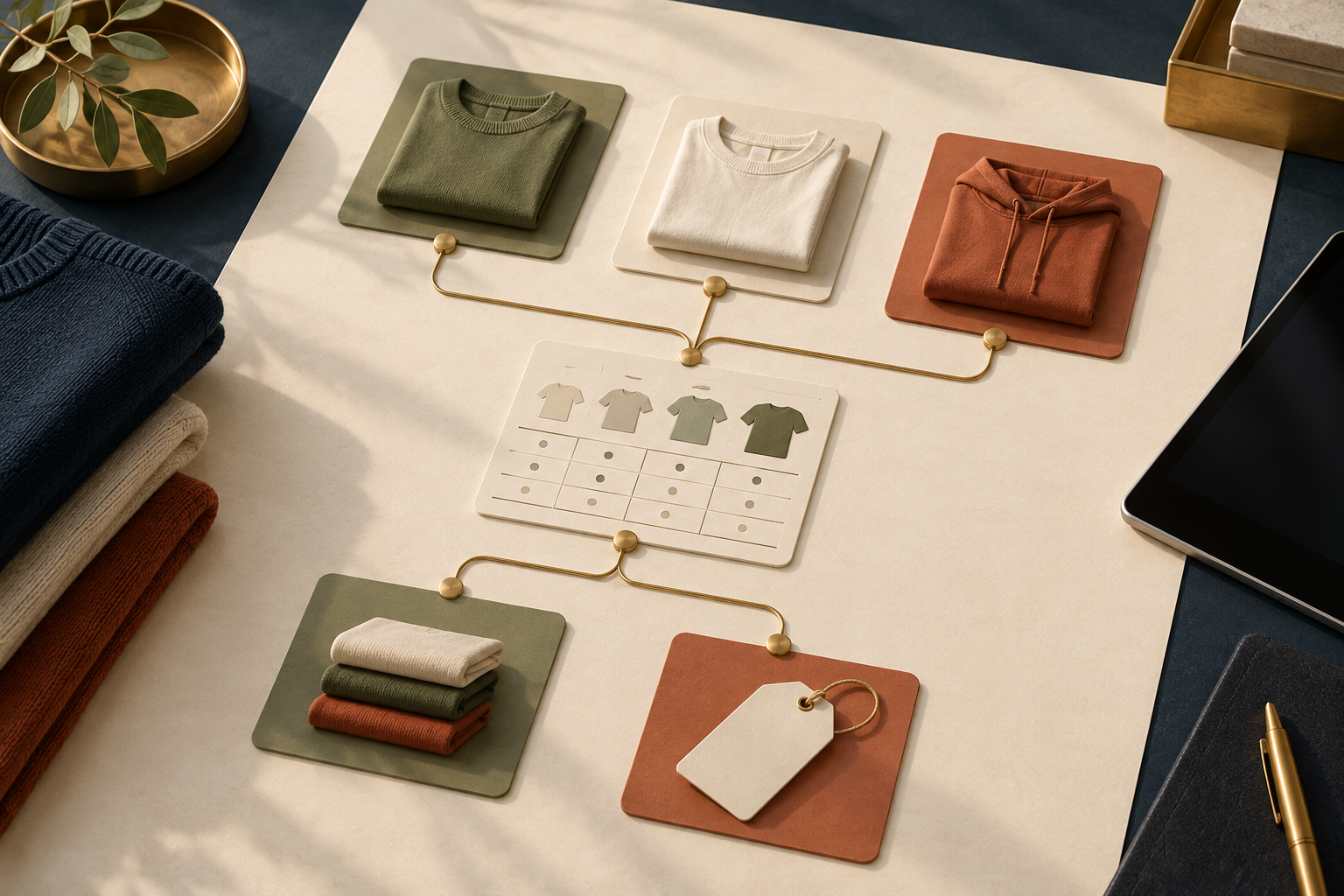
Rules are safer than manually inserting a table into every description because new products can inherit the right chart as soon as they enter the matching collection or receive the right tag. When a garment does not fit the rule, you have a clear exception to inspect instead of a hidden mismatch.
Do not use a new chart to hide a weak chart
Sometimes the urge to split comes from a chart that is missing context. Before duplicating it, add the details the shopper actually needs: whether the numbers are garment or body measurements, how to measure, the unit, expected ease, and a short fit note. If you sell internationally, keep the metric and imperial experience legible rather than forcing customers to convert in another tab; this international-sizing guide is a useful companion check.
That is especially useful in footwear, where a shopper may need an approach that is different from apparel. This Shopify shoe size-guide workflow is a good reminder that a category-specific chart should reflect how that category is bought.
My practical catalog structure
For a growing store, I aim for a small library of trusted charts, not one giant table and not a chart per SKU. A typical structure might be core tops, fitted tops, relaxed tops, trousers, outerwear, footwear, and any specialized product line. Each chart has an owner, a last-verified date, a reusable measurement guide, and an assignment rule.
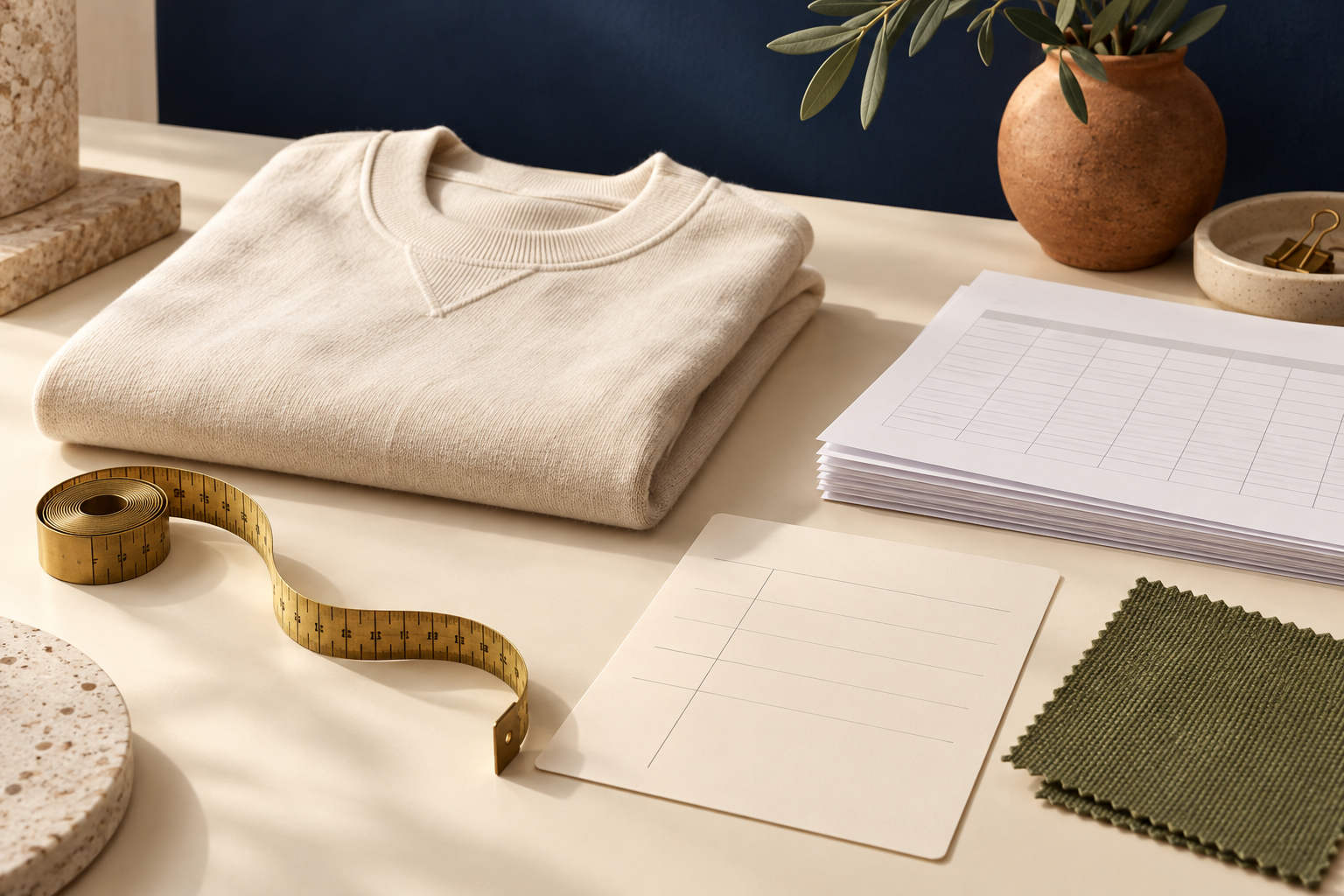
The next time a supplier sends a spec sheet, do not immediately copy it into a product description. First decide whether it matches an existing, verified fit group. If it does, assign the product to that chart. If it does not, make a new chart deliberately and capture the measurement guide while the sample is in front of you.
That is how I stopped treating size charts as product-page cleanup and started treating them as catalog infrastructure. Install Supra Size Chart when you are ready to keep that infrastructure in your own Shopify data, display it inline, in an accordion, or in a modal, and update it once wherever the fit group appears.