How to Test More UGC Video Angles From One Shopify Product
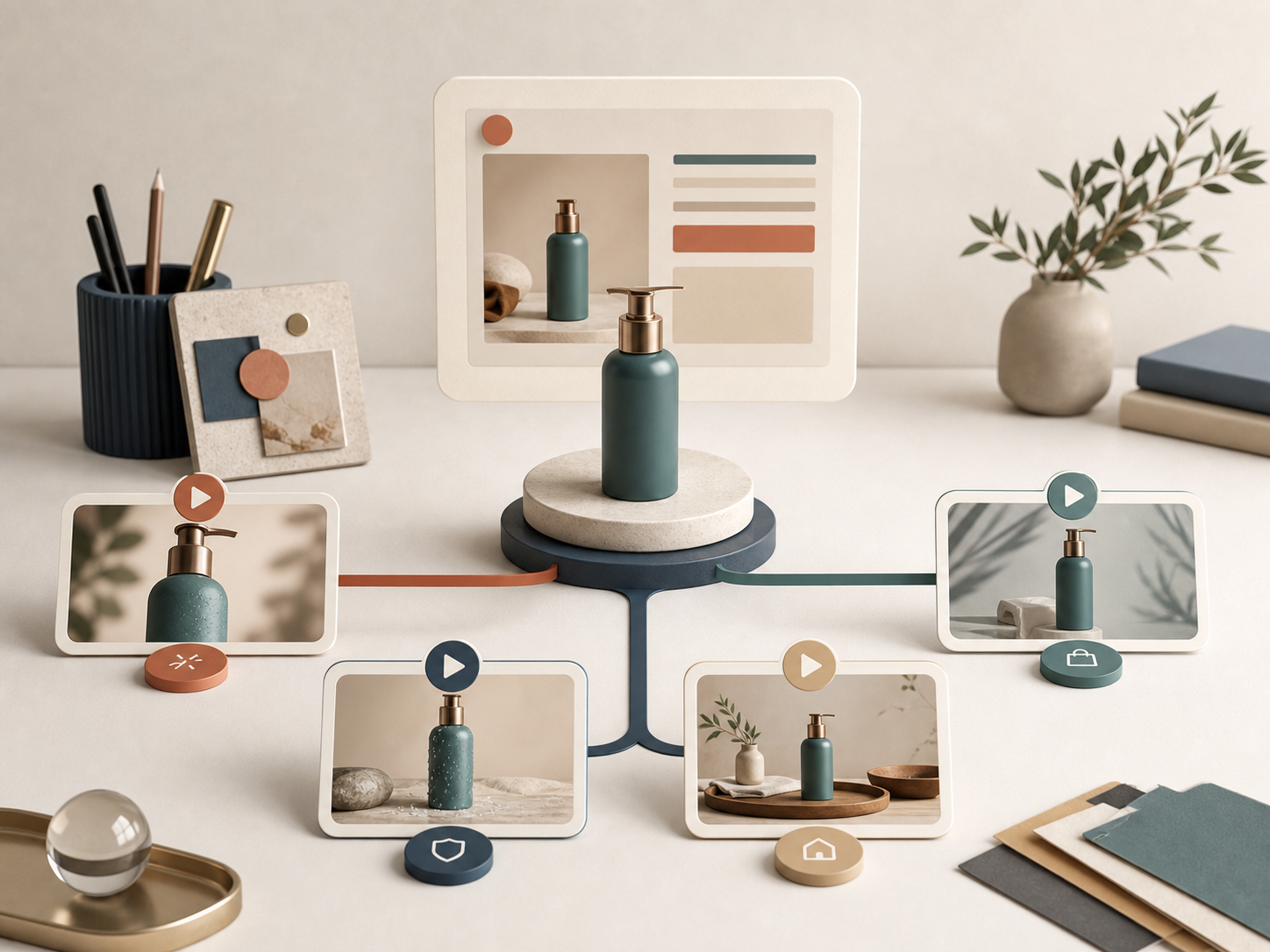
If I need more short-form video creative for a Shopify product, I do not start with a bigger shoot. I start with one product, one buyer problem, and one reusable setup in Supra UGC Maker. Then I change the pieces that actually affect performance: the hook, the scene, the voice, and the proof point.
Because the workflow is built around avatars, scenes, scripts, product references, and reusable projects, it is a practical way to make more testable videos without rebuilding everything from scratch. That is useful for ads, product pages, launch emails, and seasonal promos.
Start With One Buyer Problem
The fastest way to make weak UGC creative is to start with “make me a product video.” I get better results when I start with one complaint or question the shopper already has.
For one product, I usually pick one of these:
- What is this for?
- Why should I trust this over the cheaper option?
- Will this actually work for me?
- Why is this better than what I already use?
Once I have the question, I can write a video that answers it directly instead of trying to cover every benefit at once.
Separate What Stays the Same From What Changes
The parts I standardize are the ones that should not drift from video to video:
- product
- offer
- audience
- CTA
- core claim
- rough length
The parts I vary are the ones that can create a new angle without confusing the offer:
- hook
- avatar
- background
- tone
- camera framing
- proof emphasis
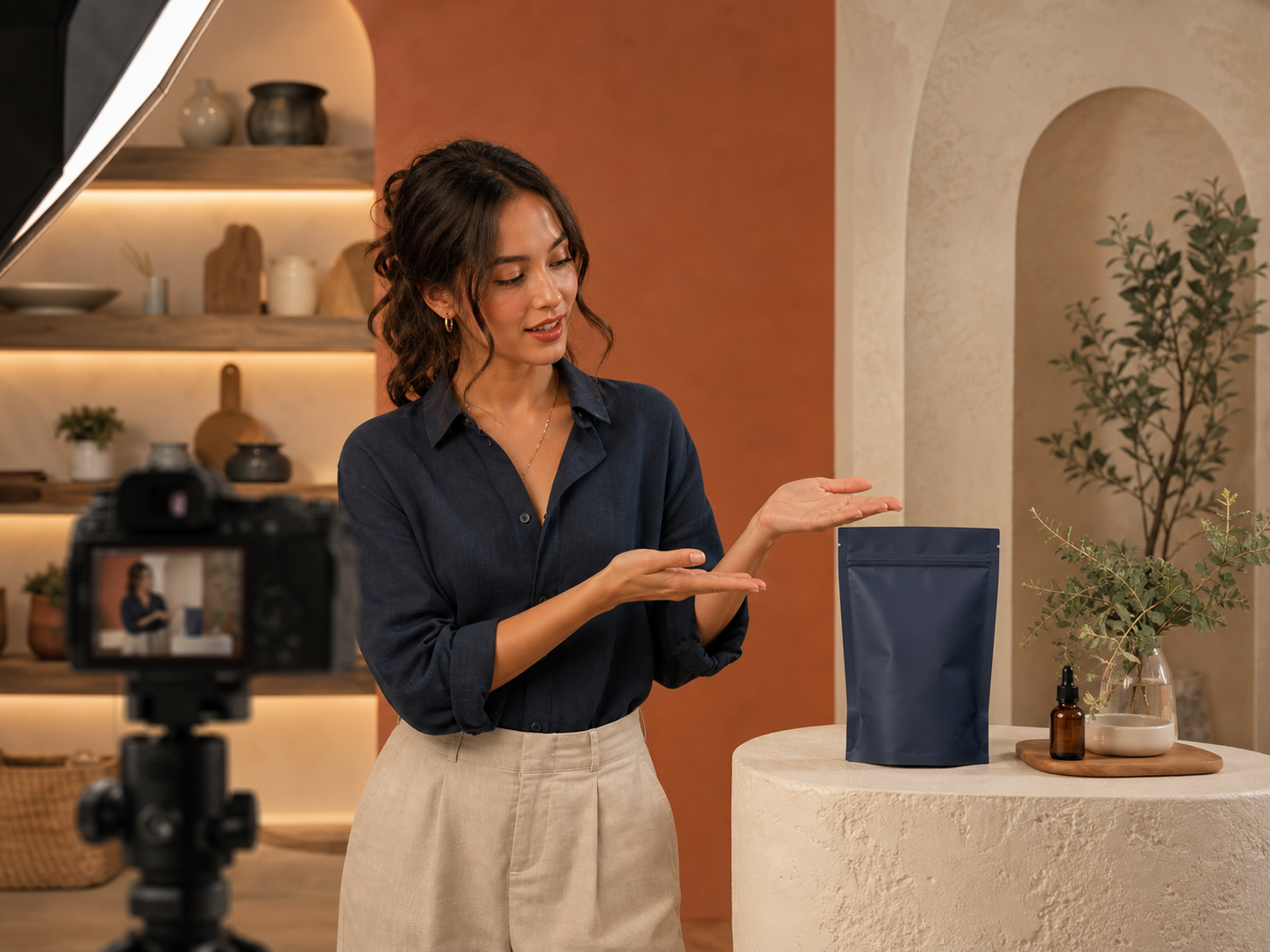
That is the point of Supra UGC Maker for me. I can pick a preset avatar or generate a custom AI model, choose a studio, outdoor, boutique, or brand-specific scene, write the script, set the voice and tone, and generate reusable segments I can trim or reorder later. If you want the Shopify-native version, the Shopify App Store listing is the other place to start.
If you want the broader system around this, I’d also read How to Build a Shopify UGC Video Testing Matrix, How I Turned One Product Page Into Four UGC Video Angles, How I Keep Shopify UGC Videos On-Brand Without Refilming Every Time, and How to Create UGC-Style Product Videos for Shopify Without Hiring Influencers.
Write Three Scripts, Not One
When I only make one script, I usually overstuff it. Three smaller scripts perform better because each one has one job.
Here is the mix I like:
- Problem to solution. Open with the pain, then show the product as the fix.
- Objection to reassurance. Answer the thing that stops a shopper from buying.
- Comparison to alternative. Explain why this option is better than the default choice.
The script length can stay short. The goal is not a full explanation. The goal is to get enough clarity in the first few seconds that the viewer knows why to keep watching.
This is also where the scene matters. A boutique background can make the same product feel more premium, while a simple studio scene keeps the message focused. In practice, I treat the scene as part of the angle, not just decoration.
Review The First Round Like An Operator
I do not judge the first batch on whether it looks polished. I judge it on whether it makes the product easier to understand.
The checks I care about are simple:
- Is the product visible early?
- Does the hook make sense without sound?
- Is the claim specific enough to matter?
- Does the CTA feel natural at the end?
- Does the video feel like one clear angle instead of three ideas stitched together?
If one version wins, I keep the structure and change only one variable at a time. That is how the next round gets better instead of just becoming different.
Use The Winners Everywhere
Once I find the winner, I do not treat it like a one-off ad. I reuse it in the places where product video actually helps:
- paid social ads
- product pages
- launch emails
- post-purchase education
- seasonal promos
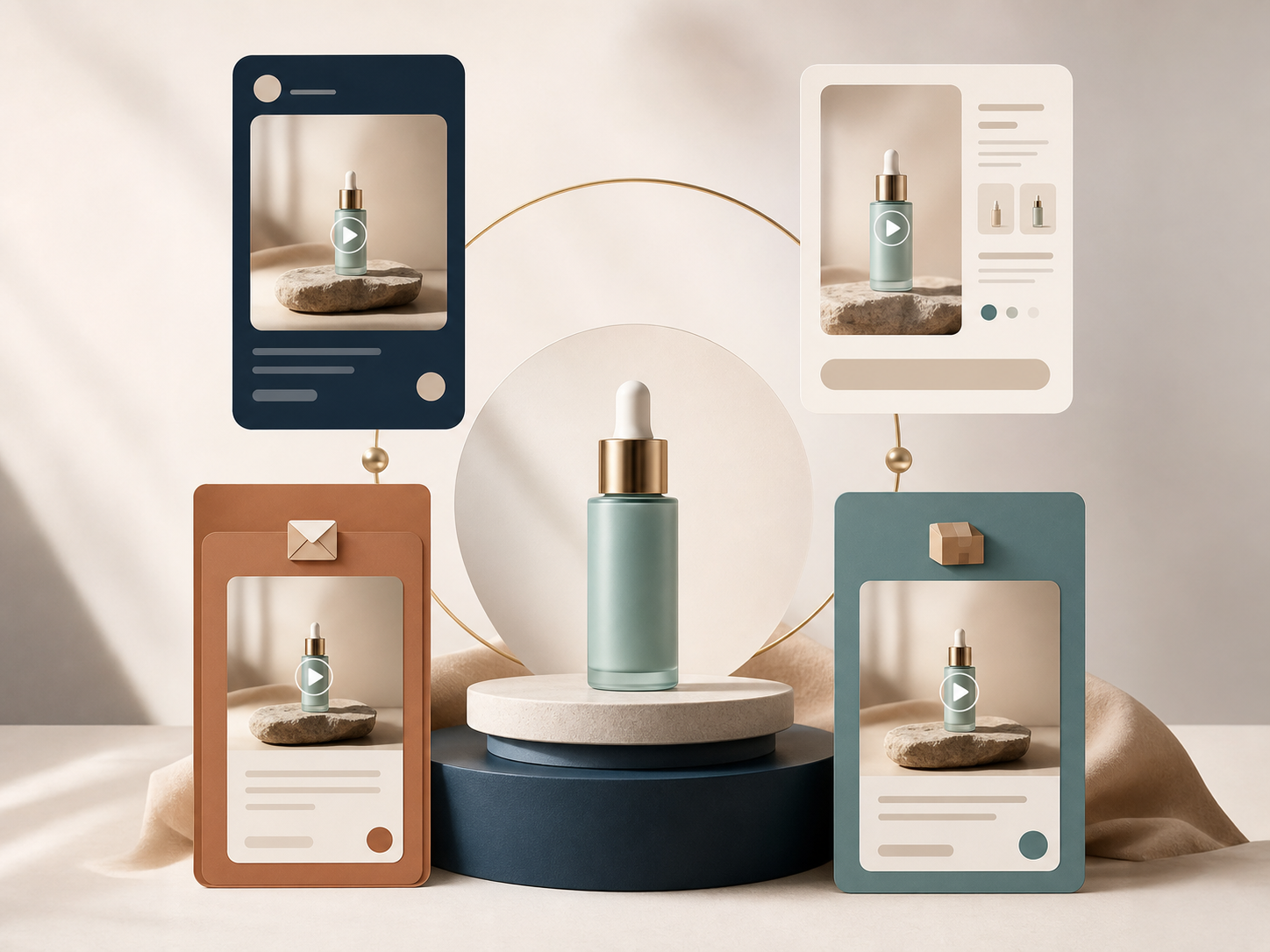
That is where the payoff compounds. The same underlying video idea can do different work depending on the placement, even if the script stays mostly the same.
Keep The Workflow Reusable
The part that saves the most time is not the avatar itself. It is the repeatable setup around the avatar: saved scenes, saved projects, and a workflow that does not force you to start from zero every time.
If you know you will need more than one creative angle, build the system once and reuse it. Then future tests are about message quality, not production overhead.
That is why I think Supra UGC Maker makes sense for Shopify merchants who want more video output without hiring influencers for every variation. The free plan gives you 3 video segments per month and 6 image generations per month, which is enough to test a few hooks before you scale into a larger workflow.
My next step is usually simple: pick one product, write three hooks, generate three versions, and keep the one that makes the product easiest to understand in the first three seconds.
That may be the entire job. The rest is just repetition with better inputs.