How To Generate Long Form AI Videos In N8N Workflows
If you’re using n8n to automate your marketing, content ops, or YouTube pipelines, you can now generate long-form AI videos—end to end—without touching a timeline. In this guide, you’ll learn how to build a reliable n8n workflow that turns structured data (briefs, product feeds, scripts) into finished videos using Scrptly, the AI Video Agent built for consistent, longer content.
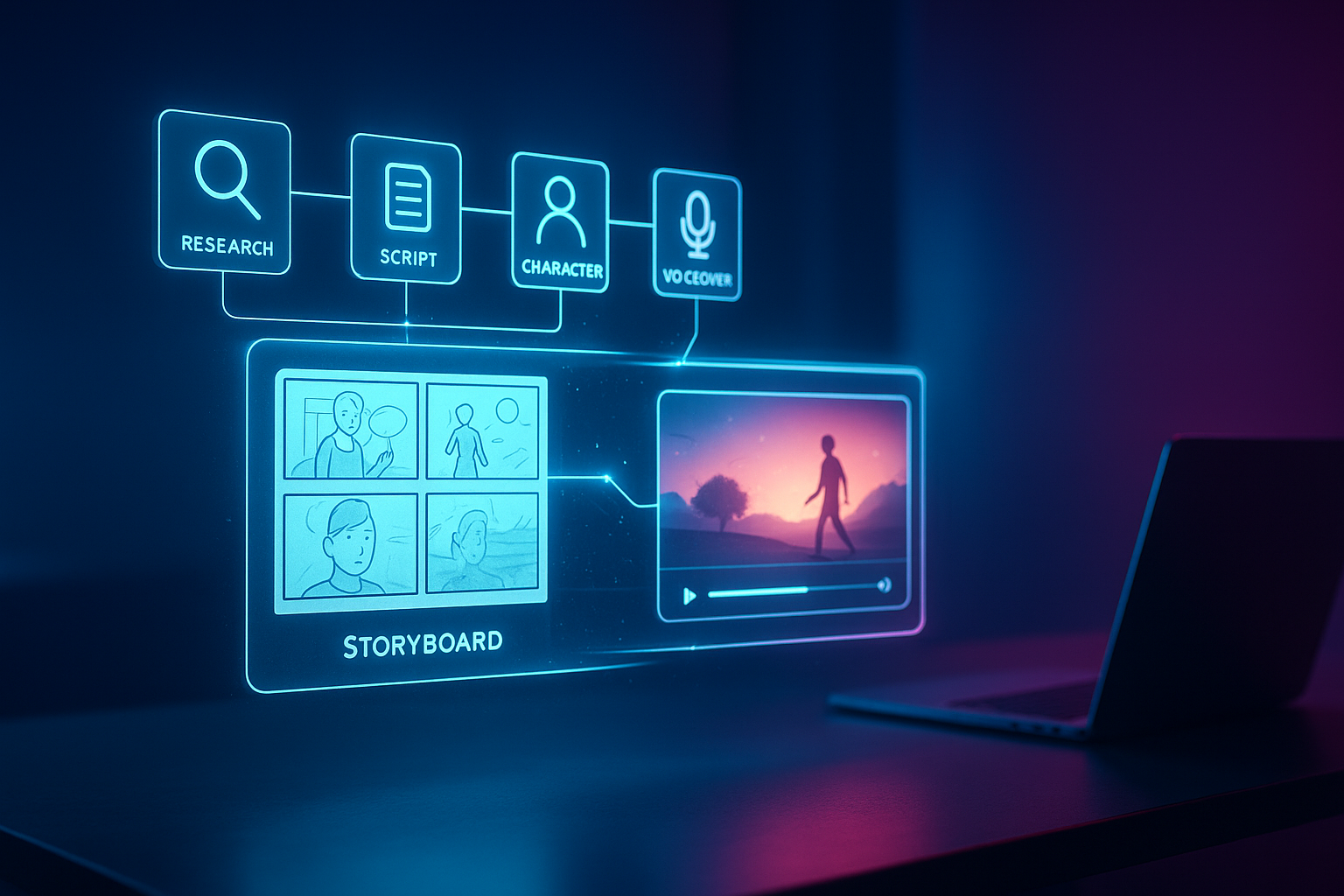
Scrptly automatically handles research, screenplay, character design, scene generation, narration, and editing. You provide a prompt (and optional reference images), and it delivers a ready-to-publish video. Explore the platform here: https://scrptly.com/
TL;DR
- Install the Scrptly community node in n8n
- Add your Scrptly API key as credentials
- Feed a detailed prompt + optional context images
- Toggle “Wait For Completion” to sync or run async
- Route the finished video to storage, social, or your CMS
Why Scrptly for long-form AI video in n8n
- Consistency across scenes: Maintain character and environment continuity, ideal for series, documentaries, or episodic explainers.
- Longer-run reliability: Built for long-form outputs—ads, product showcases, explainers, and shorts to multi-minute pieces.
- Fully autonomous: Research, screenplay, narration, and editing—no manual stitching.
- Dev-friendly: Use the API, MCP server, or dedicated n8n node for programmatic generation. Docs and code: https://github.com/ybouane/n8n-nodes-scrptly
Prerequisites
- An active n8n instance
- A Scrptly account and API key: https://scrptly.com/
- Optional: Reference images (product shots, brand assets, character photos)
Step-by-step: Generate long-form AI videos in n8n
- Install the Scrptly node
- In n8n, go to Settings > Community Nodes > Install New
- Search: n8n-nodes-scrptly
- Click Install
- Configure credentials
- Open the Credentials tab
- Create new credential: Scrptly API
- Paste your Scrptly API key (from your Scrptly account page)
- Save and select it in your Scrptly node
- Build a minimal workflow
- Trigger node: Cron (e.g., daily) or Webhook (e.g., form submission)
- Scrptly node: Add your detailed Prompt and optional Context Images
- Output: Send video URL to your next node (e.g., Upload to S3/Drive, Slack, Email, or Social)
Key Scrptly node parameters
- Prompt: The full description of your video (story beats, tone, style, length, aspect ratio, call-to-action)
- Context Images (optional): Public URLs of reference images to anchor character/product/environment consistency
- Approve Up To: Token budget for generation (default ~10,000). Increase for complex, long-form videos
- Wait For Completion: On = synchronous (node waits for final video). Off = asynchronous (returns task ID so you can poll/fetch later)
An effective long-form prompt template
Copy, adapt, and inject variables in n8n using {{mustache}} or Function nodes.
Copy, adapt, and inject variables in n8n using {{mustache}} or Function nodes.
Create a cinematic long-form video (~3–6 minutes) in 16:9.

Objective: {{objective}} (e.g., educate, convert, inspire)

Audience: {{audience}} (e.g., ecommerce founders, skincare buyers, students)

Structure:

- Cold open (5–8s) with a gripping visual hook

- Act I: Set context and pain point; avoid fluff; keep pacing brisk

- Act II: Deep dive with 4–6 scenes; use strong transitions; on-screen captions

- Act III: Outcome + emotional close + clear CTA

Style & VO:

- Visual style: {{visual_style}} (e.g., clean modern, documentary, anime)

- Narration: Warm, confident, and concise; neutral accent; natural pacing

- Music: Subtle, modern underscore; avoid overpowering narration

Brand & Consistency:

- Use provided reference images consistently (characters, products, environment)

- Keep colors cohesive: {{brand_palette}}

- Emphasize key value props: {{value_props}}

Deliverables:

- Final video with embedded captions, export-ready

- Include a 2–3s end card with CTA: {{cta_text}}
Passing context images
Provide 1–5 high-quality, publicly reachable URLs. In n8n, construct an array field (e.g., from your CMS or Google Sheets) and map it to the Scrptly node. Reference images improve continuity for products (logos, SKUs), characters, and sets.
Provide 1–5 high-quality, publicly reachable URLs. In n8n, construct an array field (e.g., from your CMS or Google Sheets) and map it to the Scrptly node. Reference images improve continuity for products (logos, SKUs), characters, and sets.
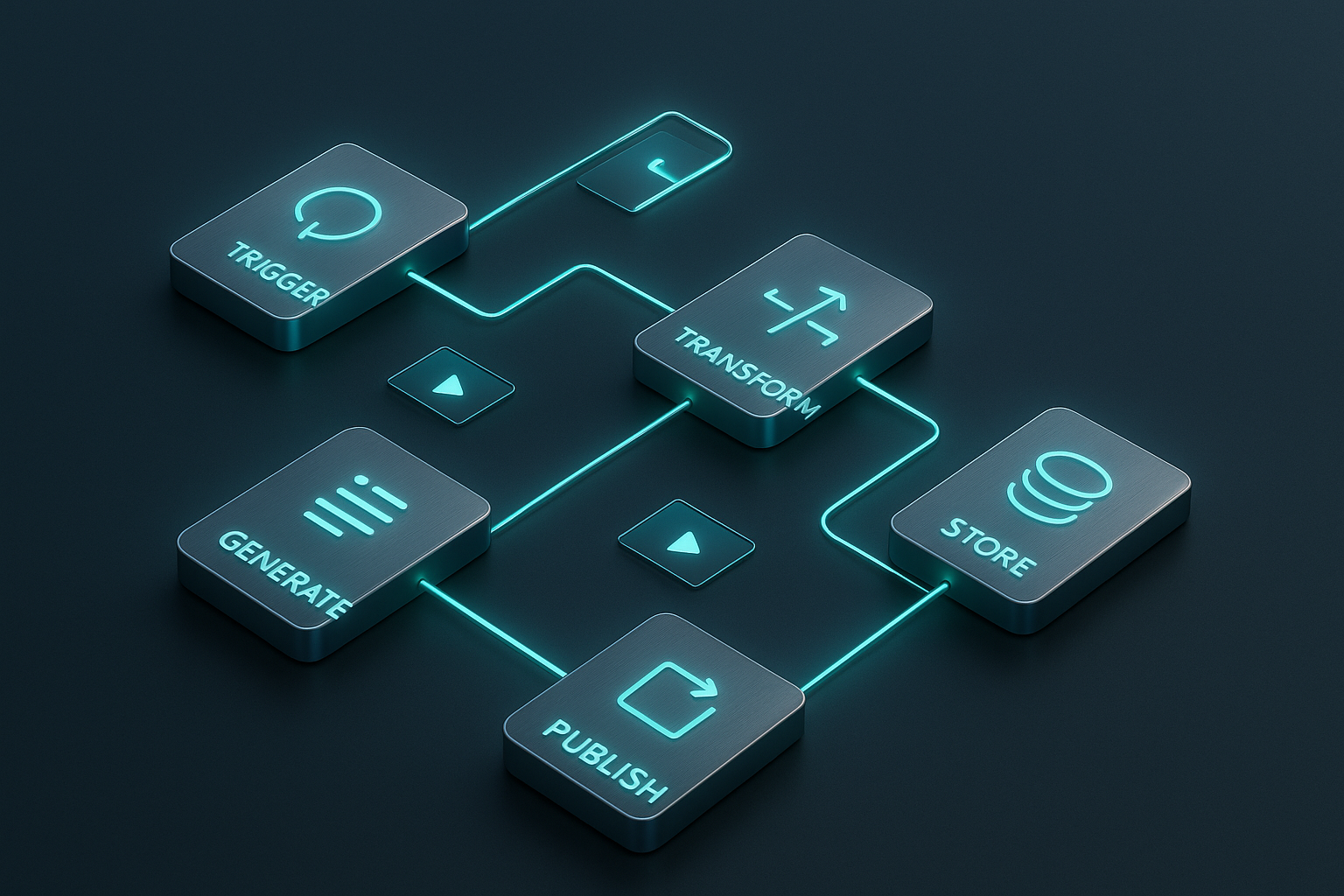
Example workflow blueprint
- Trigger: Schedule daily at 8:00 AM
- HTTP Request: Fetch latest 3 blog posts or product highlights
- Function: Turn each item into a prompt (insert title, USP, price, testimonial, CTA)
- Split In Batches: 1 per run (prevents API spikes)
- Scrptly Node: Generate the long-form video
- File Ops/Upload: Store to S3 or Drive; save URL in CMS/Notion
- Slack/Email: Notify your team with the video link
Reusable Function node (prompt builder)
return items.map(item => {

  const p = item.json;

  const prompt = `Create a documentary-style 4-minute video in 16:9.\n` +

    `Topic: ${p.title}\n` +

    `Key points: ${p.bullets.join('; ')}\n` +

    `Narration: Friendly expert; add lower-thirds for stats; include b-roll.\n` +

    `End with on-screen CTA: \'Learn more at our site.\'`;


  return {

    json: {

      prompt,

      contextImages: p.imageUrls || []

    }

  };

});
Best practices for long-form quality and consistency
- Be explicit about structure: Name acts/scenes and timing ranges
- Give concrete references: Upload product/character images and stable backgrounds
- Specify pacing and transitions: Cross-dissolves, whip pans, or text-led beats
- Add captions in the prompt: Improve retention and accessibility
- Set a realistic token budget: Increase Approve Up To for multi-minute pieces
- Choose sync vs async wisely: For high throughput, disable Wait For Completion and process by task IDs
Troubleshooting
- “Permission/401” errors: Re-check Scrptly API credentials in n8n
- Inconsistent look across scenes: Provide 2–4 strong context images and specify continuity in the prompt
- Output too short: Ask for duration windows (e.g., “~4–6 minutes”) and add more scene requirements
- Long runtimes/timeouts: Run async, add a Wait node, and continue processing downstream
- Missing assets: Ensure your context image URLs are public and stable
Automation ideas you can ship today
- Ecommerce: Turn new product drops into narrated showcases with consistent styling
- Faceless YouTube: Daily educational explainers from a Notion or Airtable content queue
- Journalism/Docs: Mini-docs from research notes—reference maps, timelines, archival images
- Marketing: UGC-style ads from briefs + customer quotes; auto-publish clips to socials
Developer-friendly extras
- API and VDK: Programmatically generate and customize videos in JavaScript when you need code-level control
- MCP integration: Connect with your LLM tooling for agent-to-agent workflows
- n8n Node (open-source): Learn or contribute here: https://github.com/ybouane/n8n-nodes-scrptly
For developers
Install and authenticate in code (outside n8n) if you’re building a hybrid system or custom ops scripts:
Install and authenticate in code (outside n8n) if you’re building a hybrid system or custom ops scripts:
npm install scrptly


import Scrptly from 'scrptly';


Scrptly.setApiSettings({

  apiKey: process.env.SCRPTLY_API_KEY,

});
Next steps
- Try Scrptly’s AI Video Agent: https://scrptly.com/
- Add the Scrptly node to n8n and ship your first long-form video today
- Scale with async runs and a content queue to automate your entire video pipeline
With Scrptly inside n8n, “idea-to-publish” becomes a single, repeatable workflow. Fewer tabs, more finished videos.