How To Generate Long Form AI Videos In N8N Workflows
Long-form video creation no longer needs a full-stack production team. With Scrptly and n8n, you can automate the entire pipeline from prompt to polished, consistent video — perfect for YouTube documentaries, product explainers, training content, and episodic series.
Scrptly is an AI Video Agent built for longer form content and character consistency. It orchestrates a swarm of AI sub-agents — research, screenplay, narration, character design, editing — to deliver a fully edited, voiceover-ready video from a single prompt. In this guide, you will connect Scrptly to your n8n workflows to generate long-form AI videos on schedule or on demand.
Links you will use:
- Scrptly homepage and product: https://scrptly.com/
- Scrptly n8n community node: https://github.com/ybouane/n8n-nodes-scrptly

What you will build
- An n8n workflow that receives a prompt plus optional context images and returns a fully produced long-form video URL.
- Optional steps to post-process: upload to cloud storage, notify Slack or email, and auto-publish to YouTube.
Who this is for
- Ecommerce and agencies automating UGC ads, product launches, and comparison videos.
- Creators running faceless YouTube channels or serial educational content.
- Researchers and journalists producing documentary-style explainers.
- Developers who want programmatic video generation via the Scrptly API but prefer to orchestrate with n8n.
Prerequisites
- An n8n instance (self-hosted or cloud).
- A Scrptly account and API key from your Scrptly account page: https://scrptly.com/
- Optional: context images hosted on a CDN or cloud bucket to ensure consistent characters, products, or environments.
Step 1: Install the Scrptly node in n8n
- In n8n, go to Settings → Community Nodes → Install New.
- Search for n8n-nodes-scrptly and press Install.
- Confirm installation and reload the editor if prompted.
- Reference and source: https://github.com/ybouane/n8n-nodes-scrptly
Step 2: Add credentials for Scrptly
- In the Credentials tab, create new credential: Scrptly API.
- Paste your API key from your Scrptly account.
- Save and test the credential.
Step 3: Design the workflow
A) Trigger the workflow
A) Trigger the workflow
- Use Webhook trigger for on-demand video generation (e.g., from a form, app, or CMS).
- Or use a Schedule trigger (e.g., daily at 9 AM) to produce episodes in a content calendar.
Example Webhook payload (send this to your webhook URL):
{

  'prompt': 'Create a 7–8 minute documentary-style video explaining how urban pollinators support city biodiversity. Use a warm, cinematic tone with a calm narrator. Include an intro, three chapters, and a closing call to action.',

  'contextImages': [

    'https://cdn.example.com/assets/bee-macro.jpg',

    'https://cdn.example.com/assets/rooftop-garden.jpg'

  ],

  'aspect': '16:9',

  'seriesTitle': 'City Nature',

  'episodeNumber': 3

}
B) Add the Scrptly node
- Operation: Generate AI Video
- Prompt: map from the incoming data, for example:
{{$json.prompt}} - Context Images: map from payload array:
{{$json.contextImages}} - Approve Up To (token budget): adjust for long form; start with 10000–20000 depending on complexity.
- Wait for Completion: on, if you want the node to return the video URL before the next step. Off, if you prefer async handling (see Advanced patterns below).
Tip: Scrptly allows you to customize everything via the prompt — story structure, character names, visual style, narration tone, aspect ratio, and length. Add specifics directly in the prompt.
Example long-form prompt template
Create a 10–12 minute video titled: {title}.

Goals: {goals}.

Audience: {audience}. Tone: {tone}. Style: cinematic documentary with natural light and gentle ambient music.

Structure:

- Cold open hook (20–30 sec)

- Act 1: context and stakes (2–3 min)

- Act 2: deep dive with 3 chapters (5–6 min)

- Act 3: synthesis and takeaways (2–3 min)

Narration: clear, confident, friendly expert.

Visuals: cutaways, motion graphics on key terms, macro shots, b-roll variety, consistent color palette.

Technical: 16:9 landscape, 4K-ready, clear on-screen captions, consistent characters and environments.

Use the following context images consistently: {contextImages}.

Include a closing CTA pointing to our site.
C) Handle the output
When Wait for Completion is on, the Scrptly node will return a payload that includes the generated video location. From here you can:
When Wait for Completion is on, the Scrptly node will return a payload that includes the generated video location. From here you can:
- Upload to S3, GCS, or a storage node.
- Send a Slack or email notification with the video link.
- Publish to YouTube via the YouTube node.
- Update a CMS record with the episode metadata.
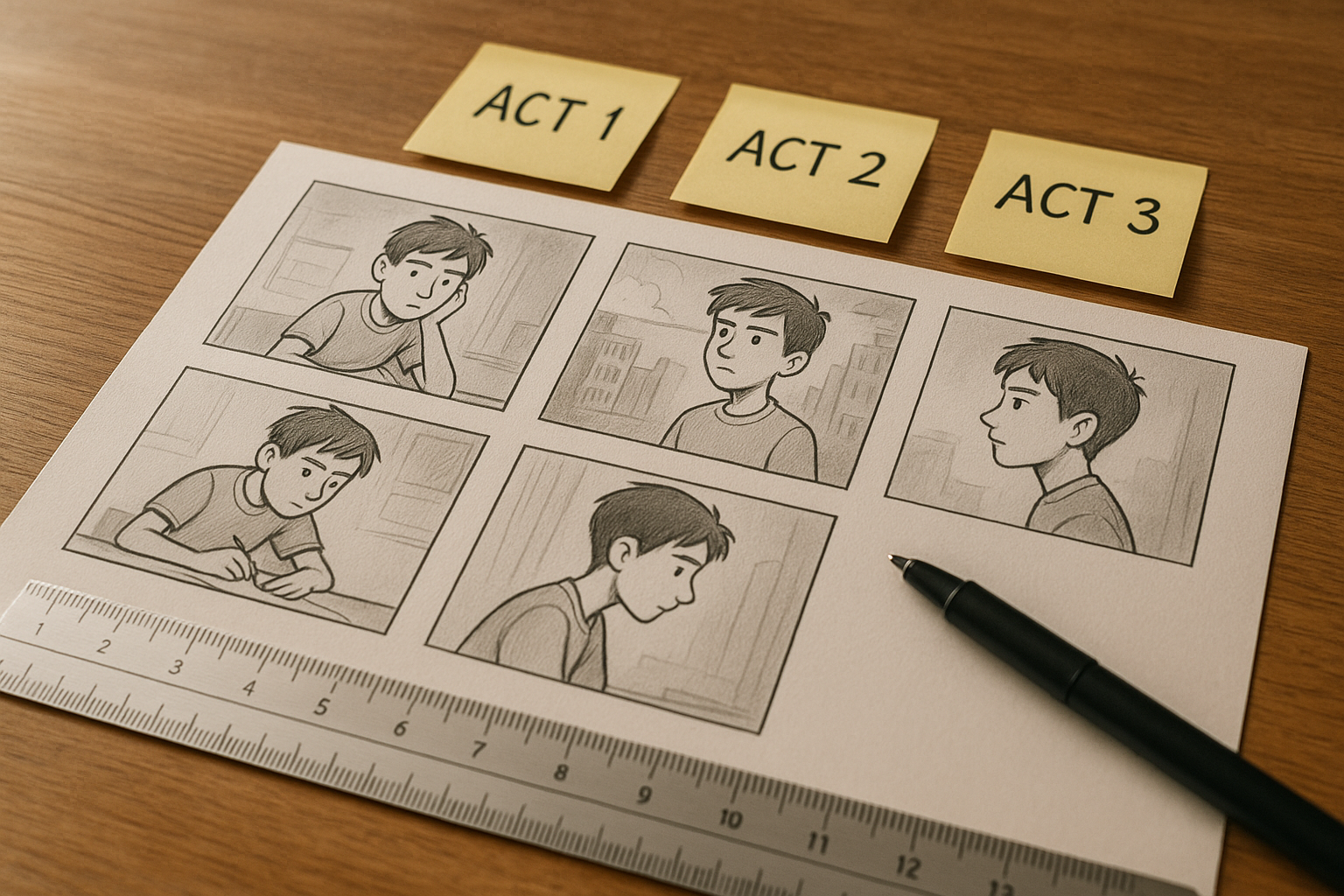
Prompt engineering tips for long-form quality
- Start with a hook: ask for a cold open that tees up the main question in 20–30 seconds.
- Demand structure: explicitly call out acts or chapter counts.
- Enforce consistency: provide 2–5 context images of your product, character, or environment.
- Specify style and pacing: cinematic, documentary, or tutorial; slow, medium, or fast cuts.
- Narration voice: define tone, reading pace, and emotional color.
- Accessibility: request clear captions and on-screen labels for key terms.
- Platform fit: specify aspect ratio 16:9 for YouTube long form; 9:16 for reels if repurposing.
Advanced patterns in n8n
- Async generation: set Wait for Completion off. The node returns a task ID. Use a polling loop or a Scrptly status check node (or HTTP Request) to fetch status and final URL later.
- Retries and fallbacks: wrap Scrptly in an error workflow; on failure, retry with a reduced budget or simplified prompt.
- Parallel variations: branch your flow to generate A and B versions with different hooks, then select the winner by performance.
- Content calendar automation: Schedule trigger reads a list of weekly topics from a Google Sheet or Notion DB, then generates episodes automatically.
- Asset caching: pull recurring logo, product, or character reference images from a single CDN folder to ensure consistency across episodes.
- Budget governance: map episode length to Approve Up To tokens, and log token use in a monitoring sheet.
Publishing pattern example
- Trigger: Webhook receives a series brief.
- Scrptly: Generate video using prompt plus context images.
- Storage: Upload the video file to S3 and capture the public URL.
- Distribution: Post to YouTube with title, description, tags, and schedule time.
- Notify: Send Slack message to the editorial channel with the final link and thumbnail.
- Archive: Write metadata to Airtable or Notion for tracking.

Why Scrptly for n8n video automation
- Built for long form: consistent characters and environments across many scenes.
- Swarm of specialized sub-agents: research, screenplay, narration, and editing handled for you.
- Full control via prompt: style, length, aspect, pacing, character names, and more.
- Developer-friendly: use the API, MCP server, or the n8n node to integrate anywhere. Explore Scrptly here: https://scrptly.com/
Quick checklist before you go live
- Credentials are added and tested in n8n.
- Prompt template includes hook, structure, tone, style, and CTA.
- Context images are accessible via public URLs and clearly referenced.
- Approve Up To tokens sized to your length and complexity.
- Post-processing steps configured for storage and publishing.
- Notifications set for editorial QA and approvals.
Get started
- Sign up at https://scrptly.com/
- Install the Scrptly n8n node and add your API key.
- Drop in your long-form prompt template and schedule your first episode.
With Scrptly inside n8n, you can ship professional, consistent long-form videos on autopilot — freeing your team to focus on strategy, storytelling, and results.