How To Generate AI Videos In n8n Workflows Step By Step
If you’ve ever wished your ad creatives, product showcases, or faceless YouTube videos could generate themselves on schedule, you’re in the right place. In this step‑by‑step guide, you’ll wire up n8n with Scrptly—an AI Video Agent that turns prompts and optional context images into fully‑edited videos—to build a hands‑free video automation pipeline.
What you’ll build
- A simple n8n workflow that creates AI videos from a trigger (webhook or schedule)
- Optional: attach context images (e.g., your product shots) for character and object consistency
- Automatic delivery to your storage or social media nodes
Why Scrptly for n8n
- Built for long‑form, consistent scenes (characters and environments remain stable across shots)
- Accepts prompt + context images, then auto‑handles screenplay, narration, scene generation, editing, and delivery
- Has an API, an MCP server for agent ecosystems, and a native N8N node to fit right into your automation stack
Learn more: https://scrptly.com/
Prerequisites
- n8n running locally, self‑hosted, or in the cloud
- A free or paid Scrptly account and API key: https://scrptly.com/
- Optional: product or brand images for consistency across scenes
Step 1: Install the Scrptly node in n8n
- In n8n, go to Settings > Community Nodes > Install New.
- Search for: n8n-nodes-scrptly
- Click Install to add the Scrptly node to your instance.
- Source code and docs: https://github.com/ybouane/n8n-nodes-scrptly
Step 2: Add Scrptly credentials
- In the n8n editor, open the Credentials tab.
- Create New Credential > choose Scrptly API.
- Paste your API key from your Scrptly account page.
- Save.
Step 3: Build your first workflow
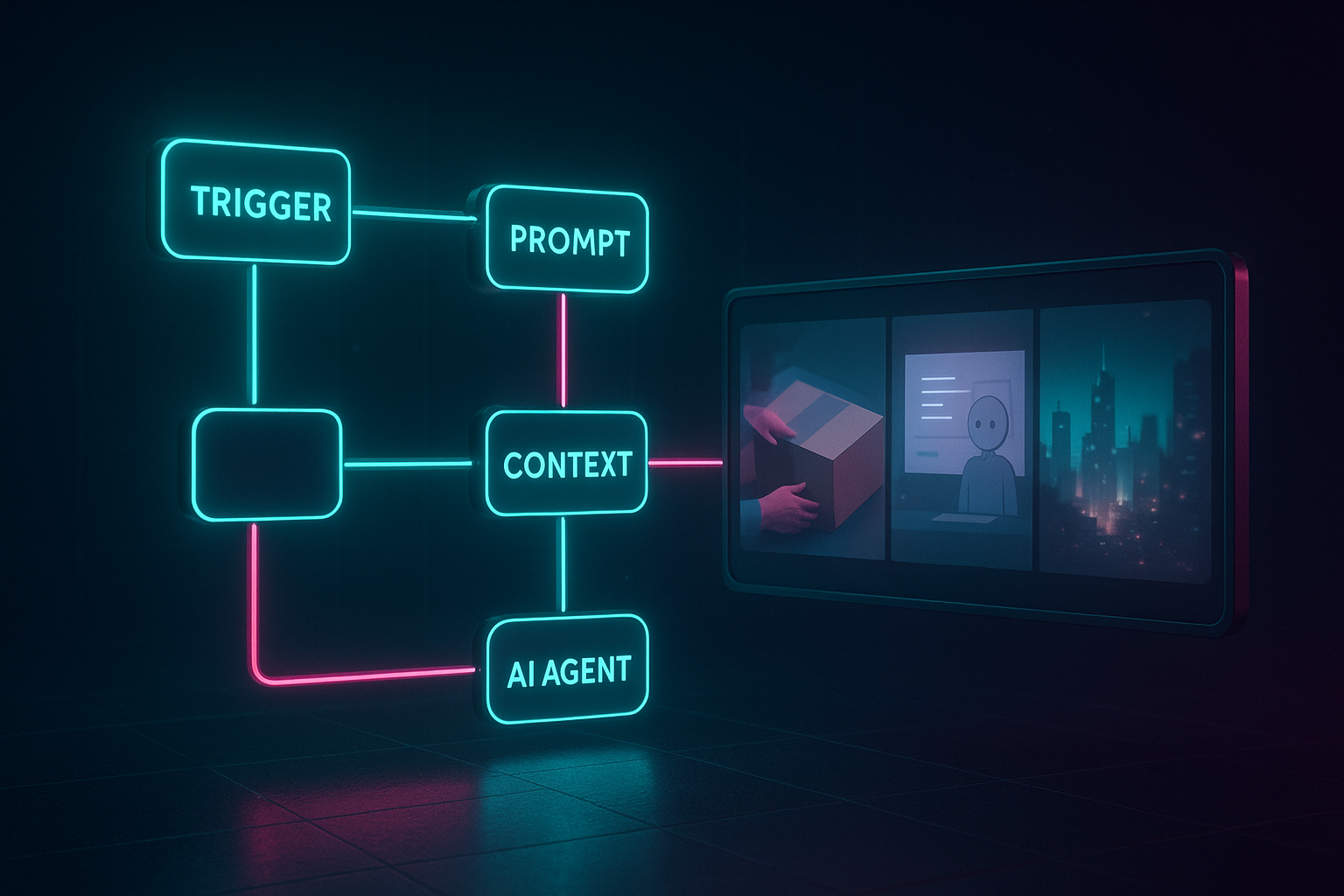
- Trigger: Choose Webhook (to receive JSON payloads) or Cron (to run daily/weekly).
- Scrptly Node: Add the Scrptly AI Video-Agent node and select your credentials.
- Configure the node parameters:
Example prompt templates you can copy
- E‑commerce UGC ad
"""
Create a 30–45s vertical UGC‑style ad reviewing our eco‑friendly sneakers. Tone: friendly, authentic. Include 3 scenes: unboxing, first‑impressions on fit, quick outdoor walk test. Emphasize comfort, recycled materials, and lightweight feel. Add calm, modern background music and captions. End with a concise call‑to‑action: "Try them today." Maintain visual consistency with the provided product image.
Format: 1080x1920, upbeat pacing, color‑grade slightly warm.
""" - Faceless YouTube explainer
"""
Generate a 6–8 minute horizontal explainer about "5 science‑backed morning routines for better focus." Structure: cold open hook (10s), topic overview, five tips with short science references, conclusion with one actionable step. Add calm narration and subtle background music, include captioning. Keep scene transitions smooth and visuals consistent throughout.
Format: 1920x1080, clean typography for lower‑thirds.
""" - Documentary mini‑segment
"""
Produce a 3–4 minute mini‑doc about how ocean mammals communicate with songs. Blend narrator‑led visuals, simple diagrams, and atmospheric ocean scenes. Include a closing recap. Keep a cohesive visual language across scenes.
Format: 1920x1080, gentle cinematic grade.
"""
Tip: For long‑form videos, provide clear structure (sections, durations, tone). Add any character names, styles, or camera directions right in the prompt. If you want consistent products or characters across scenes, use Context Images.
Step 4: Pass context images (optional but powerful)
If your trigger provides product image URLs (from a form, CMS, or storage), feed them into the Scrptly node’s Context Images field. Re‑using the same references ensures consistent character/object appearance, even in longer videos.
If your trigger provides product image URLs (from a form, CMS, or storage), feed them into the Scrptly node’s Context Images field. Re‑using the same references ensures consistent character/object appearance, even in longer videos.
Step 5: Save or publish the result
After the Scrptly node completes, you’ll receive a video URL and metadata. Common next steps:
After the Scrptly node completes, you’ll receive a video URL and metadata. Common next steps:
- Upload to cloud storage (S3, Google Drive)
- Post to social media via respective n8n nodes
- Send via email/Slack to your team for review
A minimal workflow layout
- Webhook (or Cron)
- Set/Function (assemble prompt text and attach context image URLs)
- Scrptly (generate the video)
- Drive/S3/HTTP Request (store or distribute the file)
Example: assemble a dynamic prompt in a Function node
// Input: webhook payload { productName, benefits[], imageUrl }

const data = items[0].json;

const benefits = (data.benefits || []).slice(0, 3).join(', ');


const prompt = `Create a 35–45s vertical UGC‑style ad for our ${data.productName}.

Show: quick unboxing, first use, and a punchy highlight reel.

Focus benefits: ${benefits}.

Tone: authentic and upbeat; add subtle music and clean captions.

Keep visuals consistent with the provided product image.

Format: 1080x1920.`;


return [{ json: { prompt, contextImages: [data.imageUrl] } }];
Then map prompt to the Scrptly node’s Prompt field and contextImages to the Context Images field.
Advanced automation ideas
- A/B test prompts: Use a Split In Batches node to send two prompt variants to Scrptly, then compare engagement.
- Batch generation: Loop through a list of SKUs to generate a video per product, then auto‑upload to Drive and your CMS.
- Faceless channel automation: Cron trigger + topic list + Scrptly node + YouTube upload = a consistent posting cadence.
Developers: call Scrptly programmatically
If you want to orchestrate video generation outside n8n or build custom tooling, Scrptly also offers a Video Development Kit (VDK) and APIs.
If you want to orchestrate video generation outside n8n or build custom tooling, Scrptly also offers a Video Development Kit (VDK) and APIs.
Install
npm install scrptly

# or

yarn add scrptly
Authenticate
import Scrptly from 'scrptly';


Scrptly.setApiSettings({

  apiKey: process.env.SCRPTLY_API_KEY,

});
Create a video via the AI Video-Agent API (pseudo‑example)
const task = await Scrptly.videoAgent.create({

  prompt: 'Generate a 60–90s cinematic product showcase for our leather bag... ',

  contextImages: ['https://example.com/bag-front.jpg', 'https://example.com/bag-detail.jpg'],

  approveUpTo: 12000,

});


// Optionally poll for completion or use webhooks if configured

const result = await Scrptly.videoAgent.waitFor(task.id);

console.log('Final video URL:', result.videoUrl);
Learn more and get your API key: https://scrptly.com/
Troubleshooting and best practices
- Invalid API key: Re‑check the n8n credential and rotate your key if exposed.
- Long generation times: Complex, long‑form videos take longer. Start with Wait For Completion On; scale later.
- Inconsistent characters/objects: Always include the same context images across scenes/requests.
- Budget/timeouts: Increase Approve Up To for longer scripts; keep n8n node timeouts reasonable.
- Asset quality: Provide high‑resolution, well‑lit product images for best results.
Why this approach wins
- Speed: Move from idea to edited video in minutes.
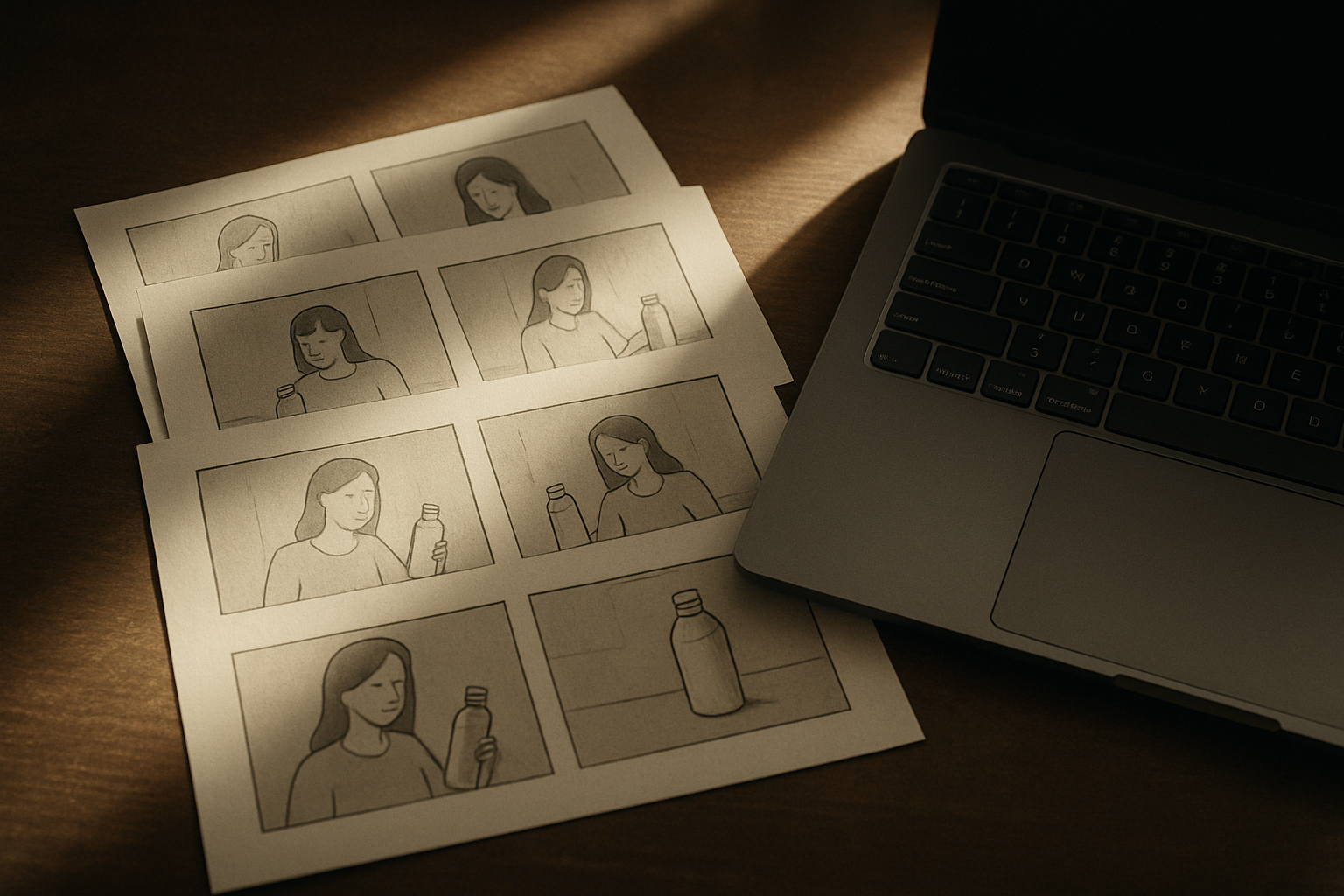
- Consistency: Context images maintain identity across shots and episodes.
- Scalability: n8n lets you fan out, schedule, and route results anywhere.
Next steps
- Install the Scrptly n8n node: https://github.com/ybouane/n8n-nodes-scrptly
- Generate your first video with Scrptly: https://scrptly.com/
- Expand with the API/VDK for custom pipelines and integrations: https://scrptly.com/
With Scrptly inside your n8n workflows, AI video generation becomes a dependable building block—not a manual chore. Build once, schedule forever, and keep your pipeline flowing.