How To Create High Conversion Lifestyle Product Photos For Shopify
High-conversion lifestyle product photos are the silent sales reps on your product pages. They lower bounce rates, increase time-on-page, and help shoppers instantly imagine your product in their world. The good news: you no longer need a studio, crew, or heavy editing skills to get there.
Below, you’ll learn a proven workflow to produce conversion-optimized lifestyle images fast—plus category-specific formulas, a simple QA checklist, and how to do it in minutes with the AI-powered Supra AI Photo Studio for Shopify.
Why lifestyle photos convert (and what to include)
- Context: Show the product in a real setting (kitchen, vanity, gym, city street) so shoppers picture ownership.
- Clarity: Keep the product the hero. Clean edges, readable details, accurate color.
- Consistency: Align angles, lighting, and tone across the catalog to build trust.
- Credibility: Realistic shadows/reflections and true-to-life scale.
- Speed: Lightweight, properly sized images so pages load fast.
- SEO: Descriptive file names and alt text (e.g., “matte-black-ceramic-mug-on-breakfast-table”).
A fast, repeatable workflow with AI
You can do the full process in minutes inside your admin using Supra AI Photo Studio. It removes backgrounds, builds lifestyle scenes, generates model try-ons, and even creates UGC/b‑roll videos.
You can do the full process in minutes inside your admin using Supra AI Photo Studio. It removes backgrounds, builds lifestyle scenes, generates model try-ons, and even creates UGC/b‑roll videos.
Step-by-step
- Install and open the app
- Add the app: Supra AI Photo Studio on the Shopify App Store
- Launch from your admin and select a product image.
https://supra-ai-photo-studio.sktch.io/images/help/editor-overview.webp
- Isolate the product (for precise control)
- Use “Isolate Product” (background removal) to cleanly separate your item. This helps the AI place it naturally into new scenes.
- Pro tip: Start with the sharpest image you have; then run Auto Enhance / Upscale for crisp edges.
- Pick the lifestyle setting (object placement)
- Open “Object Placement” and choose environment, surface, camera angle, and lighting style.
- Match setting to buyer intent. For example: mugs → breakfast table with soft morning light; skincare → marble vanity with diffused daylight; tech → modern desk with cool tone.

- Align light, shadows, and scale
- Nudge the product size so it feels natural relative to props.
- Check shadow direction and softness; aim for consistent light temperature (warm vs. cool).
- Keep the product centered or on rule-of-thirds for immediate focus.
- Refine details (enhance and color)
- Run Auto Enhance to balance contrast and color.
- Ensure product colors are accurate—especially for apparel and cosmetics. Avoid heavy tints.
- Create on-model images (fashion)
- Use “AI Try-On” to place apparel on realistic models. Control pose, skin tone, and body type while preserving product details.

- Export variants for PDP, ads, and social
- Generate square for galleries, 4:5 for social feeds, 16:9 for ads/hero.
- Use descriptive alt text and compress for performance.
- Add motion for ads
- Turn your best shot into short UGC or b‑roll clips right in the app to improve thumb‑stop rate.
- See it in action: https://www.youtube.com/watch?v=M2ISy20la78
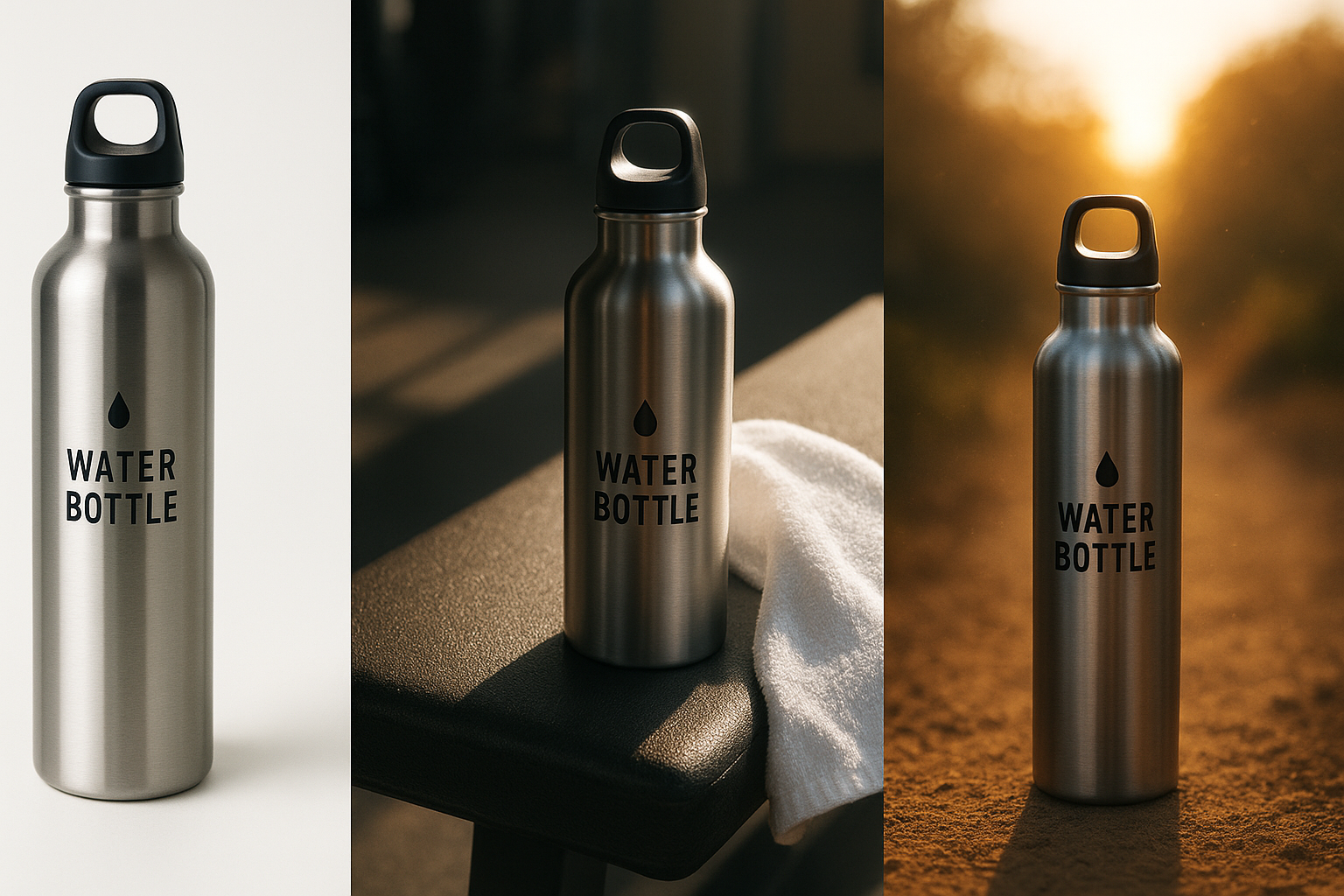
Inspiration: before-to-after visual concept
Category formulas that work
- Apparel & Accessories
- Beauty & Skincare
- Home & Decor
- Electronics & Gadgets
- Jewelry
Optimization checklist (use before publishing)
- Composition
- Lighting
- Accuracy
- Consistency
- Performance
- Testing
Common mistakes (and quick fixes)
- Busy backgrounds that steal attention → Reduce props to 1–2, add negative space.
- Flat products without depth → Add a shadow under the product, introduce a soft key light and a weaker fill.
- Color shifts that cause returns → Avoid heavy filters; use Auto Enhance, then manually verify product hue.
- Inconsistent angles across variants → Create one master angle template; replicate in the app for every SKU.
How to do it all inside Supra AI Photo Studio
- Background Remover: Clean isolation in one click for precise lifestyle placement.
- Object Placement: Drop your product into kitchens, studios, boutiques, nature, and more; pick surfaces, camera angles, and lighting.
- Auto Enhance & Upscale: Fix noise, blur, contrast, and resolution for razor-sharp details.
- AI Try-On: Generate authentic on-model apparel shots while preserving garment shape and print.
- UGC & B‑roll Videos: Turn images into scroll-stopping clips for ads and social.
- Mockup Embedding: Place designs on apparel, packaging, mugs, posters—ideal for POD.
Get started (free plan available)
- Explore the app: Supra AI Photo Studio on Shopify
- Learn more and see examples: Supra AI Photo Studio website
- Tip: Start with 3–5 flagship products. Create one consistent lifestyle look, then roll it across your top categories.
When your product photos tell a story, shoppers don’t have to imagine—your images do the convincing. With the right scenes, light, and consistency (and a little AI), you’ll turn plain photos into high-conversion assets in minutes.