How to Choose Which Shopify Products Get 3D Models First
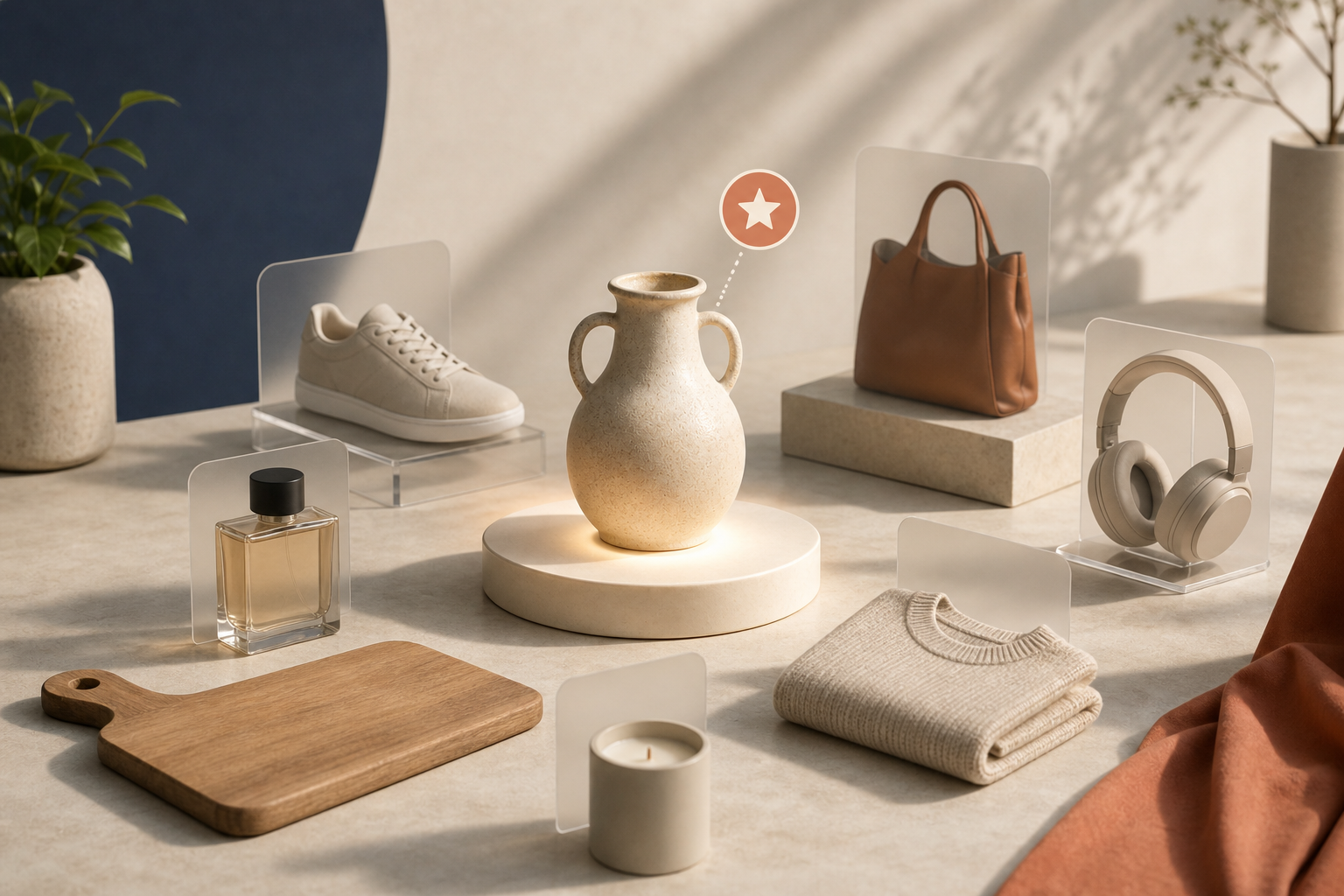
I usually start with the products that already make shoppers hesitate. If a customer wants to spin it, judge the shape, or understand how it sits in space, that is the SKU that deserves 3D first.
Supra 3D Capture turns a short set of phone photos into a web-ready GLB you can publish straight into Shopify. So the real question is not whether 3D is possible. It is which products will actually reward the scan.
My quick rule
If the first 3D model makes the product page easier to shop, use it. If it only adds busywork, wait.
What I look for first:
- Shape matters more than color.
- The product has a clear silhouette.
- You can photograph it in one lighting setup.
- The SKU is important enough to justify the extra work.
That rule usually points me toward shoes, bags, bottles, home decor, small hardware, and packaged goods with a shape shoppers want to inspect.
The products I skip in the first wave
Some items can be scanned later, but they are not my first pick:
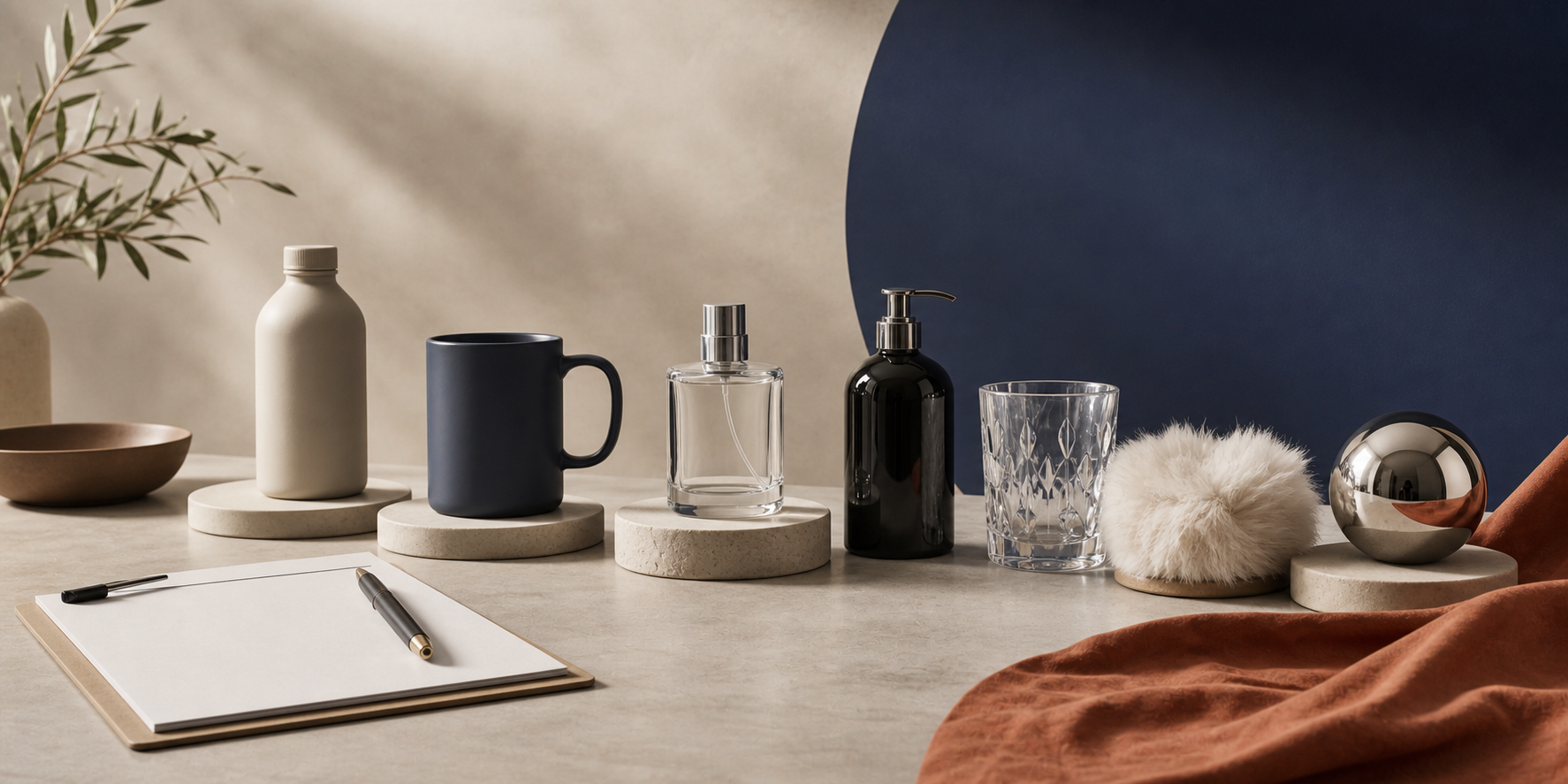
- Clear or glass-heavy products.
- Highly reflective metal or chrome.
- Loose fabric, fringe, or fur.
- Tiny items with very little surface detail.
- Multi-part kits where the pieces overlap.
Those are not bad products. They are just more likely to slow the first pilot down. If you want a better starter workflow, pair this with How to Prep Shopify Products for Clean 3D Capture.
How I turn the shortlist into a pilot
I do not start with the whole catalog. I pick three SKUs:
- One easy product that should scan cleanly.
- One representative product that matches the rest of the line.
- One high-value product that would matter if the page got better.
That keeps the pilot honest. If all three scan well, the workflow is probably sound. If the easy one works but the difficult one does not, you have a clear boundary before you waste time on the wrong catalog.
That is the pattern I would use alongside How to Start a Shopify 3D Capture Pilot With Three SKUs and How I Decide Which Shopify Products Are Worth a 3D Scan.
What makes a product easier to scan
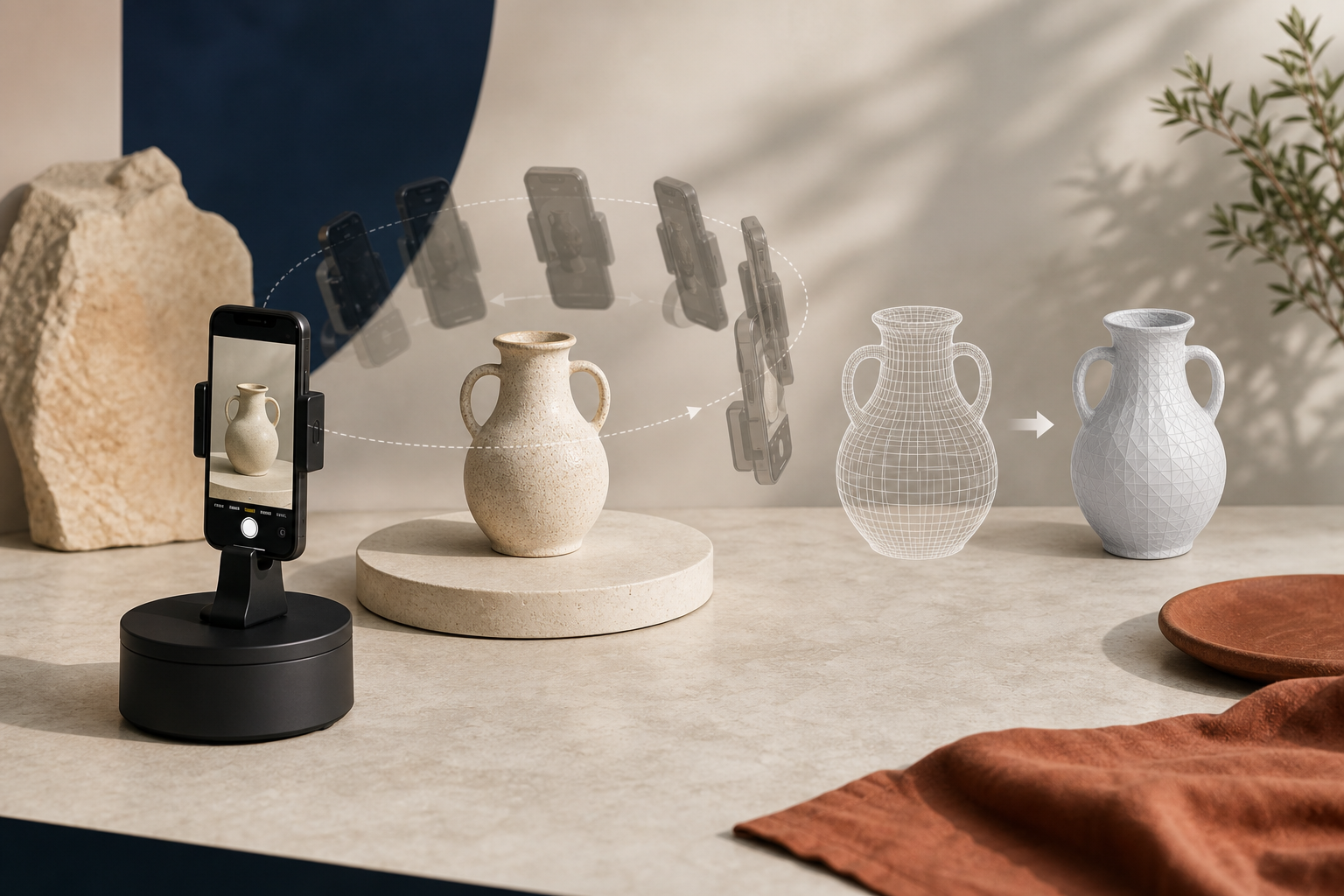
Supra 3D Capture is built for a regular smartphone, not special hardware. It guides you through 10+ photos, processes them into a GLB, and lets you publish straight into Shopify or place the model with an Online Store 2.0 app block.
The easiest products usually have:
- A matte or gently textured surface.
- Enough separation from the background.
- A shape that reads well from above and the side.
- No moving parts.
- No transparency problem.
If you want the capture prep side of the workflow, I would read How to Tell Which Shopify Products Are Ready for 3D Models next. That is the fastest way to avoid scanning the wrong things first.
How it shows up on the product page
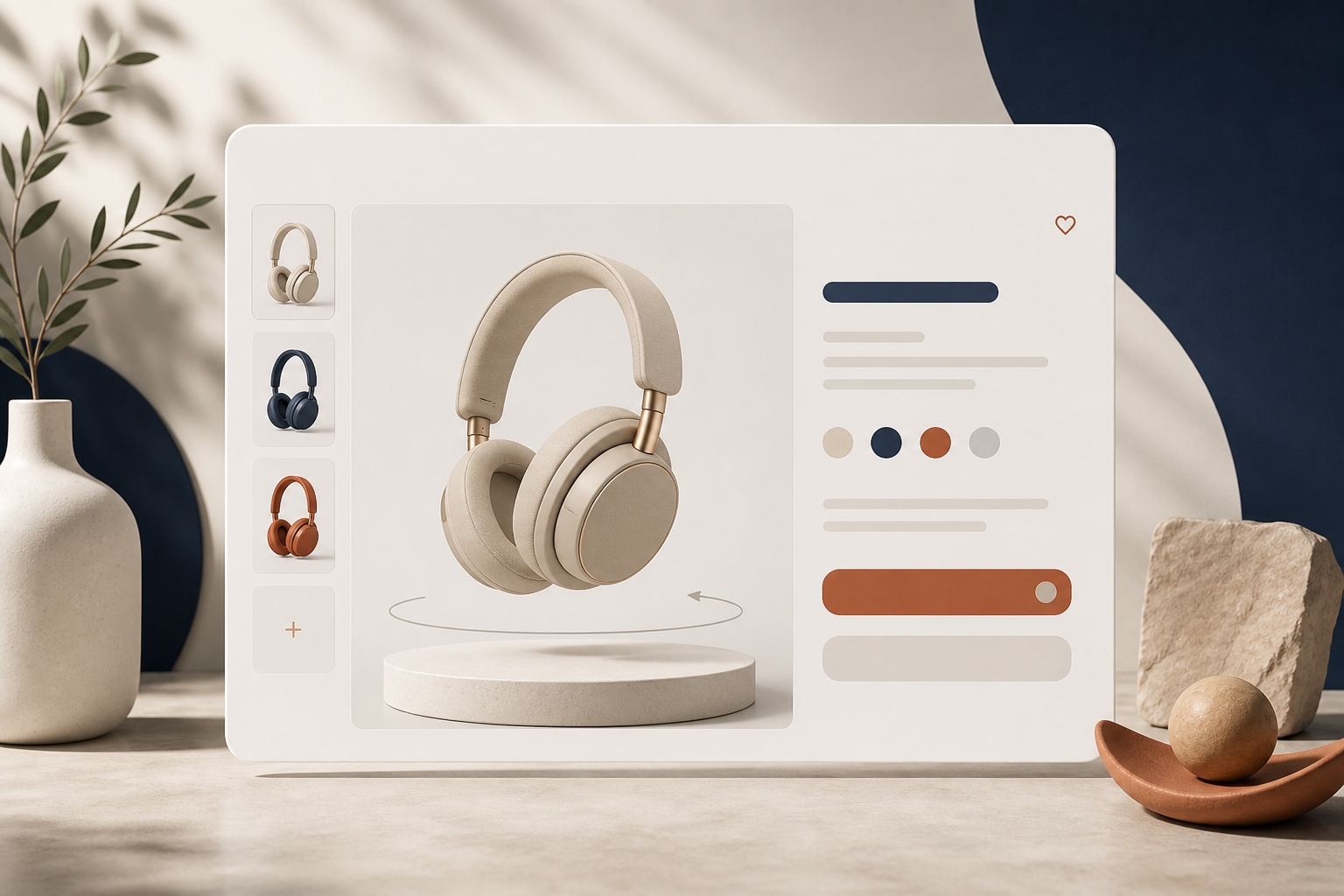
I like 3D most when the product page already depends on the shopper understanding the shape. That is where the native Shopify 3D viewer earns its keep.
A good first placement is usually:
- Near the hero media if the silhouette is part of the selling point.
- After the first photo set if the page already has strong imagery.
- In a dedicated section when you want the model to do the explaining.
The model should make the page feel more certain, not more complicated. If it distracts from the product, the page is carrying too much visual noise already.
My short answer
If you are deciding where to start, pick the products that are easiest to misunderstand from flat photos. Those are the products where 3D earns its place fastest.
Then test a small pilot, review the result, and expand only after you know the workflow survives real products. If you want to try it with the least friction, Supra 3D Capture has a free plan, Shopify-native publishing, and a clean path from phone photos to a live product page.
You can also install it from the Shopify App Store once you are ready to move from testing to a real rollout.