How To Build An N8N Workflow For Automated Video Generation
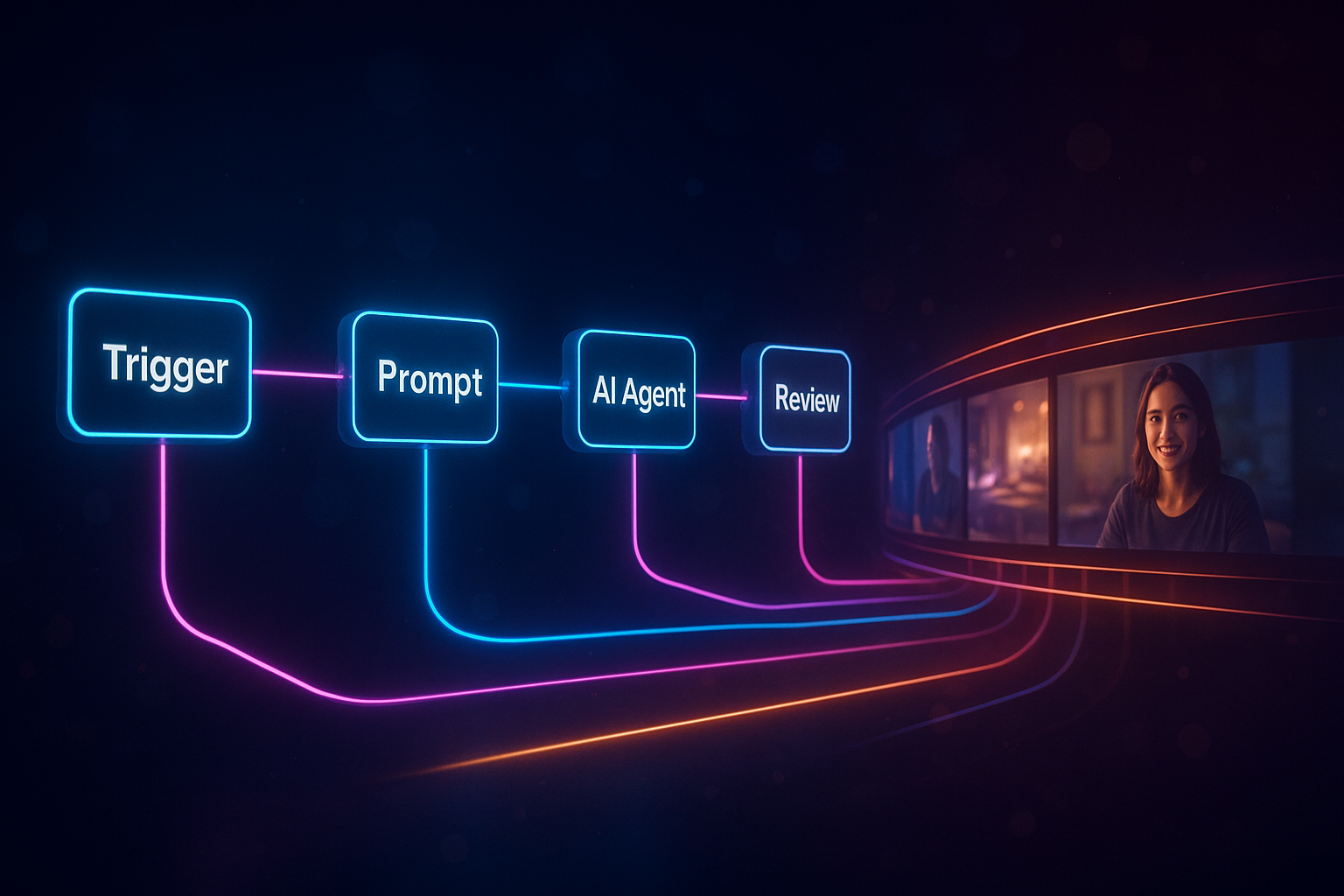
If you spend hours planning, editing, and publishing videos, there’s a smarter way. In this guide, you’ll learn how to build an automated N8N workflow that turns a simple text brief into a finished, on-brand video—using Scrptly’s AI Video Agent. Whether you’re producing UGC ads, explainer content, or social reels, this setup lets you scale video production with consistency and speed.
Why Scrptly + N8N is perfect for video automation
- End-to-end AI video agent: Describe the video you want, optionally attach context images, and Scrptly handles scripting, character design, scene generation, narration, and editing—automatically.
- Long-form and consistency: Scrptly shines at longer videos and maintains character and environment consistency across scenes.
- Built for automation: Use the Scrptly N8N node in any workflow to generate videos programmatically. It also offers an API, MCP server, and a Video Development Kit for developers.
- Flexible distribution: Chain your Scrptly output to YouTube, TikTok, S3, Drive, or social schedulers with standard N8N nodes.
Explore Scrptly: https://scrptly.com/
What you’ll build
A reusable N8N workflow that:
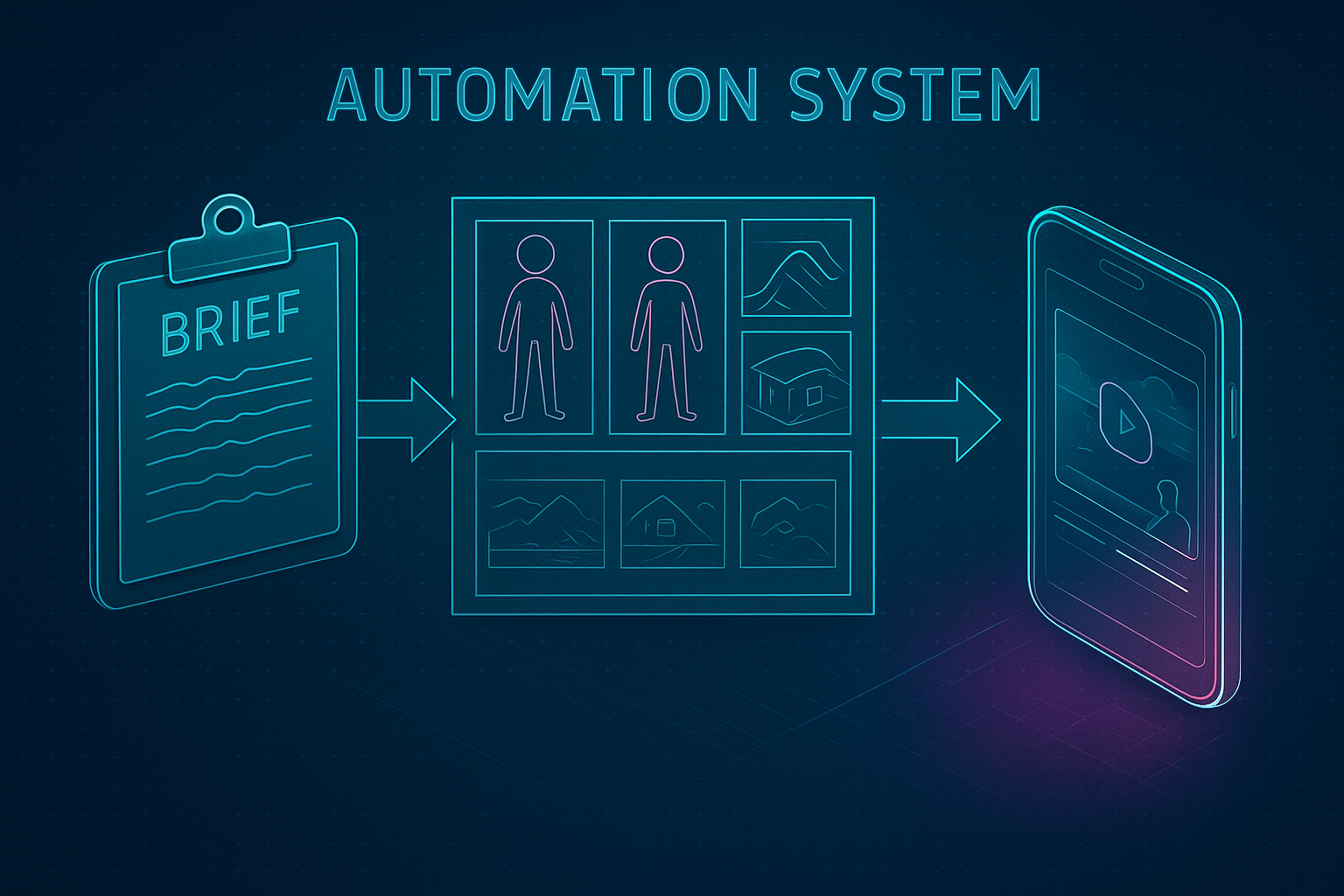
- Accepts a brief (via webhook, schedule, or a Google Sheet row)
- Generates a complete video with Scrptly’s AI Video Agent
- Stores the final file (e.g., S3/Drive) and optionally posts to social
- Notifies your team with links and metadata
Prerequisites
- An N8N instance (self-hosted or cloud)
- A Scrptly account and API key: https://scrptly.com/
- The Scrptly community node for N8N: https://github.com/ybouane/n8n-nodes-scrptly
Step 1: Install the Scrptly N8N node
- In N8N, go to Settings > Community Nodes > Install New
- Search for
n8n-nodes-scrptlyand click Install
Then add credentials:
- Open Credentials > New > Select "Scrptly API"
- Paste your Scrptly API key and save
Step 2: Choose your trigger
Pick one of these common starters:
- Schedule Trigger: Batch-generate videos daily at 9 AM
- Webhook: Accept a JSON brief from your CMS, form, or Slack command
- Google Sheets Trigger: Create a video for each new content row
Example webhook payload:
{

  "title": "5 Ways to Clean White Sneakers",

  "style": "UGC, friendly, handheld, natural light",

  "aspectRatio": "9:16",

  "duration": 45,

  "cta": "Shop our eco-friendly cleaner",

  "contextImageUrls": [

    "https://example.com/images/sneaker-1.jpg",

    "https://example.com/images/cleaner-bottle.jpg"

  ]

}
Step 3: Build your prompt dynamically
Use N8N expressions to assemble a strong, detailed prompt for Scrptly. A template you can drop into a Set or Function node:
Create a {{$json["duration"]}}-second {{$json["style"]}} video titled "{{$json["title"]}}".

- Audience: sneaker enthusiasts on TikTok.

- Hook in first 3 seconds.

- Include voiceover with warm, friendly tone.

- Visual direction: close-ups of stains, natural textures, before/after reveal.

- CTA: {{$json["cta"]}}.

- Aspect ratio: {{$json["aspectRatio"]}}.

- Keep character and scene consistency across all shots.
Step 4: Configure the Scrptly node
Add the Scrptly node to your workflow and set:
- Prompt: the template above (using expressions)
- Context Images: array of URLs or binary file inputs from previous nodes
- Approve Up To: a maximum token budget (defaults to 10,000)
- Wait For Completion: ON for simple flows; OFF if you want async behavior and to poll by task ID later
Scrptly will:
- Interpret your prompt
- Research/script the story
- Design characters and environments
- Generate scenes and narration
- Edit the final video automatically
Learn more about Scrptly’s AI Video Agent: https://scrptly.com/
Step 5: Save and distribute the video
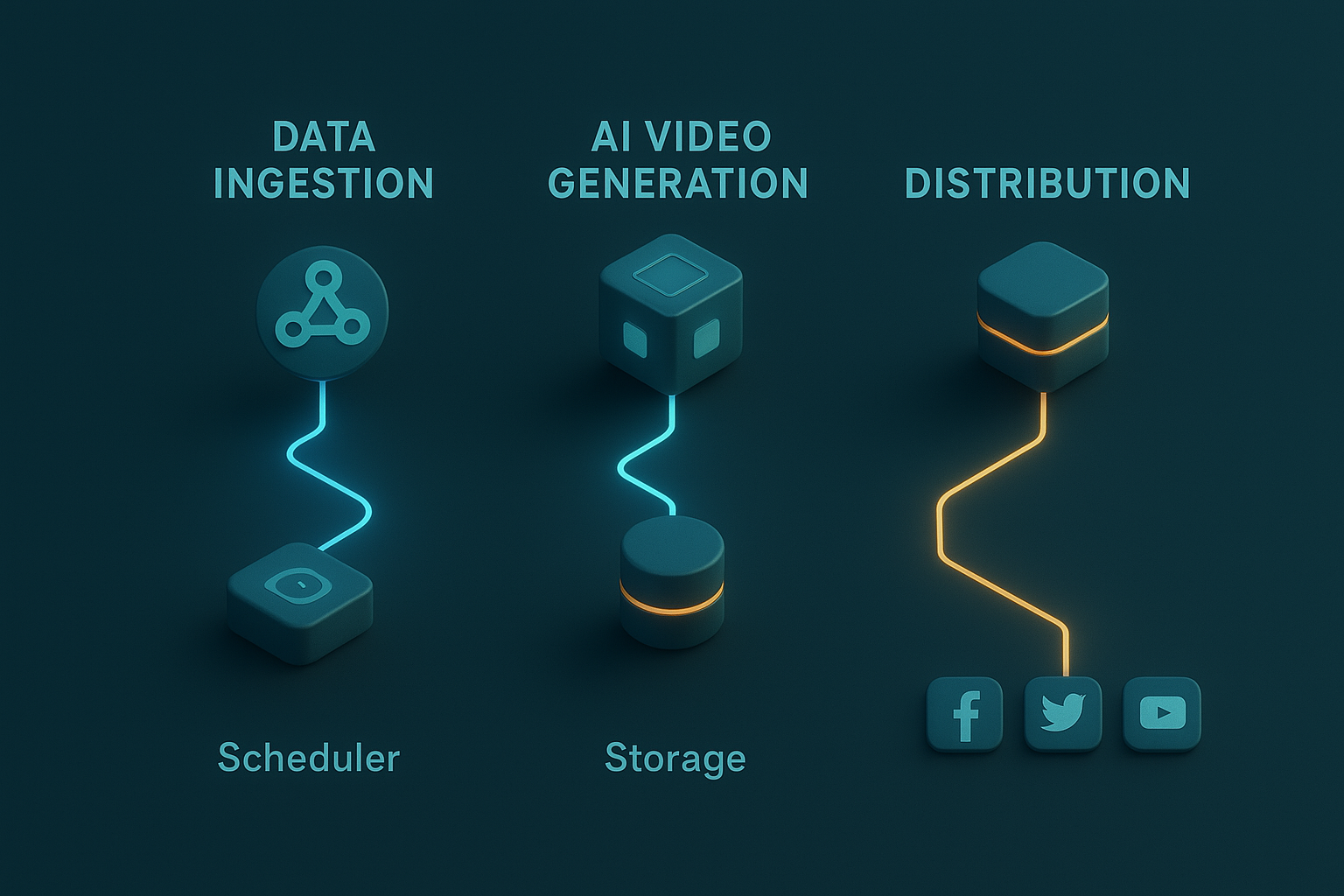
- File Storage: Add an S3, Google Drive, or Dropbox node to store the video output URL from Scrptly
- Social Upload: Use YouTube, Twitter, LinkedIn, or custom API nodes to publish
- Notifications: Send a Slack/Email summary with title, video link, and thumbnail
Suggested Slack message (in a Slack node):
New video generated ✅

Title: {{$json["title"]}}

Link: {{$json["scrptlyVideoUrl"]}}

Storage: {{$json["storageUrl"]}}

CTA: {{$json["cta"]}}
Example workflow architecture
- Trigger (Schedule or Webhook)
- Transform/Validate (Set/Function) – ensure title, duration, aspectRatio
- Scrptly Node – generate video from prompt + context images
- Store File – upload to S3 or Drive using the returned video URL
- Publish (optional) – YouTube/TikTok integration or a custom API
- Notify – Slack/Email with links and metadata
- Log – Append to a Google Sheet or Notion DB for tracking
Advanced tips for reliable, scalable video automation
- A/B Testing: Fork your flow into two Scrptly nodes with variations in hooks, voiceover tone, or CTA. Publish both and compare CTR or watch time.
- Async Generation: Turn off "Wait For Completion" to return a task ID immediately. Use a Wait/Poll loop to check status and proceed when done—handy for long-form videos.
- Context Consistency: Always pass the same product and character images for series content. Scrptly excels at keeping visuals consistent across scenes.
- Guardrails: Validate inputs (duration, aspect ratio) and fail gracefully. Route errors to a Slack channel and retry with exponential backoff.
- Metadata Enrichment: Add hashtags, SEO-friendly titles, and descriptions based on the original brief. You can generate these in N8N before posting.
- Multi-Channel Formatting: Branch the workflow to request multiple aspect ratios (16:9, 1:1, 9:16) by running Scrptly with different prompts.
Prompt recipes you can copy
- Ecommerce/UGC Ad
Create a 30-second vertical UGC-style ad for our eco-friendly leather conditioner.

Hook in 2 seconds: visible scratch on a leather bag, quick gasp.

Show natural light close-ups, ASMR-style application, quick before/after.

Warm voiceover, 105–115 WPM. End with soft CTA: "Restore it today." Keep product visuals consistent across cuts.- Explainer/Docu-Style
Produce a 60-second 16:9 explainer about how whales communicate through songs.

Use clean infographics, oceanic color palette, gentle piano underscore.

Include narration with calm, authoritative tone. Maintain character and scene consistency.- Anime/Short Film
Create a 90-second anime short about a fox learning to glide at dusk.

Soft orange/purple palette, pastoral fields, gentle wind SFX, minimal dialogue.

Consistent character design for the fox and recurring tree by the hill.
Developer extras (optional)
Prefer code? Scrptly also offers a Video Development Kit and APIs for programmatic video creation.
Install the package:
npm install scrptlyAuthenticate:
import Scrptly from 'scrptly';


Scrptly.setApiSettings({

  apiKey: process.env.SCRPTLY_API_KEY,

});
Then call the AI Video-Agent API with your prompt and context images. Learn more: https://scrptly.com/
Troubleshooting
- Timeouts: For long, complex prompts, disable "Wait For Completion" and poll until the task is finished.
- Inconsistent characters: Reuse the same context images and explicitly mention consistency in your prompt.
- Low engagement: Test multiple hooks, pacing changes, and different CTAs with A/B branches.
Ready to automate your video pipeline?
With Scrptly and N8N, you can turn briefs into fully produced videos at scale—without sacrificing quality or consistency. Install the Scrptly N8N node, plug in your prompt, and start publishing.
Get started with Scrptly today: https://scrptly.com/
More on the N8N node: https://github.com/ybouane/n8n-nodes-scrptly