How to Build an N8N Workflow for Automated Long‑Form AI Videos
If you’ve ever wished you could brief an assistant, walk away, and return to a fully edited long‑form video—this guide is for you. By combining n8n’s powerful workflow automation with the AI Video Agent from Scrptly, you can generate documentaries, faceless YouTube videos, educational explainers, and product showcases at scale.
Scrptly excels at consistent character and environment continuity, multi‑scene storytelling, and end‑to‑end automation—perfect for long‑form content where coherence matters. Best of all, you control everything through a single prompt and optional context images.
Learn more about the AI Video Agent and start free at https://scrptly.com/
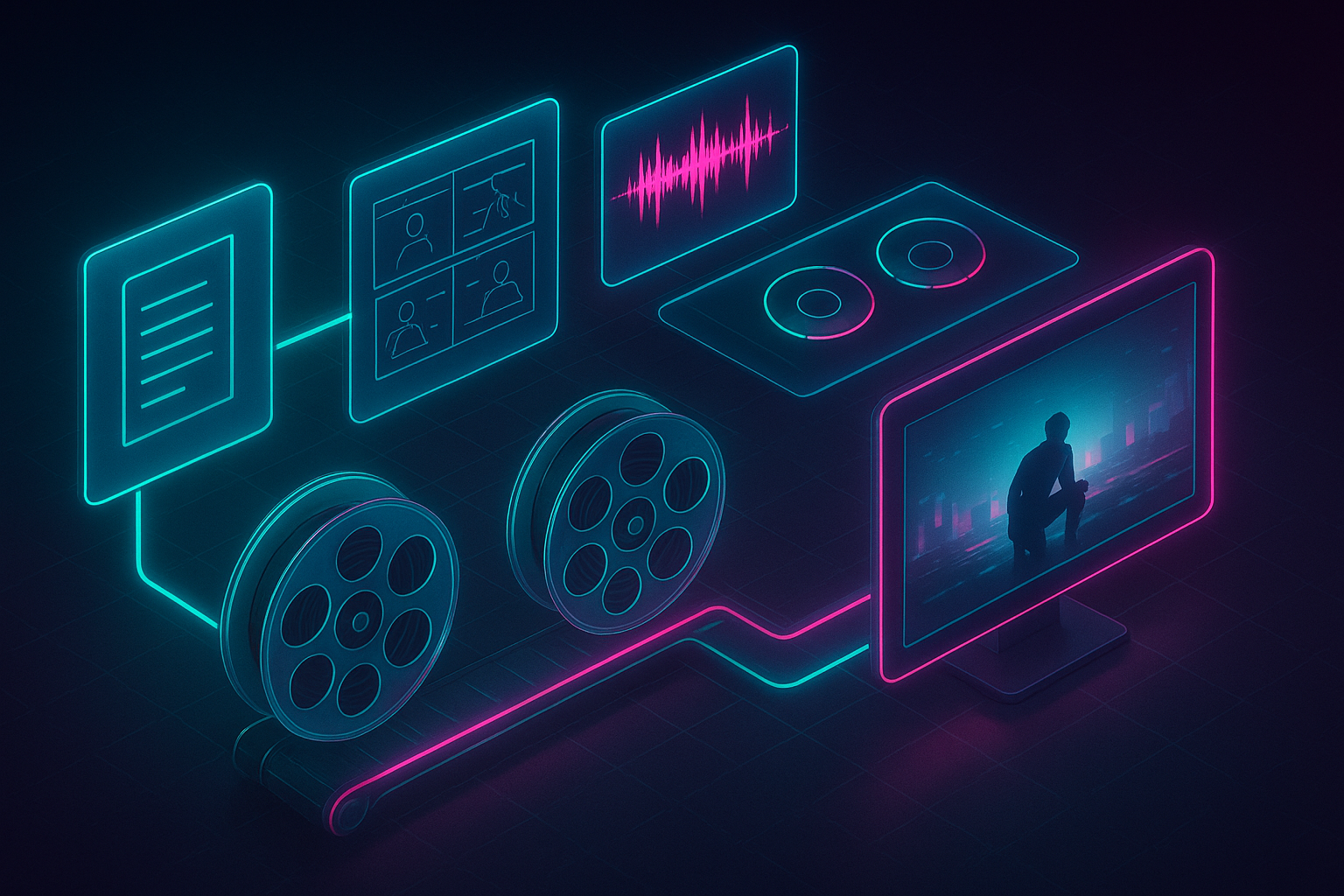
Why automate long‑form videos with n8n + Scrptly
- Scale: Batch-generate videos from a spreadsheet, CMS, or API.
- Consistency: Maintain characters, products, and environments across scenes by providing context images.
- Speed: Delegates research, writing, scene design, narration, and editing to a swarm of specialized AI sub‑agents.
- Flexibility: Use portrait or landscape, adjust length and style, and integrate with social posting.
What we’ll build
A reusable n8n workflow that:
A reusable n8n workflow that:
- Triggers on a schedule or webhook
- Assembles a detailed AI prompt (with optional context images)
- Generates a long‑form video via the Scrptly node
- Uploads the video to storage (or onward to your distribution tools)
- Notifies your team when it’s live
Prerequisites
- An n8n instance (self-hosted or cloud)
- A Scrptly account and API key: https://scrptly.com/
- The Scrptly community node for n8n: https://github.com/ybouane/n8n-nodes-scrptly
Step 1 — Install the Scrptly node in n8n
- Go to Settings > Community Nodes > Install New
- Search for: n8n-nodes-scrptly
- Click Install
Step 2 — Add credentials
- In the n8n editor, open Credentials
- Create new credential: Scrptly API
- Paste your API key from your Scrptly account page
- Save credentials and later select them in the Scrptly node configuration
Step 3 — Plan your input data
You can feed your workflow via:
You can feed your workflow via:
- Schedule trigger (daily or weekly batches)
- Webhook trigger (post briefs from your app or CMS)
- Google Sheets/Notion/Database (pull multiple briefs)
For each video, you’ll want:
- Title/topic
- Target duration (e.g., 8–12 minutes)
- Style (documentary, cinematic, anime, faceless YouTube, UGC, etc.)
- Key points or outline
- Optional: context image URLs (product photos, logos, character references)
Step 4 — Build the workflow (high‑level)
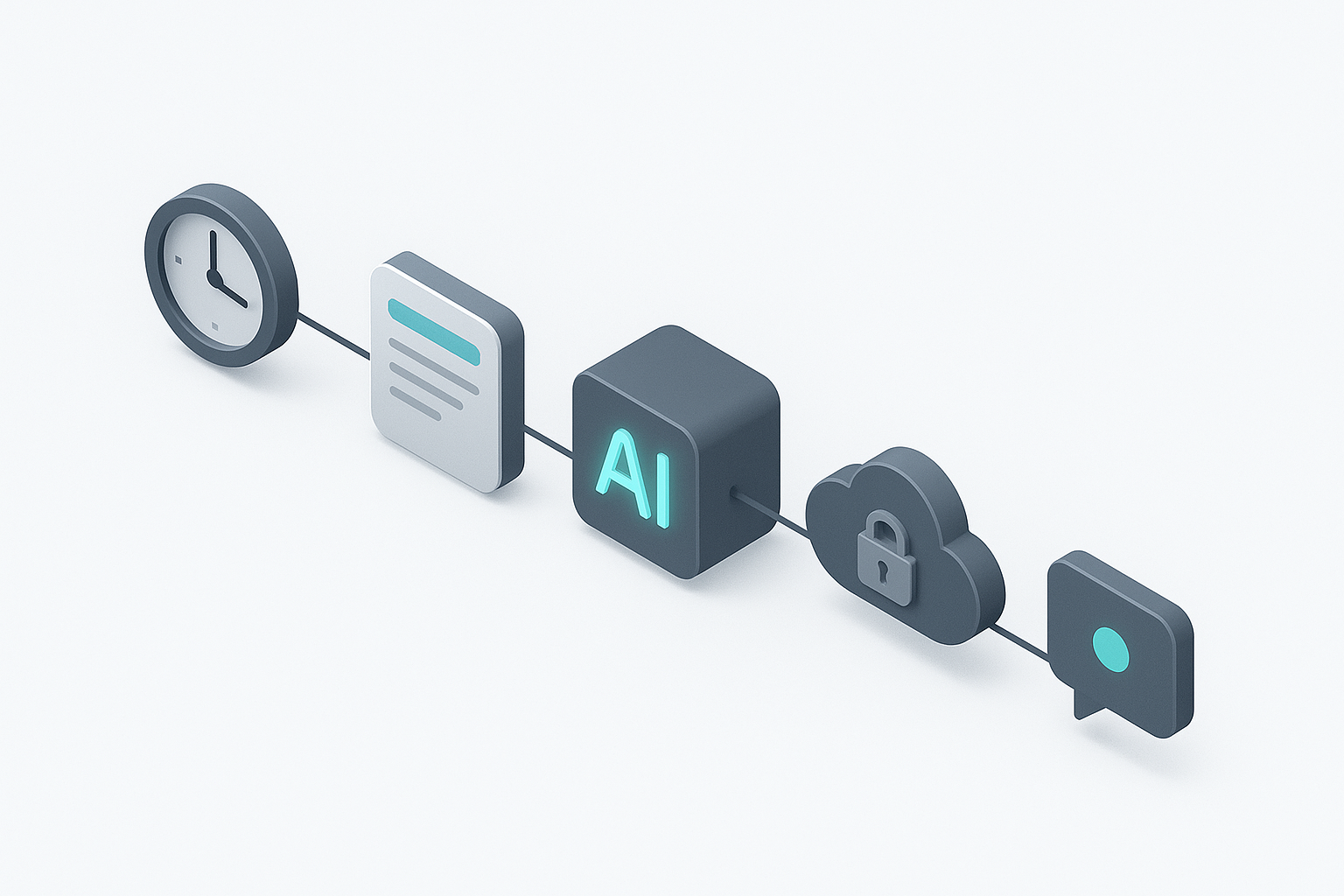
- Trigger Node: Schedule or Webhook
- Set Node: Assemble the prompt and parameters
- Scrptly Node: Generate video with Wait For Completion enabled
- Storage Node: Upload output (e.g., S3, GDrive, Dropbox)
- Notify Node: Email/Slack or webhook callback
Here’s a simple prompt template you can place in a Set node (use n8n expressions to inject dynamic data):
{{

  "prompt": "Create a {{ $json.style || 'documentary-style' }} long-form video ({{ $json.duration || '10-12 minutes' }}) titled '{{ $json.title }}'.\n\nRequirements:\n- Clear narrative arc with intro, three-act progression, and conclusion\n- Smooth scene transitions, consistent characters/environments\n- Professional voiceover narration\n- Use a balanced pacing with moments for reflection\n- Visual language: cinematic framing, tasteful B-roll, ambient score\n- Aspect: {{ $json.aspect || '16:9 landscape' }}\n- Include on-screen captions for key facts\n\nKey points to cover:\n{{ ( $json.keyPoints || [] ).map(p => '- ' + p).join('\n') }}\n\nEnd with a succinct summary and a call-to-action.",

  "contextImages": {{ JSON.stringify($json.contextImages || []) }},

  "metadata": {

    "project": {{ JSON.stringify($json.project || 'long-form-video-batch') }},

    "language": {{ JSON.stringify($json.language || 'en') }}

  }

}}
Tip: Set node can output an object; then in the Scrptly node, map fields like prompt and contextImages directly from the previous node’s JSON.
Step 5 — Configure the Scrptly node
- Credentials: choose your Scrptly API key
- Prompt: reference the Set node output (e.g., {{$json.prompt}})
- Context Images: pass an array of URLs (e.g., {{$json.contextImages}})
- Approve Up To (budget): start with 10,000 tokens; raise for longer scripts
- Wait For Completion: enable to simplify downstream logic (recommended)
Scrptly will research, write, design scenes and characters, generate narration, render segments, and edit the final cut automatically. When done, the node returns a file URL and metadata you can use downstream.
Step 6 — Store and distribute the video
- Upload to cloud storage (S3/Spaces/GDrive/Dropbox)
- Post to social (YouTube/TikTok/Instagram) via respective nodes or a custom webhook
- Archive metadata (title, transcript, duration, URL) in Airtable/Notion
Step 7 — Notify your team
Use Email, Slack, or MS Teams nodes to send a completion message:
Use Email, Slack, or MS Teams nodes to send a completion message:
Title: New video published — {{$json.title}}

Link: {{$json.videoUrl}}

Runtime: {{$json.runtime}}

Notes: Generated via automated workflow
Workflow at a glance
Three proven prompt templates for long‑form automation
- Documentary explainer (8–12 min)
"Create a 10–12 minute documentary exploring how ancient trade routes shaped modern globalization. Follow a three‑act structure: discovery, expansion, transformation. Blend atmospheric visuals (maps morphing into skylines) with narrated insights and captioned facts. Maintain a grounded, cinematic tone with subtle musical cues and consistent visual style."
- Faceless YouTube listicle (10–15 min)
"Produce a 12–15 minute faceless video titled ‘10 Underrated Productivity Habits Backed by Research.’ Use cohesive motion graphics, clean lower-thirds, and a calm voiceover. For each habit, include one study citation on-screen. Maintain a neutral, modern aesthetic and ensure smooth transitions and cohesive typography."
- Product showcase/UGC hybrid (5–8 min)
"Generate a 6–8 minute product showcase for an eco‑friendly leather bag. Alternate lifestyle scenes and close‑ups. Ensure the bag remains visually consistent across shots. Include subtle testimonials and a narrative arc about durability, craftsmanship, and sustainability. End with a tasteful call‑to‑action."
Pro tip: Provide 2–6 context images
Scrptly maintains visual consistency across scenes. Add URLs of key references, e.g.:
Scrptly maintains visual consistency across scenes. Add URLs of key references, e.g.:
- Product shots (front, side, in-use)
- Character references (style, wardrobe)
- Environment mood boards (lighting, color)
Advanced workflow ideas
- Batch mode: Pull rows from Google Sheets or Notion, Split In Batches, then loop through the Scrptly node.
- A/B testing: Branch two prompts with subtle style differences and compare performance.
- Multi-language: Iterate through languages in a Merge node; update script guidance accordingly.
- Compliance guardrails: Add an If node to validate required fields (title, duration, contextImages length) before generation.
- Error handling: Use Error Trigger flows to alert and retry. Keep Wait For Completion on; if you disable it, store the task ID and follow up later in a separate polling workflow.
Why choose Scrptly for long‑form work
- Scene and character consistency across many shots
- Strong narration and pacing for extended runtimes
- API + developer tooling (Video Development Kit) for deeper integration
- n8n node for no‑code/low‑code automation
Developers: generate videos programmatically
If you need to orchestrate video creation outside n8n, you can use the JavaScript SDK:
If you need to orchestrate video creation outside n8n, you can use the JavaScript SDK:
npm install scrptly

# or

yarn add scrptly
import Scrptly from 'scrptly';
Scrptly.setApiSettings({ apiKey: process.env.SCRPTLY_API_KEY });
const job = await Scrptly.videoAgent.create({
prompt: 'Create a 10–12 minute cinematic explainer about how whales communicate with songs. Include narration, captions, and a cohesive visual style.',
contextImages: [
'https://example.com/images/whale-1.jpg',
'https://example.com/images/ocean-moodboard.jpg'
]
});
console.log(job);Get started
- Explore the AI Video Agent and try your first prompt: https://scrptly.com/
- Install the n8n node: https://github.com/ybouane/n8n-nodes-scrptly
- Build your first automated long‑form workflow today and free your team from manual editing loops.
When you’re ready to scale faceless channels, product documentaries, or educational series, n8n + Scrptly is the most reliable path from prompt to polished long‑form video—on autopilot.