How To Automate Long-Form AI Video Creation In N8N Workflows
If you’re stitching together editors, stock footage, and manual steps just to produce an 8–15 minute video, you’re leaving speed and consistency on the table. In this guide, you’ll learn how to automate long-form AI video creation directly in N8N using Scrptly’s AI Video Agent—so you can go from prompt to polished documentary, product deep-dive, or narrative short automatically.
Scrptly turns natural-language prompts and optional context images into complete videos: research, screenplay, character design, scene generation, narration, and final edit—all by AI sub-agents. It also offers an N8N node, an API, an MCP server, and a developer-friendly Video Development Kit for maximum flexibility.
- Explore Scrptly: https://scrptly.com/
- Scrptly N8N community node: https://github.com/ybouane/n8n-nodes-scrptly

Why automate long-form AI video in N8N
- Consistency at scale: Define character names, visual style, and locations once; generate multiple chapters or episodes that look and feel cohesive.
- Repeatable workflows: Schedule releases, A/B test hooks, auto-post to YouTube/Shorts/Reels, and archive media hands-free.
- Lower production overhead: Replace countless manual edits and handoffs with a single AI Video Agent that writes, designs, narrates, and edits.
- Developer-ready: Trigger workflows from your CMS, CRM, or product feeds using the Scrptly API or N8N node.
What you’ll build
A reusable N8N workflow that:
- Receives a topic, brief, or product info
- Calls Scrptly to generate a long-form, consistent video from a prompt and optional context images
- Waits for completion, retrieves the final video URL
- Uploads and publishes the video, sends notifications, and logs metadata
Prerequisites
- An N8N instance (self-hosted or cloud)
- A Scrptly account and API key (sign up here: https://scrptly.com/)
- Optional: a storage bucket (S3/GCS), a CMS or spreadsheet with topics, and social posting integrations
Step-by-step: Build the N8N workflow
1) Install the Scrptly node
- In N8N, go to Settings > Community Nodes > Install New
- Search for and install: n8n-nodes-scrptly
2) Add credentials
- In the editor, open Credentials > New Credential > select Scrptly API
- Paste your Scrptly API key from your account page
- Save and assign it to the Scrptly node in your workflow
3) Create the workflow skeleton
- Trigger: Use Schedule (e.g., every day at 9am) or Webhook to accept incoming briefs
- (Optional) Enrichment: Pull structured inputs (talking points, references, product data) from Google Sheets, Airtable, or your CMS
- Scrptly Node: Configure your long-form prompt and (optionally) context images
- Post-processing: Store the video in cloud storage, generate captions, publish to platforms, notify Slack/Email
4) Configure the Scrptly node for long-form output
In the Scrptly node:
- Prompt: Provide a detailed spec—theme, structure, runtime, characters, visual style, narration tone, and CTA.
- Context images: If you need character, product, or environment consistency, upload relevant images.
- Approve Up To (tokens): Set your budget for longer scripts/scenes (e.g., 20,000 for more complex videos).
- Wait For Completion: Leave on to block until your video is ready, or turn off to return a task ID and handle polling.
Here’s a sample prompt you can adapt for a 10–12 minute video:
Create a 10–12 minute documentary-style video titled: The Hidden Engineering Behind Everyday Coffee.

Goal: Inform and entertain a general audience while remaining accurate and visually captivating.

Structure: cold-open hook (20–30s), 5 chapters, recap + call-to-action.

Style: clean cinematic, realistic lighting, macro detail shots, cafe ambience.

Narration: warm, curious, confident; mid-tempo with natural pauses.

Chapters:

1) Hook: a fast montage of coffee rituals + the question: what invisible engineering makes this cup possible?

2) Farming & Processing: aerial farm vistas; micro shots of beans; fermentation, drying, milling.

3) Logistics & Roasting: container ships, roasters, thermodynamics in motion; dramatic color transitions.

4) Extraction Science: espresso vs. pour-over; grind size, water temp, turbulence, contact time; slow-motion visuals.

5) Sustainability & Future: water usage, fair incentives, novel tech; hopeful tone.

On-screen text: tasteful lower-thirds for definitions and stats. Include B-roll interludes.

Aspect: 16:9; Resolution: 1080p; Chapters labeled with timestamp bumpers.

Ending CTA: invite viewers to comment with their favorite brewing method.
Tip: For product or brand series, include character names, wardrobe notes, set design cues, and recurring motifs. Reuse the same context images to lock consistency across episodes.
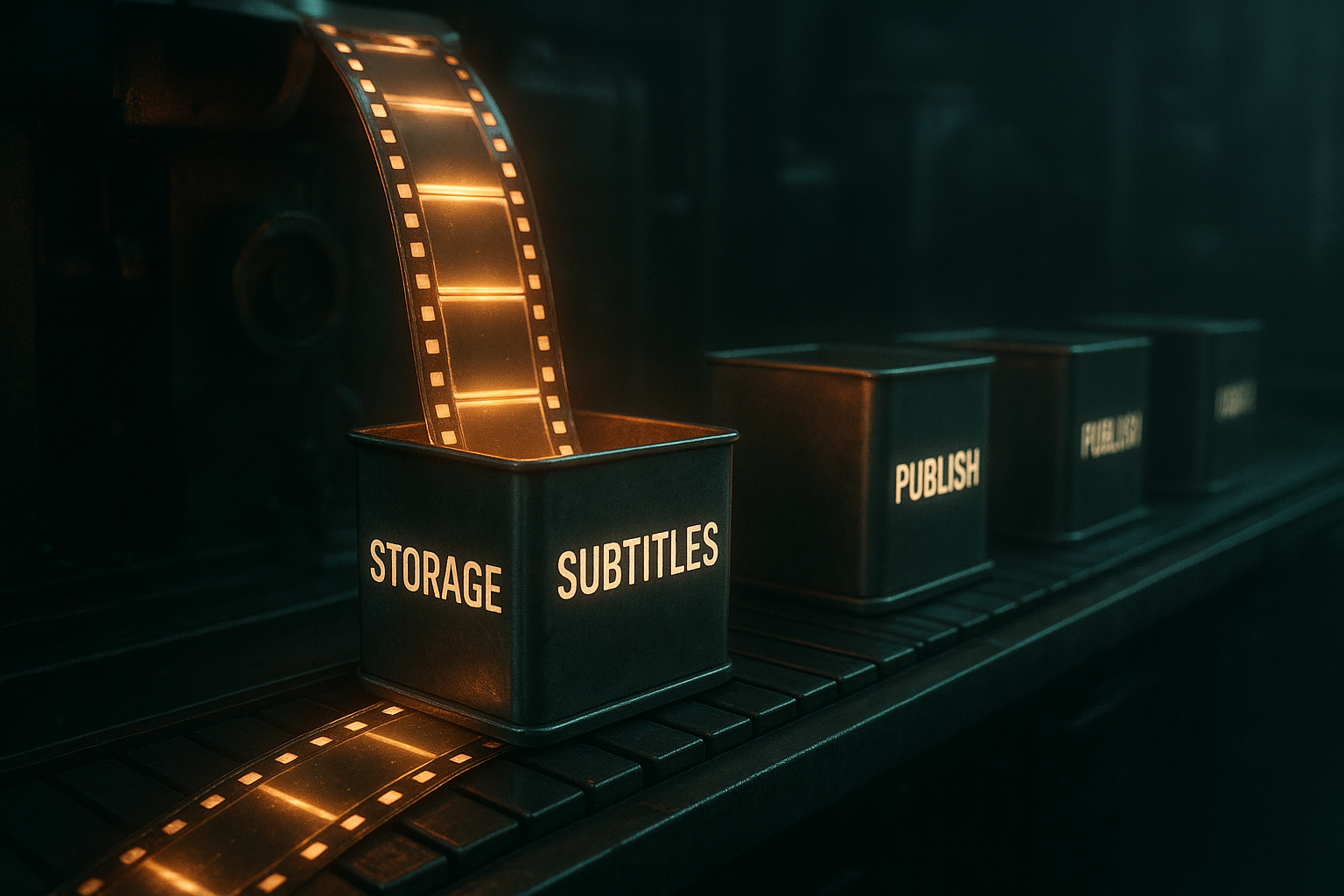
5) Post-process and distribute
After the Scrptly node finishes, chain downstream actions:
- Store the video (S3/Drive)
- Extract caption track and add subtitles
- Auto-generate a thumbnail using an image node
- Publish to YouTube/Vimeo and cross-post short cutdowns to Shorts/Reels/TikTok
- Notify stakeholders in Slack/Email with links and analytics parameters
Prompt engineering for consistent long-form videos
- Lock characters and places: Name protagonists, define age, attire, and recurring locations; provide 2–4 clean context images.
- Specify structure: Opening hook, chapter count, transitions, lower-thirds usage, CTA. Add timestamps if desired.
- Guide visuals: Camera moves (slow dolly, crane, macro), color palette, lighting mood, montage frequency.
- Nail voice and pacing: Narration tone, speech rate, music mood, and silence beats for emphasis.
- Define output: Aspect ratio, duration range, resolution, captions, and any platform-specific requirements.
Programmatic control with the Scrptly API
If you need to kick off videos outside N8N (e.g., from a CMS or a batch process), you can also call Scrptly directly in code:
// Install: npm install scrptly

import Scrptly from 'scrptly';


Scrptly.setApiSettings({

  apiKey: process.env.SCRPTLY_API_KEY,

});


async function createLongFormVideo() {

  const task = await Scrptly.videoAgent.create({

    prompt: `Create a 12–14 minute narrative explainer about urban rewilding... include chapters, consistent characters, warm narration, and 16:9 output at 1080p.`,

    contextImages: [

      // URLs of reference images, e.g., character or product stills

      // 'https://your-cdn.com/images/character-a.jpg'

    ],

    approveUpTo: 20000, // token budget for complex requests

    waitForCompletion: true, // set false to poll later

  });


  console.log('Final video URL:', task.videoUrl);

}


createLongFormVideo().catch(console.error);
Developers can also orchestrate multi-agent stacks using Scrptly’s MCP server or embed video generation in existing backends. Learn more and get your API key at https://scrptly.com/
Example workflow blueprint (modular)
- Trigger: Schedule daily at 9am
- Fetch Brief: Pull topic + key points from a spreadsheet row
- Build Prompt: Template node composes a structured long-form prompt
- Scrptly Node: Send prompt, context images, budget; wait for completion
- Store: Upload to S3 and capture the returned URL
- Captions: Generate and burn-in or attach as .srt
- Thumbnail: Render an eye-catching cover from a key frame
- Publish: Upload to YouTube with title, description, chapters, and tags
- Social Cutdowns: Trigger a separate workflow for 60–90s highlight clips
- Notify: Slack or email digest with links and analytics UTM parameters
Troubleshooting and tips
- My video feels too short: Increase the duration specification and token budget in your prompt; raise Approve Up To in the node.
- Visual consistency drifts: Provide higher-quality, well-lit context images and reuse them across episodes.
- Need faster runs: Turn off Wait For Completion and poll later; parallelize schedules for batch production.
- Want editor control: Use the Video Development Kit (VDK) to fine-tune scenes and overlays programmatically.
Why Scrptly for N8N video automation
- Built for long-form: Generates coherent, consistent scenes across many minutes, not just clips.
- End-to-end agent: Research → screenplay → design → narration → edit → final video.
- Integrations that matter: N8N node, MCP server, and a robust API for developers.
- Future-proof: From ads and UGC to explainers, anime, and short films—one tool covers many formats.
Ready to automate your long-form pipeline? Start building with Scrptly’s AI Video Agent today and ship more videos with less effort: https://scrptly.com/