How to Automate Long Form AI Video Creation in n8n Workflows
If you’ve ever tried to stitch together long-form videos from disparate tools, you know the pain: inconsistent characters, choppy scenes, and way too much manual editing. In this guide, you’ll learn how to automate long-form AI video creation inside n8n using the Scrptly AI Video Agent—so you can turn a single prompt (plus optional reference images) into professional, consistent videos at scale.
Scrptly turns your prompts into ads, product showcases, anime, documentaries, or short films—end-to-end. It designs characters, builds environments, generates scenes, narrates, and edits the final cut automatically. Best yet, it shines at long-form consistency. Start here: https://scrptly.com/

Why automate long-form video in workflows?
- Scale content: Publish weekly explainers, product series, or episodic shorts without adding headcount.
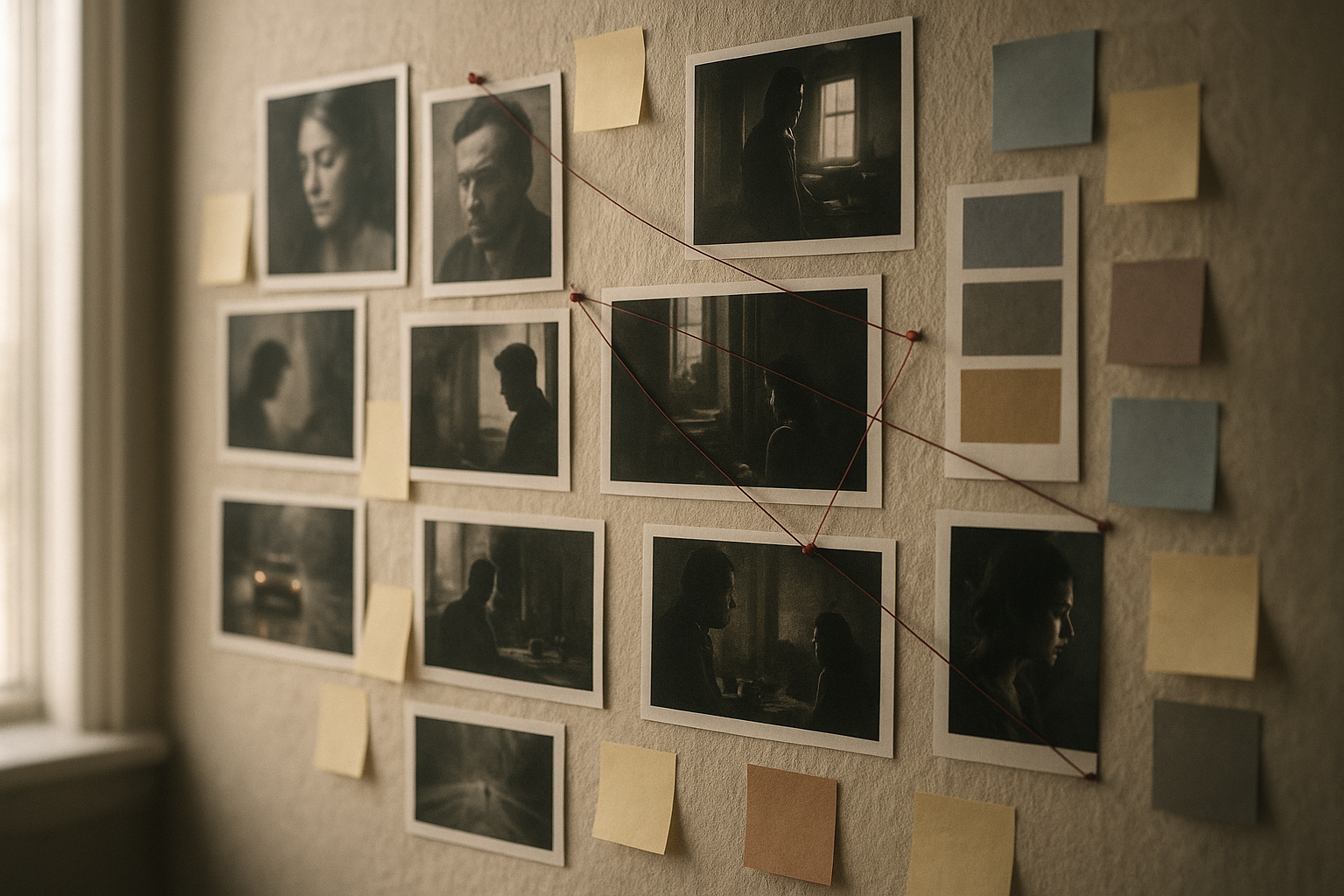
- Keep consistency: Maintain characters, settings, and art direction across multi-minute stories.
- Reduce turnaround time: Generate drafts in minutes, iterate fast.
- Integrate everywhere: Trigger from webhooks, schedules, CMS updates, or product feeds.
Scrptly’s strengths for long-form:
- Character and environment consistency from prompt + context images.
- AI sub-agents for research, screenplay, narration, editing.
- Flexible outputs: ads, UGC-style videos, explainers, anime, or short films.
- Developer-friendly: API, MCP interface, and an n8n node for automation.
Learn more: https://scrptly.com/
What you’ll build
An n8n workflow that:
- Triggers on a schedule or webhook
- Assembles a structured video prompt (plus optional context images)
- Calls Scrptly’s AI Video Agent to generate a long-form video
- Publishes the video (e.g., uploads to storage, shares to Slack, or posts to social)
Prerequisites
- An n8n instance (self-hosted or cloud)
- A Scrptly account and API key: https://scrptly.com/
- Optional: A storage bucket (S3/GCS), Slack, or YouTube accounts to publish outputs
Step 1 — Install the Scrptly n8n node
- Open n8n and go to Settings > Community Nodes > Install New
- Search for: n8n-nodes-scrptly
- Click Install
- Node source and docs: https://github.com/ybouane/n8n-nodes-scrptly
Step 2 — Add credentials
- In the n8n editor, open the Credentials tab
- Create New > Scrptly API
- Paste your API key from the Scrptly account page
- Save and select these credentials in your Scrptly node
Step 3 — Build your first automated long-form workflow
- Trigger node
- Prepare your prompt
- Add Scrptly node
- Publish the output
Tip: For high throughput, you can turn off “Wait For Completion” to return a task ID immediately and process completion asynchronously. See the node’s GitHub for patterns and updates: https://github.com/ybouane/n8n-nodes-scrptly
Best practices for long-form consistency
- Name key characters and reuse exact descriptors: “Aria, the marine biologist narrator with a warm, confident voice.”
- Supply context images for anchors: character face references, product angles, environment mood boards.
- Outline chapters explicitly: Give a scene list with transitions so pacing stays coherent.
- Lock the style: Call out aspect ratio, color palette, camera movement (e.g., “slow dolly shots, gentle underwater parallax”).
- Clarify narration: Specify tone, voice persona, and language.
- Define runtime and platform: Example — “6–8 minutes, 16:9, YouTube-first, add subtle chapter text lower-thirds.”
Example: Weekly ecommerce product reel (long-form)
- Trigger: Schedule (weekly)
- Fetch: HTTP Request node pulls the latest 10–15 products from your CMS
- Build Prompt: Merge product names, benefits, and testimonials into a story-driven “lookbook” with recurring host character
- Scrptly: Provide a branded color mood board as context images for consistent styling
- Publish: Upload the final video to a storage bucket; push a preview link to Slack; optionally auto-post a cut-down version to social
Suggested prompt snippet:
Create a 5–7 minute product showcase that feels like a curated lookbook. Keep the same host voiceover throughout and maintain a warm, natural-light aesthetic. Introduce each product with a one-sentence hook, then show close-ups, lifestyle context, and a short benefit story. Close with a recap grid and a soft CTA to visit our shop.Example: Faceless YouTube automation
- Trigger: Webhook when a new script idea is approved
- Enrich: Summarize research with an LLM step, then assemble a chaptered prompt
- Scrptly: Long-form docu-style output, consistent narrator, cohesive B‑roll look
- Publish: Upload to YouTube, generate captions, and push timestamps to the description
Advanced workflow patterns
- A/B test variants: Branch two Scrptly nodes with slight prompt changes (hook, style, CTA). Compare watch time.
- Multichannel cuts: After the long-form master is generated, add nodes that auto-generate short vertical cut-downs from the same theme.
- Approval gates: Route draft links to a Slack channel; publish only when an approval reaction appears.
Developer note: Programmatic video creation
Prefer to orchestrate outside n8n or mix both approaches? Scrptly also offers an SDK and APIs.
Install the SDK:
npm install scrptly

# or

yarn add scrptly
Authenticate and call the AI Video-Agent in JavaScript:
import Scrptly from 'scrptly';


Scrptly.setApiSettings({

  apiKey: 'YOUR_API_KEY_HERE',

});


// Pseudocode: create a long-form video from a structured prompt

const prompt = `

Title: Urban Quiet — Finding Calm in a Noisy City

Objective: 8–10 minute cinematic essay with narrated chapters

Style: Desaturated palette, slow pans, light piano score

Aspect: 16:9, YouTube

Chapters: 1) Noise 2) Micro-rituals 3) Green pockets 4) Night walks 5) Closing reflection

Consistency: Keep the same narrator and visual tone across scenes

`;


// See Scrptly docs for full API surface

const result = await Scrptly.VideoAgent.create({

  prompt,

  contextImages: [

    // optional reference image URLs

  ],

  // budget, length, and other options as needed

});


console.log(result);
Explore Scrptly’s platform and APIs: https://scrptly.com/
Troubleshooting and performance tips
- Generation time: Long-form videos are more complex; allow ample runtime or turn off “Wait For Completion” and process asynchronously.
- Budgets: Increase the “Approve Up To” tokens for denser scripts, multiple characters, or cinematic styles.
- Data quality: Clean product feeds and well-structured prompts produce more coherent stories.
- Consistency failures: Strengthen descriptors; add or refine context images; explicitly reiterate recurring characters per chapter.
- Asset handling: Store returned video URLs and metadata for traceability and reuse.
Why Scrptly vs. generic editors?
- End-to-end automation: research → screenplay → narration → edit → final output
- Long-form consistency: characters and environments remain stable across scenes
- Developer-first: API, MCP interface, and a native n8n node
- Flexible use cases: ads, UGC, explainers, anime, documentaries, short films
Get started
- Try Scrptly’s AI Video Agent: https://scrptly.com/
- Install the n8n node (community): https://github.com/ybouane/n8n-nodes-scrptly
- Spin up your first workflow and ship your next long-form video on autopilot
When you’re ready to scale, plug Scrptly into your content calendar and let your n8n workflows do the heavy lifting—so you can focus on ideas, not timelines.