How I Test Shopify UGC Video Angles Without Hiring Creators
I used to think the hard part of Shopify video marketing was making the video. It is not. The hard part is deciding which angle deserves the first test.
When I want short-form product content that can work in ads, on product pages, in email, and in seasonal promos, I want a workflow that is fast enough to repeat and strict enough to keep the creative honest. That is why I like Supra UGC Maker. It gives me the pieces I actually need: avatars, scenes, scripts, speech, and product references. If I want to go straight to the app listing, I use the Shopify App Store page.
My goal is not to make one polished hero video and call it done. My goal is to test three or four believable angles fast enough that I can see which one deserves more budget.
Start With One Buying Job
I do not start with the camera idea. I start with the customer job.
For a Shopify product, I usually want one of these answers:
- What does this product help me do faster?
- What problem does it remove?
- Why should I trust it now?
- Why is this better than the thing I already use?
If I cannot answer that in one sentence, I am not ready to generate a video. I am still inside the product story, not the customer story.
That is also where I try not to overthink the scene. A good UGC-style ad does not need a giant production setup. It needs one clear promise, one believable person, and one visual that reinforces the promise.
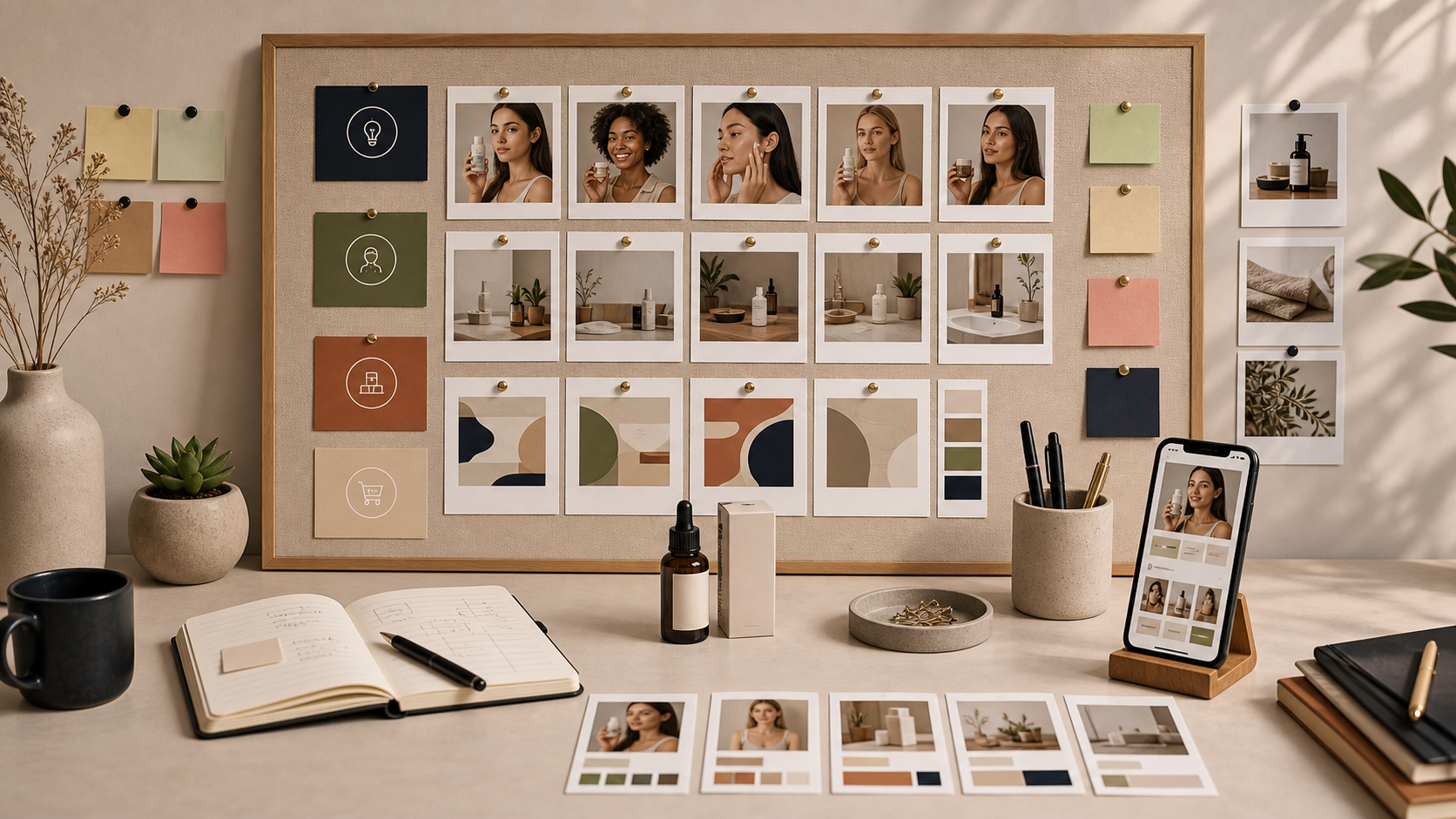
The board above is the way I think about it in practice. I want a small matrix, not a giant campaign plan. One row for the hook, one row for the proof, one row for the scene, and one row for the CTA is enough to get started.
This is the same reason I liked writing about How I Build a Shopify UGC Hook Matrix From One Product. Once the hook is clear, the rest of the video becomes easier to decide.
Build Three Angles, Not Twelve
When I am trying to move quickly, I build three angles first:
- Problem first.
- Outcome first.
- Proof first.
That keeps the work honest. If all three versions fail, I probably do not have a strong offer or I am trying to make the product do too many jobs at once.
Here is how I usually map them:
- Problem first: start with the frustration or friction the product removes.
- Outcome first: start with the finished state the customer wants.
- Proof first: start with a concrete demonstration, detail, or result.
I do not change the avatar, scene, and voice for every version unless I have a reason to. That creates noise. I want to learn which angle works before I start changing everything else.
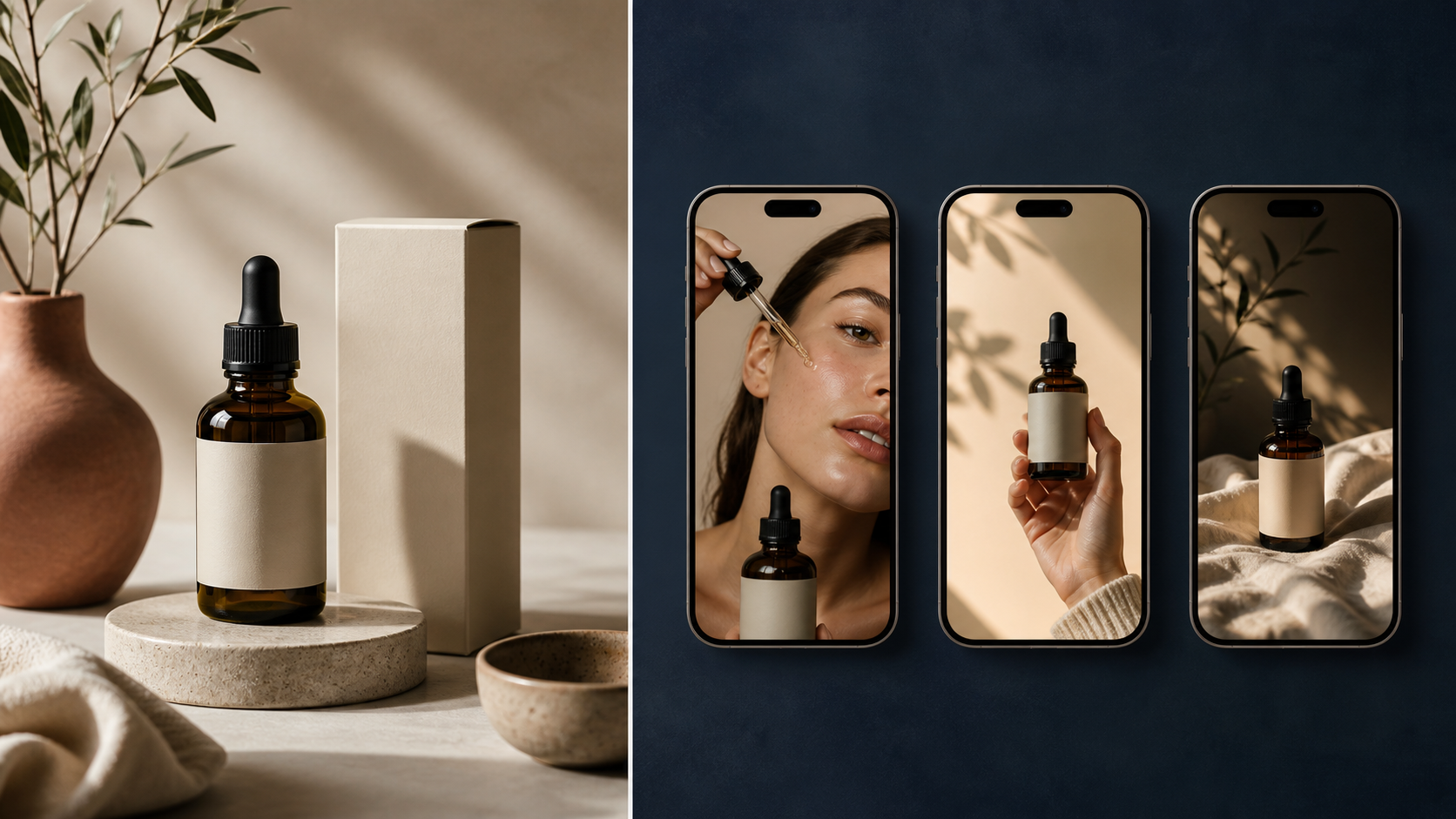
The split-screen view is the right mental model for this. On the left is the clean product reference. On the right are the different ad directions I can test from the same source material.
That is also why I liked How I Turn One Shopify Product Into Reusable UGC Videos. Reuse matters, but only after the first test gives me a signal.
Keep The Scene Simple
The scene should support the promise, not compete with it.
Supra UGC Maker lets me choose a preset avatar or generate a custom AI model, then pair that with a studio, outdoor, boutique, or brand-specific setting. That is enough range for most of the Shopify products I work with. I do not need a dramatic set piece unless the product itself needs one.
My default is simple:
- One avatar.
- One product reference.
- One setting.
- One script.
- One voice tone.
If the product is a beauty item, I usually want a clean studio or bathroom-adjacent setup. If it is apparel or lifestyle, I lean toward a more natural scene. If it is something utilitarian, I keep the scene almost plain so the product does the work.
What I am avoiding is the common mistake where every input changes at once. If I change avatar, scene, wording, pacing, and offer, I learn almost nothing from the result.
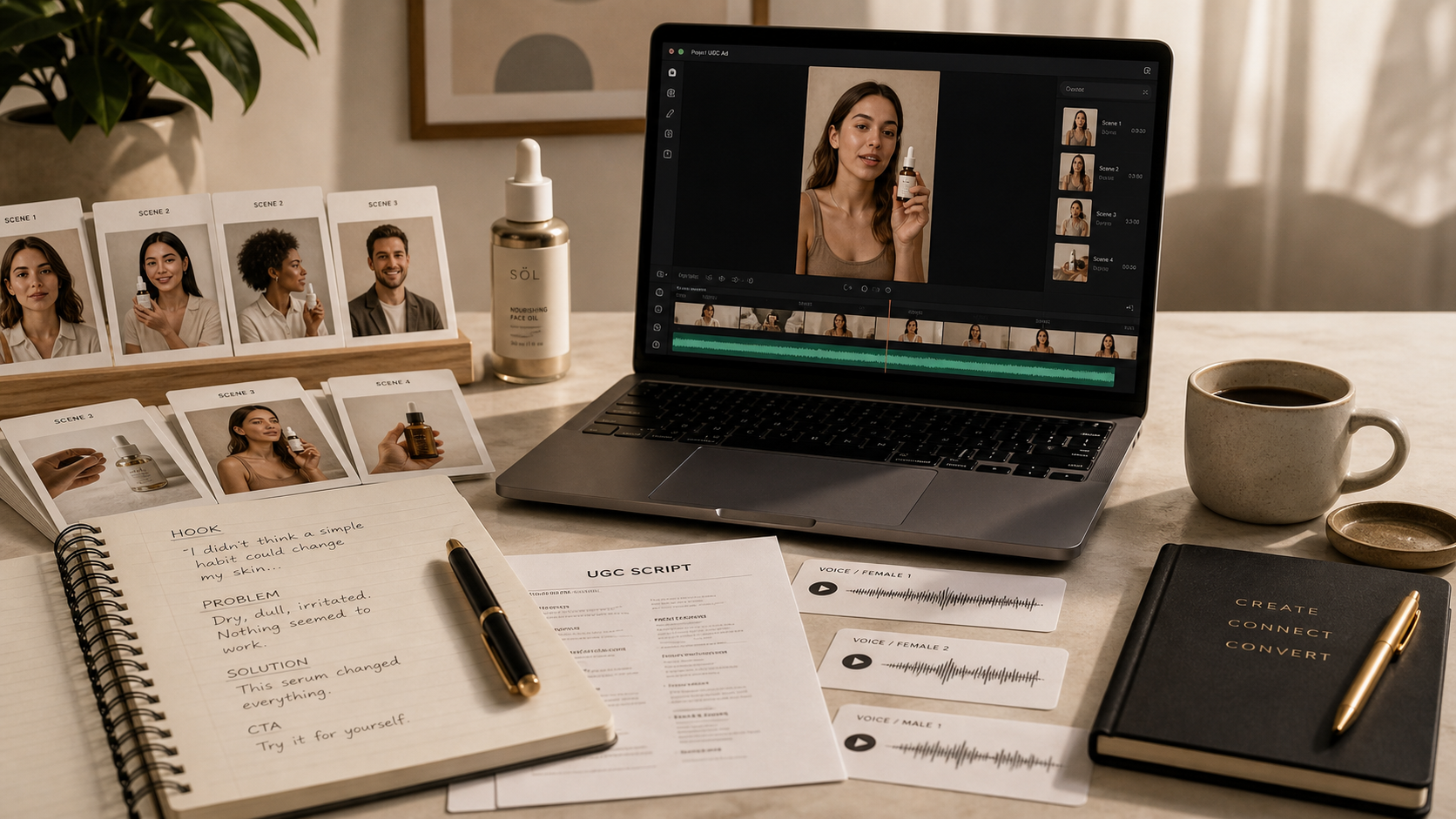
This is the part I care about most. The script, voice, and scene do not have to be fancy. They have to be aligned. If the script says one thing and the scene suggests another, the video feels off even when it looks expensive.
I already wrote a related workflow article, How to Build a Shopify UGC Workflow That Reuses Every Clip, because this is where most teams either save time or waste it. Reuse is useful only when the inputs stay organized.
What I Change Between Versions
When I am creating variations, I change the smallest number of variables possible.
Usually I change:
- The opening hook.
- The proof point.
- The final CTA.
Usually I leave alone:
- The product reference.
- The avatar style.
- The overall scene family.
- The brand tone.
That gives me a cleaner read on what changed the outcome. It also keeps the videos coherent enough that I can use them across channels without rebuilding the whole project.
This is the point where I think of video like a system, not a one-off asset. If the creative can be refreshed without starting over, I am more likely to keep shipping.
For that reason, I also liked How I Keep Product Video Templates Stable as Data Changes. Different product, same lesson: keep the structure stable and change the variables on purpose.
My Launch Checklist
Before I publish a UGC-style product video, I check five things:
- The opening line says the problem or outcome clearly.
- The avatar looks like it belongs in the audience.
- The scene supports the message instead of distracting from it.
- The product reference is visible enough to matter.
- The CTA asks for one next step, not three.
If I cannot explain the video in one sentence, I usually do not launch it yet. I tighten the hook first.
When I need a stronger visual system for the product itself, I also borrow ideas from How I Build a Shopify Visual System From One Product Photo. That article is more about images, but the logic carries over: one source asset should be able to produce several consistent outputs.
What I Actually Want From The First Test
I do not expect the first batch of UGC videos to be perfect. I expect them to tell me something useful.
Usually I want to learn one of these:
- Which hook gets attention fastest.
- Which promise makes the most sense.
- Which scene feels believable for the product.
- Which CTA gets the least friction.
That is enough to decide the next batch. If a version has a better hook but a weaker scene, I keep the hook and fix the scene. If the scene works but the opening is flat, I keep the setup and rewrite the first line.
That is the real value of Supra UGC Maker for me. It turns the first round of creative into something I can actually iterate on instead of something I have to rebuild.
Conclusion
If you need Shopify video creative and do not want to hire a creator for every variation, start with one product, one buying job, and three angles. Keep the scene simple, keep the variables small, and let the first test tell you what deserves more work.
If you want to try the workflow yourself, start at Supra UGC Maker or install it from the Shopify App Store. Build one project around a single SKU, then make the first three angles before you try to scale.