How I Plan 12 Shopify UGC Video Variations Before Lunch
I used to treat each short-form video like a little production project: find a creator, make a brief, wait for a draft, request edits, then hope the finished clip gave me more than one usable angle. That process is defensible for a major launch. It is a terrible way to learn which hook, scene, or product objection deserves more budget.
For ordinary creative testing, I want a board before I want another shoot. The board forces me to make the decisions that actually create useful variants: who is speaking, what they are showing, which customer tension opens the video, and where the finished clip will live.
That is the job I would use Supra UGC Maker for. It lets a Shopify merchant assemble UGC-style product videos from an avatar, scene, product reference, script, and voice/tone, then preview, update, reorder, trim, and regenerate clips in a reusable project. It is not a replacement for a real customer story or a creator with hard-won audience trust. It is a faster system for finding the creative direction worth producing more of.
Start With a Test Board, Not a Pile of Prompts
My rule is simple: one product gets three customer problems, two opening angles, and two visual settings. That produces 12 planned variations without turning the test into a random content factory.
For a moisturizer, the board might look like this:
- Problem: makeup pills by midday; dry skin looks dull; routine feels too complicated.
- Opening angle: a direct confession ("I stopped doing this") or a quick demonstration.
- Setting: clean bathroom shelf or warm bedroom vanity.
The product, core benefit, and CTA stay consistent while one meaningful variable changes. That matters. If every clip has a different avatar, promise, scene, duration, and ending, a winner teaches you nothing.
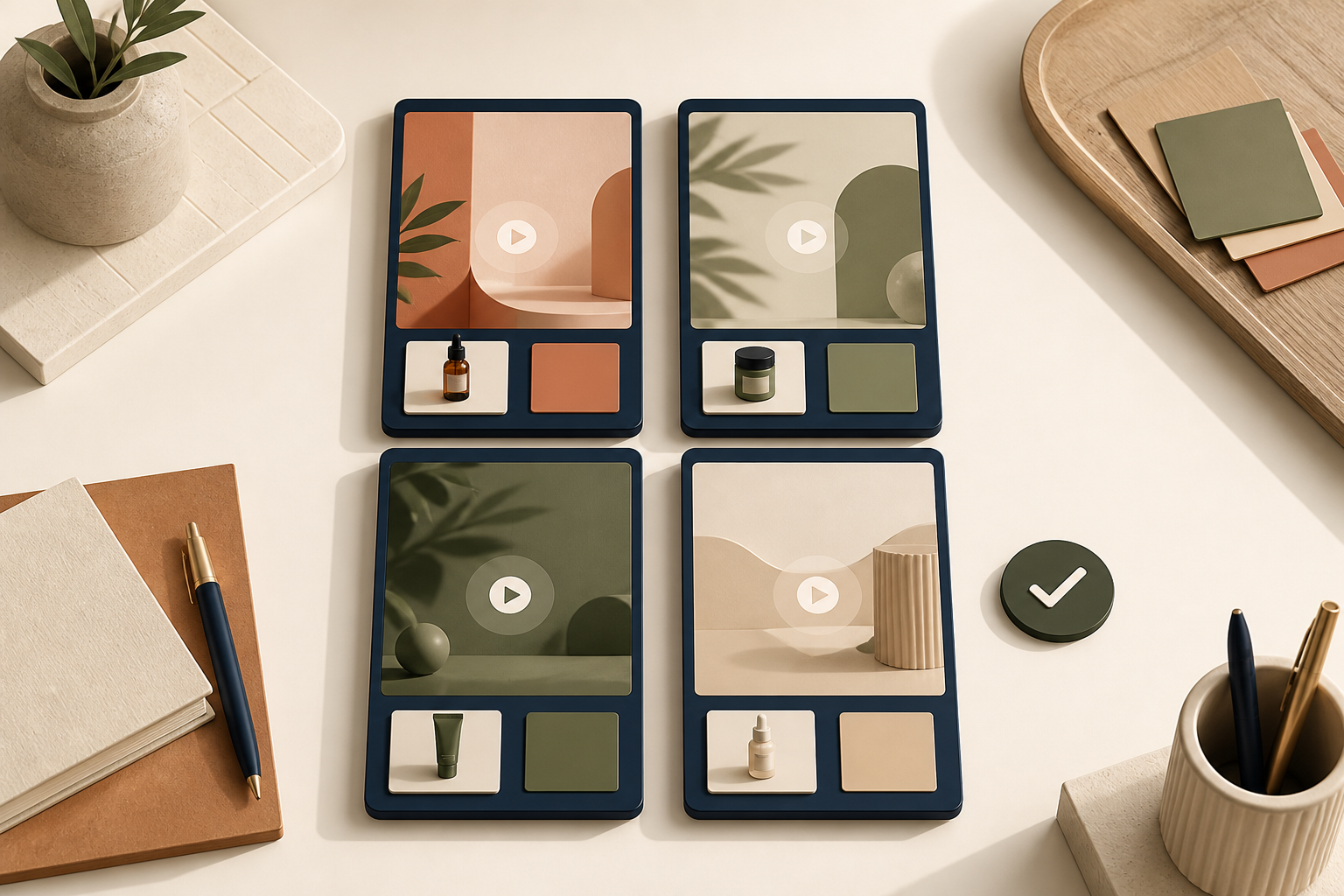
I also decide the intended placement before I draft the script. A cold-audience social ad needs a fast interruption and one clear idea. A product-page video can spend a few more seconds showing scale, texture, or use. An email teaser should earn the click, not explain the whole product. This is the same planning discipline I used when I mapped one Shopify product into three UGC video jobs: the channel changes the brief.
Make Every Variation From the Same Four-Part Brief
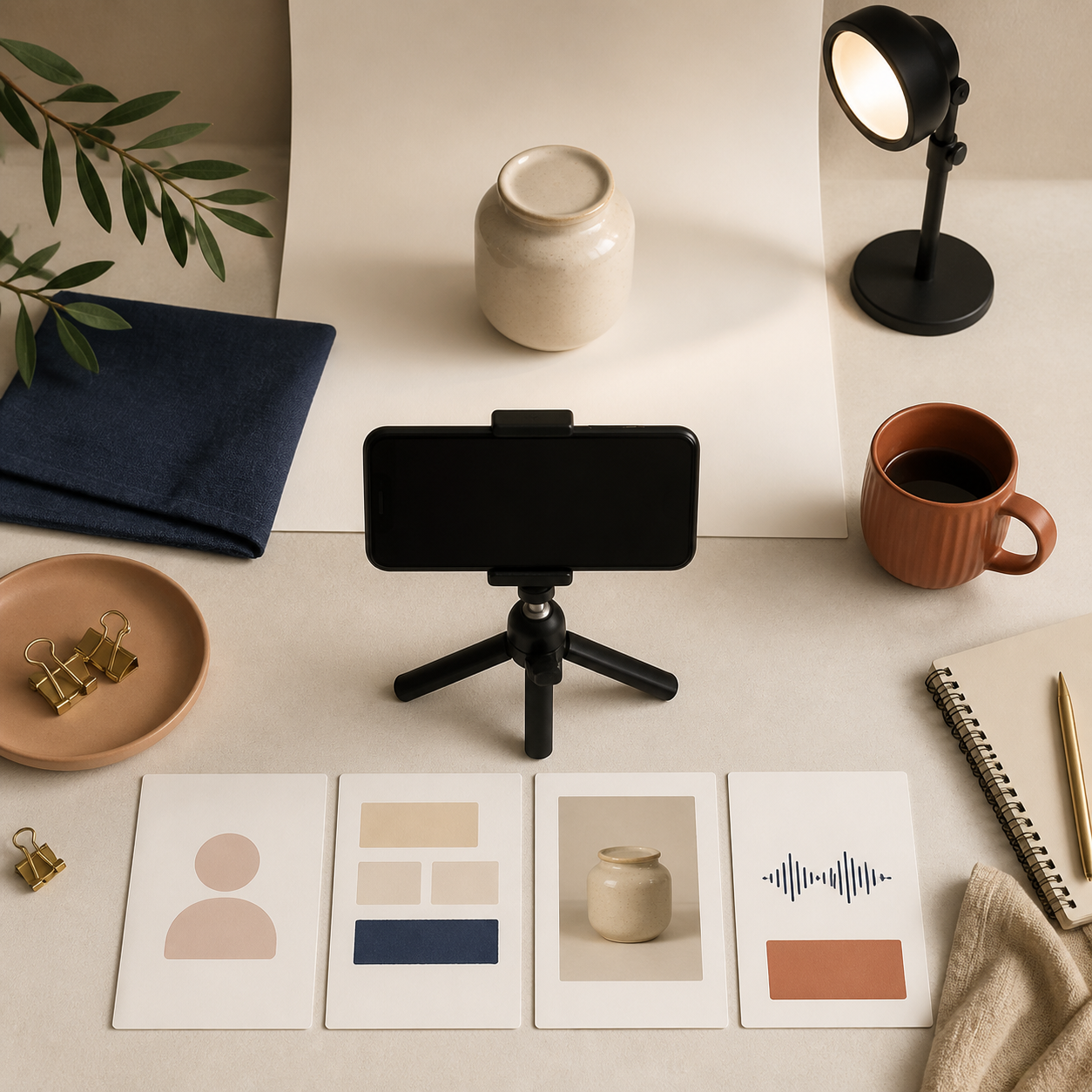
Before generating anything, I write four fields for each variation:
- Avatar: Who should the shopper imagine using this? Keep it plausible for the product and audience.
- Scene: Choose a setting that makes the use case legible, not merely attractive.
- Script: One problem, one product moment, one next step.
- Voice and tone: Match the buyer's state—calm reassurance is not the same as launch-day energy.
Supra UGC Maker is useful here because those parts can be selected and reused instead of rebuilt for every new clip. You can choose a preset avatar or generate a custom AI model, set a studio, outdoor, boutique, or brand-specific scene, add a Shopify product reference, then write the script and choose its voice and tone. I would keep the first pass deliberately narrow: 15–25 seconds, one product, and no more than one claim that needs proof.
A practical script pattern is:
I thought [specific problem] was just part of [routine]. Then I tried [product] for [concrete use]. Now I [observable result or next action].
That structure is not clever. It is useful because it makes the product's role clear. For performance marketing, I would create separate scripts for a visual demonstration, a practical objection, and a benefit-led hook rather than cramming all three into one video. If you need more starting points, I previously built a Shopify UGC test matrix around four video angles; the point is to create intentional contrast, not volume for its own sake.
Review for Believability Before You Review for Polish
The first review is not "does this look expensive?" It is "would a shopper understand the product and believe this is meant for them?" I check:
- Is the product visible when the script names it?
- Does the scene help explain the use case?
- Is the voice appropriate for the customer and offer?
- Does the first two seconds earn the next five?
- Is the CTA specific to the placement?
Then I use the preview to clean up what I can: clip order, trims, scene choices, and scripts. Regenerating is cheap only when the feedback is specific. "Make it better" is useless feedback. "Show the jar in the first frame and remove the sale language from this evergreen product-page version" is actionable.
This review gate is why I do not publish an AI video just because it rendered successfully. I use the same principle in my approval-gated Shopify catalog video queue: automation should make decisions easier to review, not make bad decisions faster.
Reuse the Winner Across the Store
The best part of a properly planned video is that it has a second job. A version that wins as an ad hook can become the first 10 seconds of a product-page video. A clear product demo can become an email thumbnail or a post-purchase reminder. Supra UGC Maker supports downloading clips for ads, product pages, emails, launches, and social, so I would save the project and reuse the strongest components instead of treating every export as a dead end.
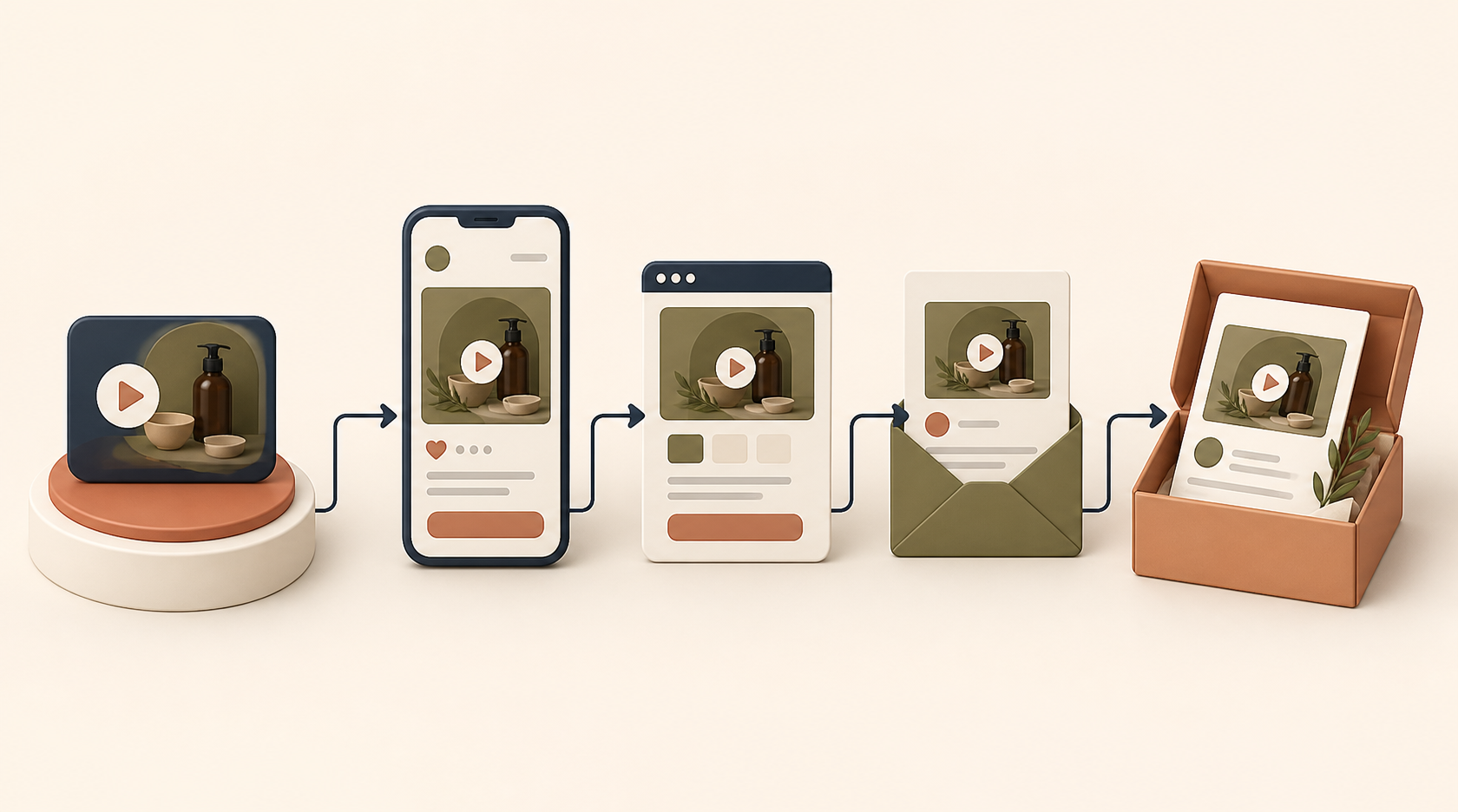
A simple reuse map:
- Paid social: strongest interruption and most direct hook.
- Product page: product-forward version with less hype and more clarity.
- Email: short teaser that points to the product or offer.
- Post-purchase: a helpful usage or expectation-setting clip.
That last placement is often underrated. A concise video can answer the questions that otherwise turn into support tickets or disappointed first impressions. For the bigger system, see my guide to creating post-purchase Shopify videos that answer questions before support.
My First-Afternoon Plan
If I were setting this up from scratch, I would not attempt an always-on content machine. I would pick one product, write 12 rows on a test board, and generate four first-pass variations. Keep the best two, revise one weak variable at a time, and publish the version that is clearest for its destination.
You can try Supra UGC Maker's Shopify app on its free plan, then use the results—not the novelty of AI video—to decide whether you need more creative volume. Start with the board. The videos become much easier to make once you know what you are trying to learn.