How I Decide What Should Sync From Notion Into Webflow
I used to try to sync every field from Notion into Webflow. That looked clean on day one and turned messy the first time I needed to change a layout, swap a hero image, or edit one post without touching the rest of the site.
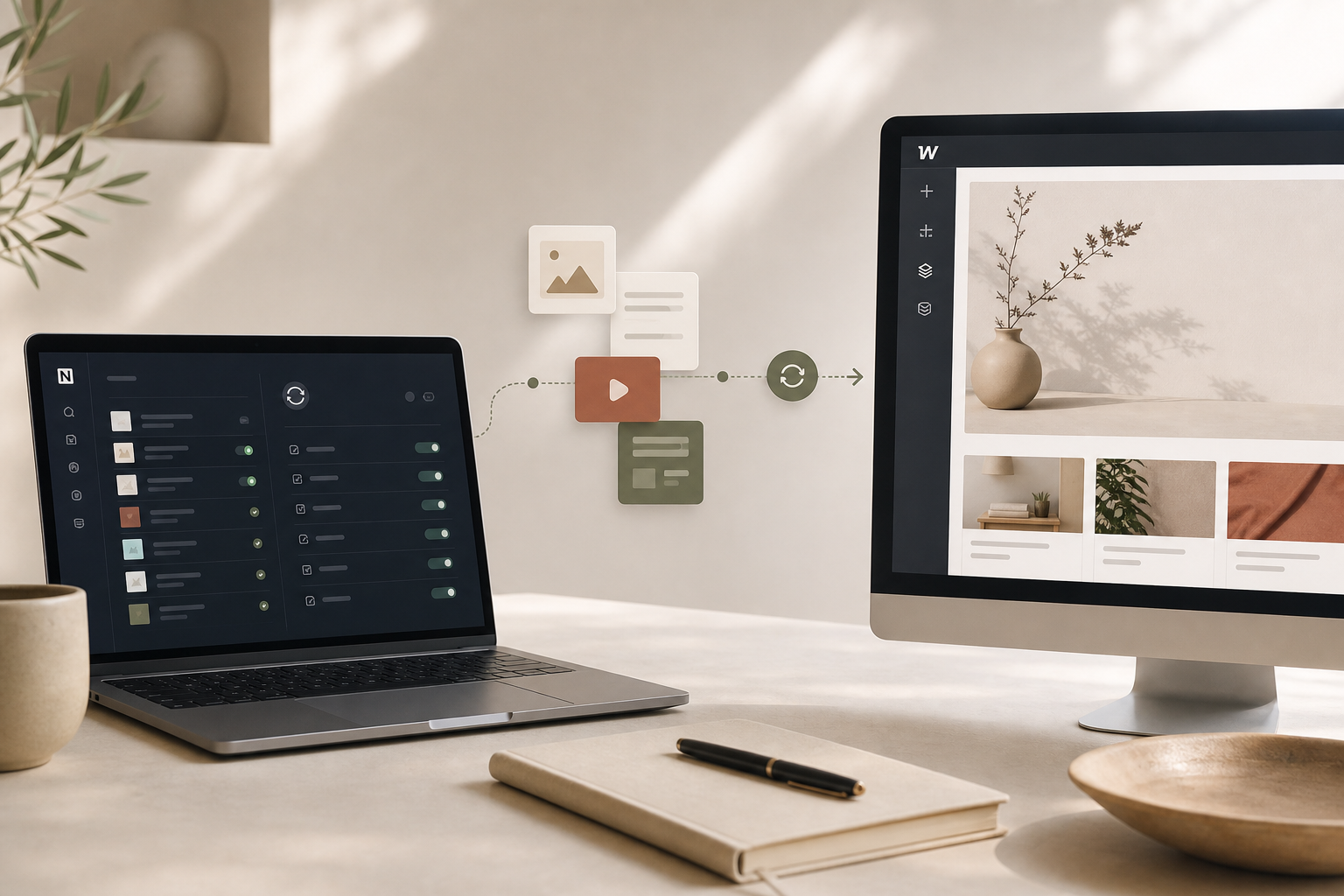
The setup I use now is simpler: Notion is where I write, Webflow is where I design, and SyncFlow handles only the content that should stay structured. If you want the product, it is at SyncFlow. It syncs Notion articles directly into a Webflow CMS database, and the point is not just speed. The point is keeping the boundary between writing and design clear.
Start With The Content Model, Not The Tool
Before I connect anything, I decide what actually belongs in the CMS. If a field needs to be filtered, listed, sorted, or reused across pages, it probably belongs in Webflow. If a field only helps me write faster, it stays in Notion.
That sounds obvious, but it is the main difference between a workflow that lasts and one that turns into cleanup work. I want the Webflow collection to hold the durable structure of the article, not every scratch note from the draft.
For a Notion-to-Webflow setup, I usually separate the content into three buckets:
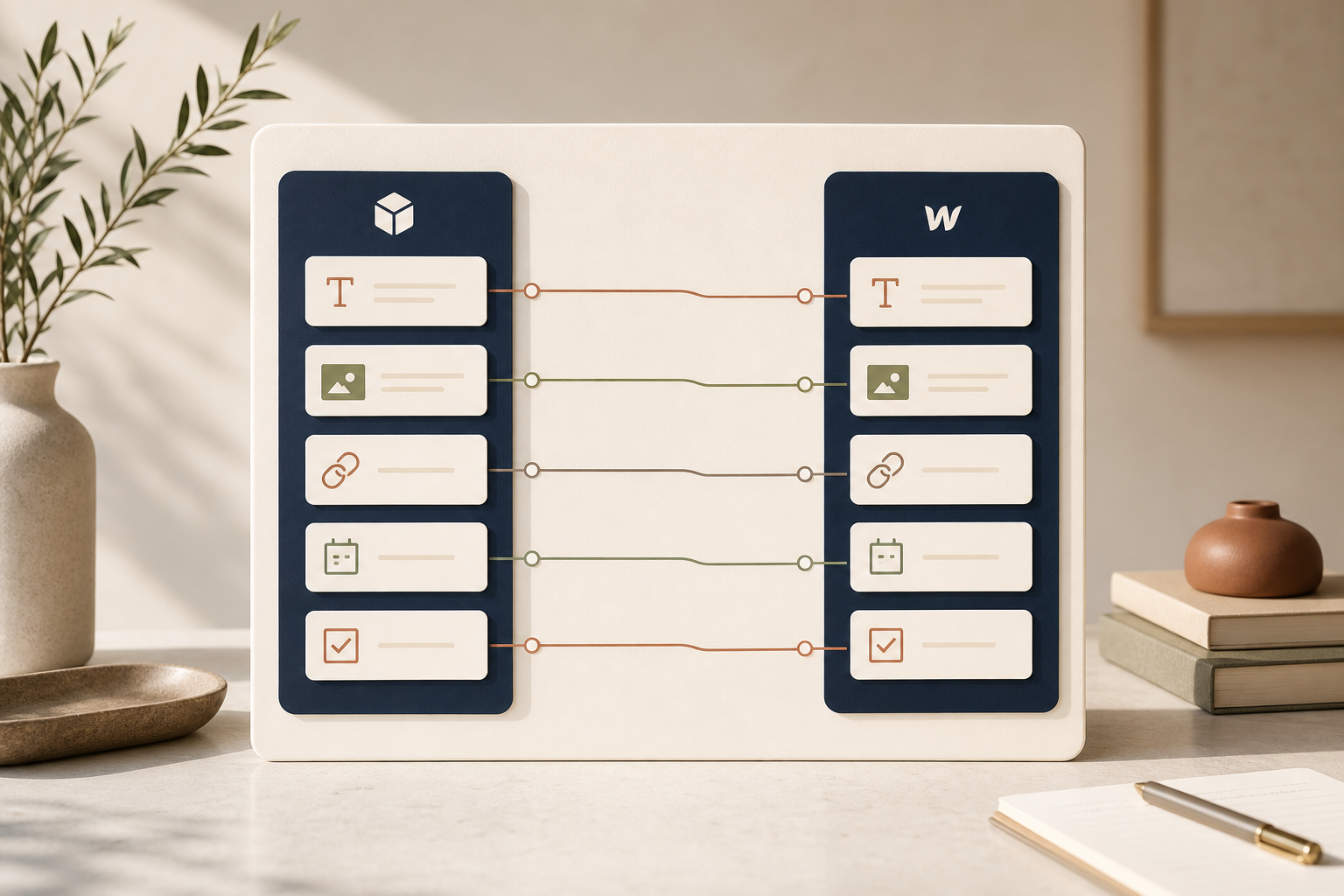
- Fields that should sync every time, like title, slug, summary, publish date, image, and source URL.
- Fields that matter for presentation but should not be rebuilt manually, like page links or callout-style content.
- Fields that I would rather leave out of the CMS entirely, because they are just writing aids.
That is also why I keep Webflow as the design layer. If I want a layout or component change later, I would rather update the template once than keep fighting the content source. I think about it the same way I think about exportable site structures: How I Exported My Webflow CMS Site to Static Hosting Without Rebuilding It is useful because it treats the content and the presentation as separate concerns.
Map Fields One By One
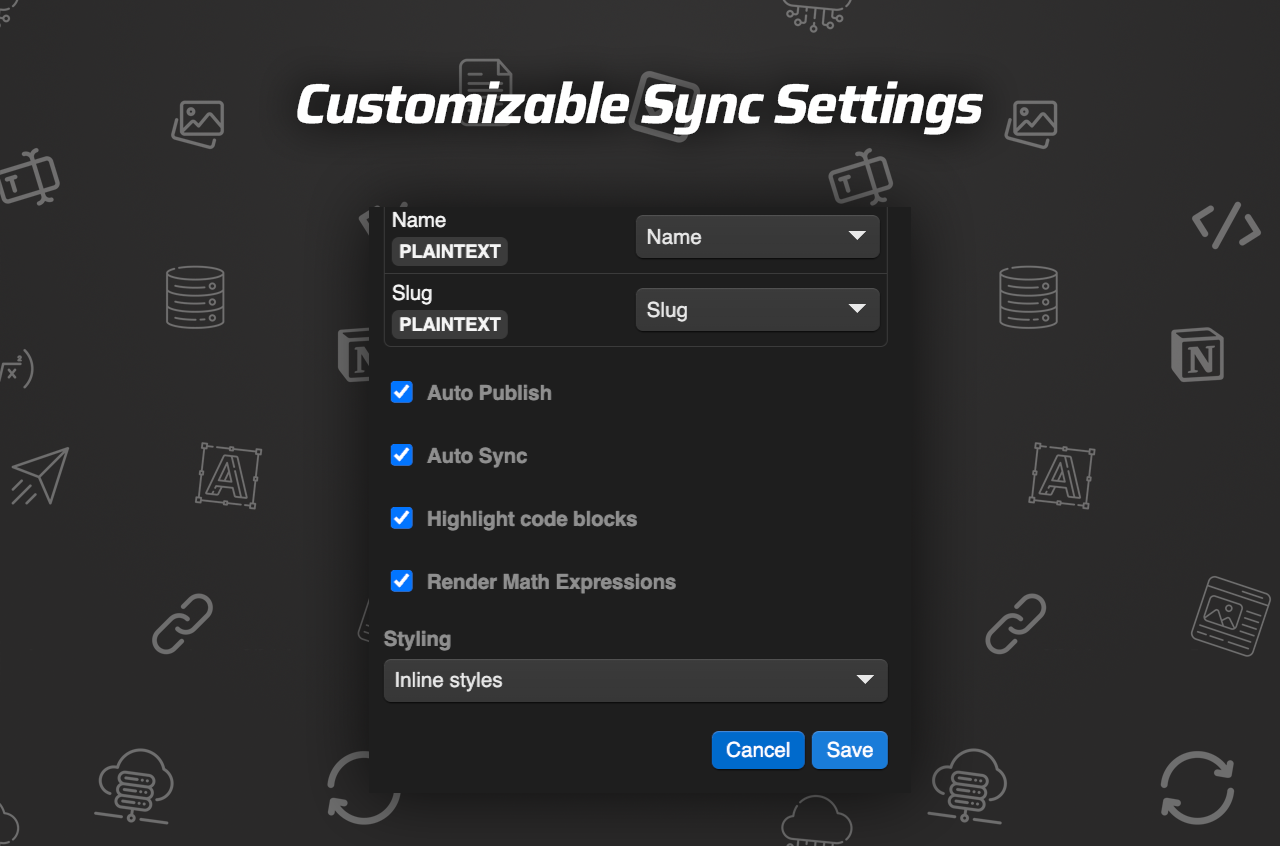
The first SyncFlow screen I care about is the field map. This is where I match a Notion database to a Webflow collection and decide which field feeds which destination.
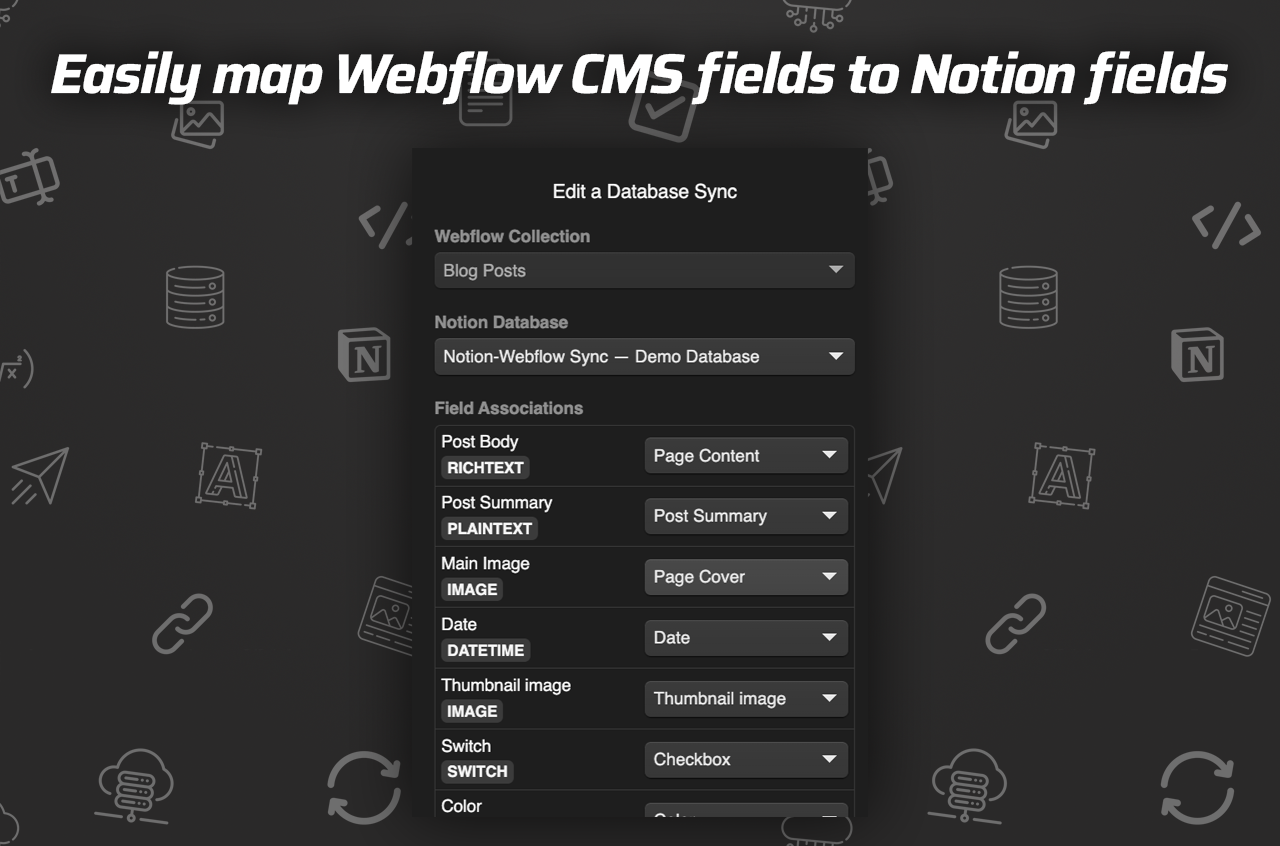
I do not rush this part. If I map the wrong field once, every article in that collection carries the mistake forward.
The fields I test first are the boring ones:
- Title and slug.
- Summary or description.
- Publish date.
- Primary image.
- Source URL.
- Any checkbox or status field I use to control release timing.
After that, I test the richer content types. SyncFlow supports images, URLs, checkboxes, dates, page linking, code highlighting, and TeX support, so I want to know early whether the articles I publish actually preserve those blocks the way I expect. If you write technical posts, this is the moment to verify code blocks and math before you let the sync run unattended.
One thing I like about this workflow is that I can keep the content model simple in Notion and still let Webflow do the visual heavy lifting. That is the right split for a small team: the database holds the facts, and the site handles the experience.
Keep Styling In The Right Place
SyncFlow gives you a choice between inline styles and classes. I treat that choice as a design decision, not a technical detail.
If I know the content will be reused across the site, I lean on classes. That keeps the visual rules consistent and makes later changes easier.
If I need the content to carry its own presentation more directly, I use inline styles. That is useful when the structure is stable but the content varies a lot from record to record.
The mistake I stopped making was trying to make Notion do both jobs at once. Notion should help me write and organize. Webflow should decide how the site looks. When I keep that split clean, the sync stops feeling fragile.
That same idea is why I care about portability in the first place. A clean content boundary makes it easier to move or reshape the site later, which is the same reason I bookmark How I Export Webflow Sites to Static Hosting, Git, or FTP and Webflow Exporter Checklist: How to Move a Site to Static Hosting when I am thinking about long-term maintenance.
Turn On Auto-Sync After The Schema Settles
I am cautious with auto-sync. It is useful, but only after the field map stops changing.
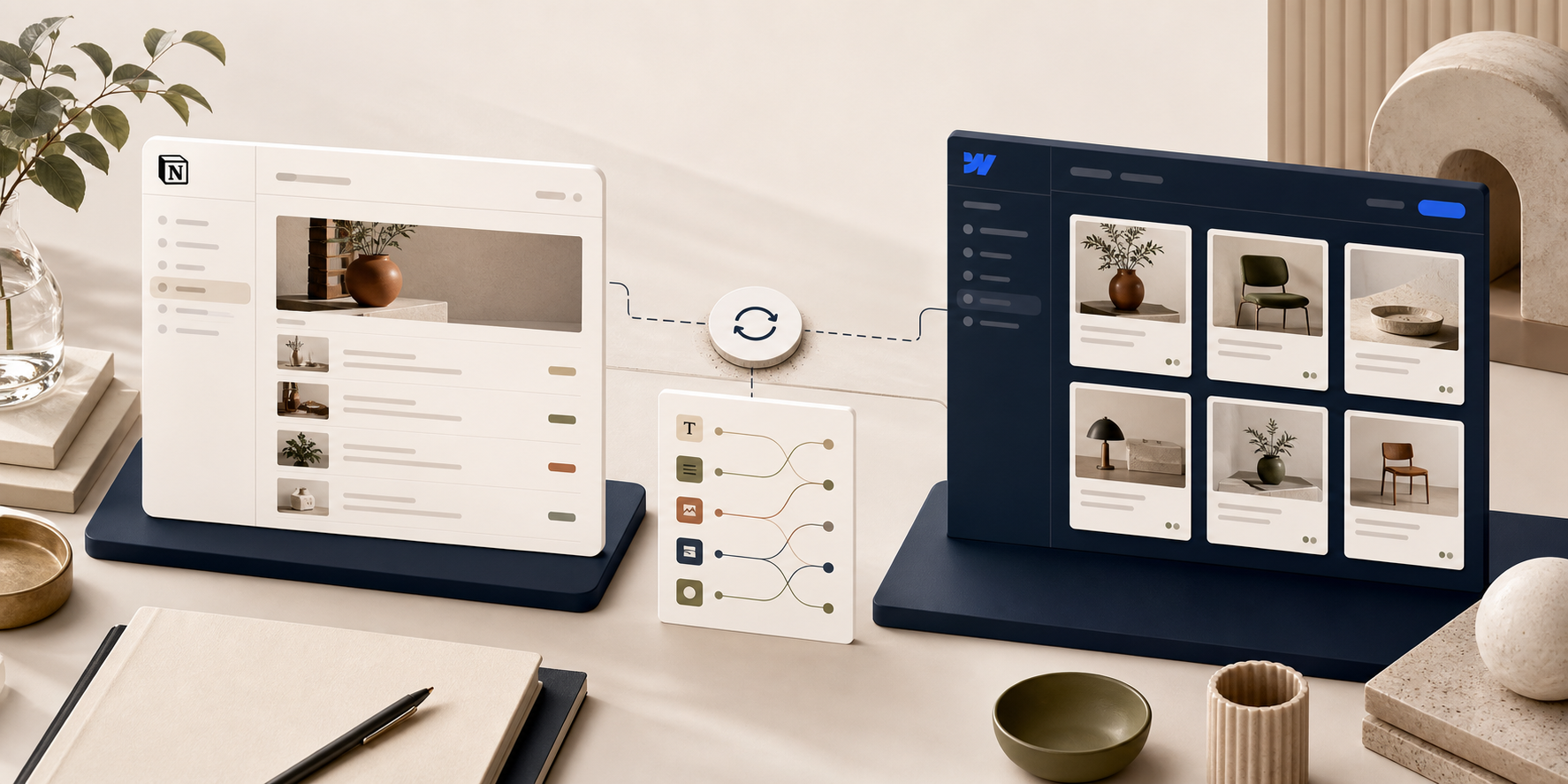
Once the database structure feels stable, auto-sync becomes the part that saves time instead of creating noise. SyncFlow can automatically send a changed Notion page to the Webflow collection, and that is the right behavior once the setup is boring enough to trust.
The cleanest rollout I have found is simple:
- Connect the Webflow site and the Notion database.
- Map fields and test a few records manually.
- Check the output in Webflow.
- Only then switch on auto-sync or auto-publish.
If you already have a backlog of pages, I would not flip on the full fire hose first. I would test one article, then a small batch, and only then use the full resync option to align the rest of the collection.
That is also where the companion walkthrough How to Sync Notion Pages to Webflow CMS Without Manual Cleanup helps. It is the more tactical setup piece; this post is the decision rule I use before I start wiring things together.
What I Check Before I Let It Run
I do one last pass before I trust the pipeline:
- The collection and the database are matched correctly.
- The title, slug, and summary are landing in the right fields.
- Images are rendering where I expect.
- Page links are still linking between posts.
- Code blocks and TeX render correctly if the article uses them.
- The styling choice, classes or inline styles, matches the type of content.
- Auto-sync is only enabled after the mapping is stable.
If I am onboarding an older content library, I use the full resync after the structure is locked. That is the moment when the tool becomes more than a convenience. It becomes the thing that lets me keep writing in Notion without redoing the site by hand.
The Value In The Small Plan
The other reason I am comfortable recommending SyncFlow is the pricing is straightforward: the Standard plan is $8/month, and it includes one Webflow site install, unlimited syncs, unlimited databases, and unlimited connected fields. That is enough for a real content operation without turning the setup into an expensive platform project.
If you already write in Notion and design in Webflow, I would start small: one database, one collection, one field map. Get that working, turn on sync only after the schema settles, and let the CMS stay boring.
That is the whole point.
If you want to try it, start at SyncFlow.