How I Clean Up Etsy Listings in Bulk After a Product Refresh
I do not bulk edit Etsy listings when I am feeling vague. I use it when the catalog has drifted: a product refresh changed the names, the tags are inconsistent, a few prices no longer match the lineup, and the variations have grown messy enough that one-by-one edits would waste an afternoon.
That is where Bulk Listing Editor for Etsy is useful. It is built for a simple workflow: search the listings or variations you want, select the exact items, specify the changes, and hit bulk edit. If you have ever tried to clean up a store manually after a refresh, that is the point where the app saves the most time.
What I usually clean up first
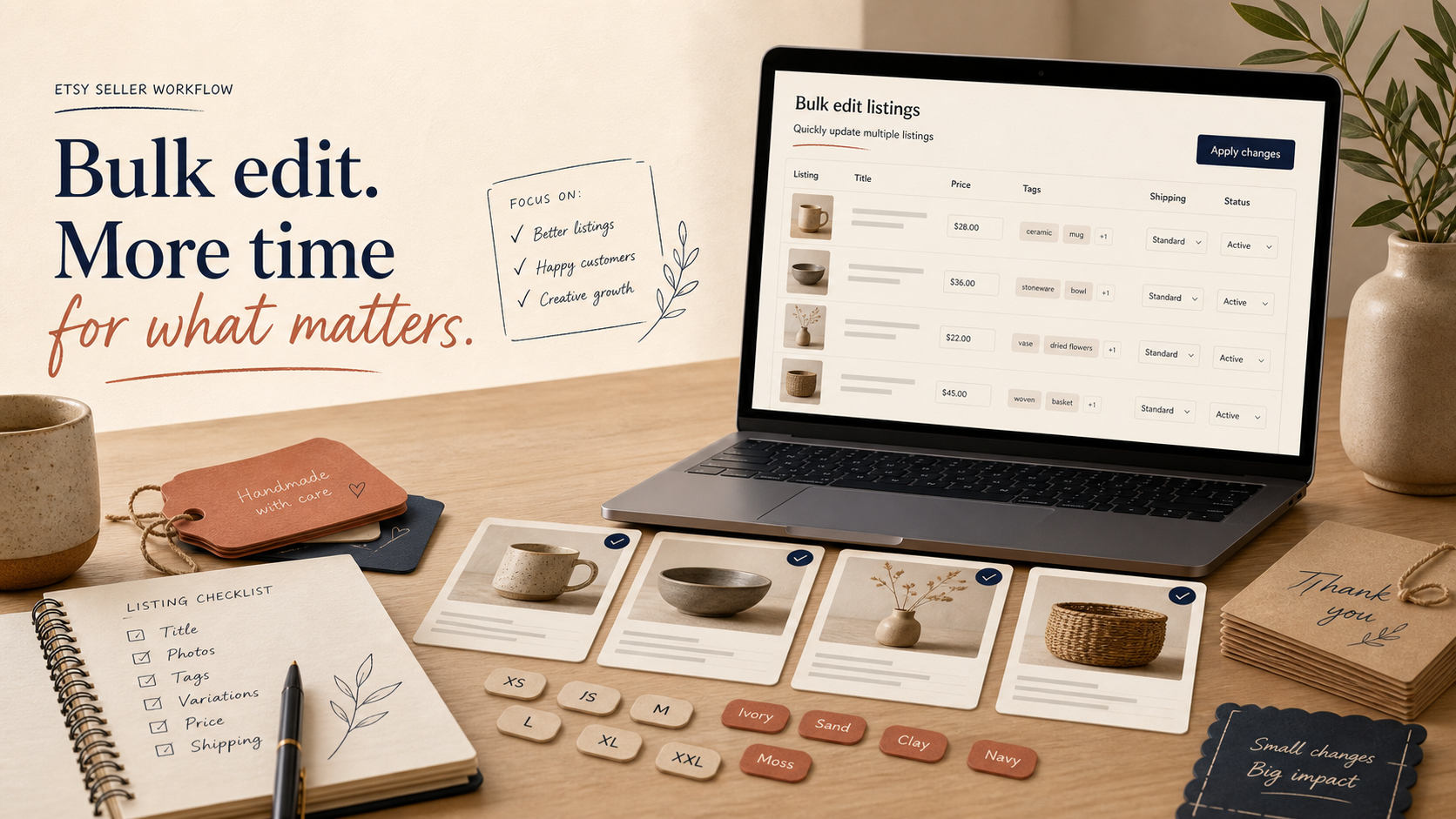
My first pass is usually the boring operational work that nobody wants to do one listing at a time:
- Titles that need to match a new naming pattern.
- Tags and materials that drifted after a collection change.
- Prices that need to move together instead of being updated one by one.
- Images that need reordering or removal.
- SKU and inventory changes after a product refresh.
- Variation tweaks when colors, sizes, or options have changed.
The app supports both Listings mode and Variations mode, which matters more than it sounds. Listings mode is for the product-level stuff. Variations mode is for the option-level cleanup that usually causes the most mistakes when you try to patch it manually.
If you want the gentler version of this workflow, I would read How to Bulk Edit Etsy Listings Without Spreadsheet Chaos first. If your concern is more about data safety than speed, How to Bulk Edit Etsy Titles, Tags, and Variations Safely is the cleaner follow-up.
The three-step workflow is the point

I like tools that make the workflow obvious instead of hiding the important part behind five menus. This one is straightforward:
- Search for the listings or variations you want to modify.
- Select the exact items that belong in the batch.
- Specify the modification and run the bulk edit.
That simplicity is useful because it forces me to define the batch before I touch anything. If I cannot describe the change in one sentence, I am not ready to bulk edit it yet.
For example, I might batch these together:
- Rename a seasonal collection.
- Remove an outdated tag from every matching listing.
- Raise prices on one group of products after a cost change.
- Adjust a small set of variations across multiple listings.
That is a much better use of bulk editing than trying to fix a mixed pile of unrelated listings and hoping the result stays coherent.
Where bulk editing helps most
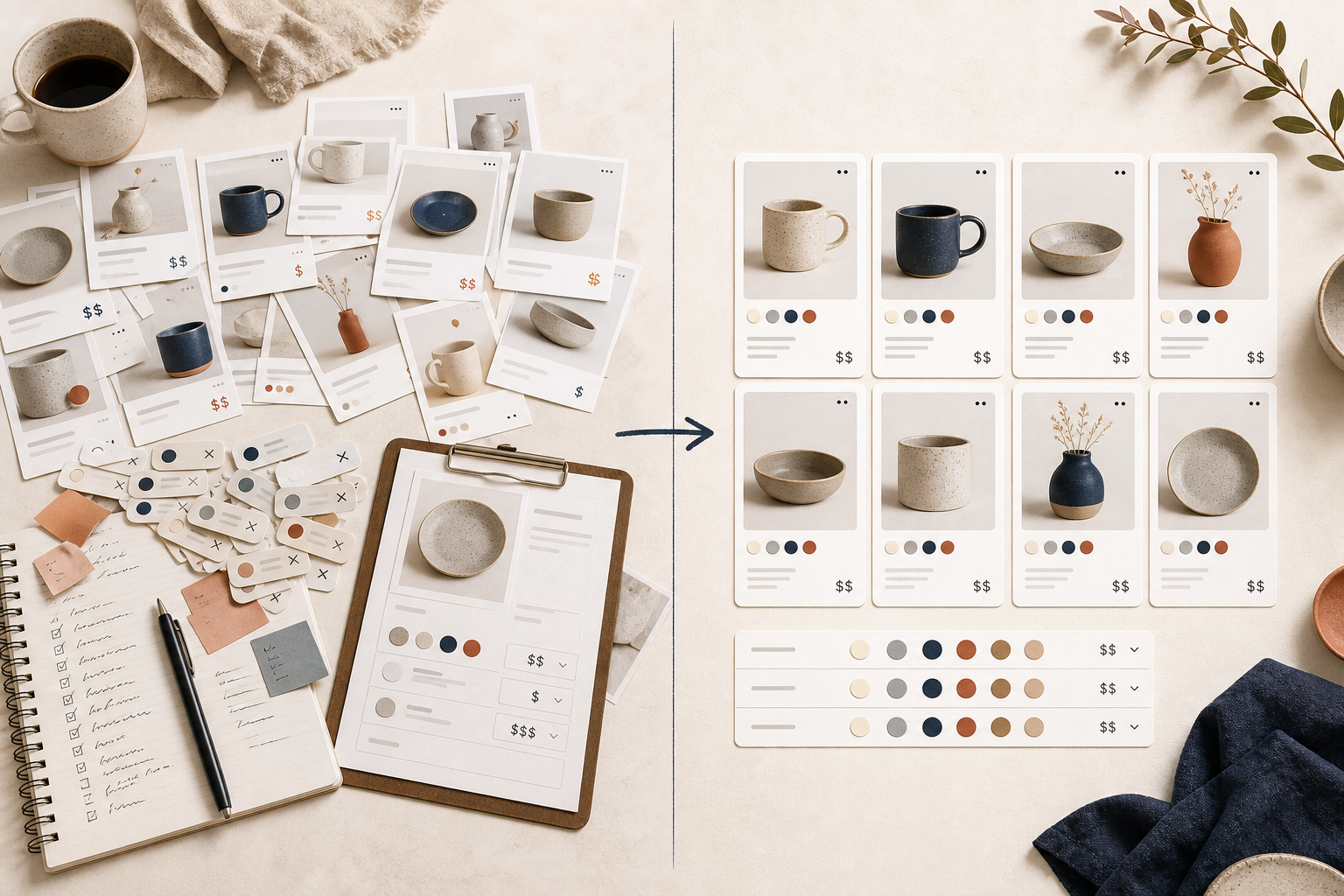
The best use case is not “change everything everywhere.” It is “make one controlled change across a group that actually belongs together.”
Here is where I think the app pays off fastest:
- A catalog refresh after photos, naming, or positioning changed.
- A seasonal update where many listings need the same adjustment.
- A pricing pass after supplier costs shift.
- A variation cleanup when the same pattern repeats across many listings.
- A content pass where titles, descriptions, and tags need to align again.
If you are deciding whether to batch edit or leave a listing alone, I still like the older rule I wrote about in When to Bulk Edit Etsy Listings and When to Edit Manually. Not every problem deserves a batch change. Some listings are still better handled one at a time.
The safety checks I would not skip

The app is easy to use, which is exactly why I slow down before I click the final button. My checklist is simple:
- Search narrowly first.
- Select only the listings that truly belong in the batch.
- Confirm whether I need Listings mode or Variations mode.
- Make sure the field I am changing applies to every selected item.
- Recheck anything that affects pricing, inventory, or variation structure.
- Stop and split the batch if one item needs special handling.
That last point matters. The fastest way to create cleanup work is to force one awkward listing into a batch that does not fit it. If a listing is unusually customized, I remove it from the batch and edit it separately.
If your store has already become difficult to reason about, How to Bulk Edit Etsy Listings, Variations, and Images Safely is a good companion read. If the problem is that you keep reaching for spreadsheets when you do not need them, How to Update Etsy Listings in Bulk Without Breaking Variations is the more practical note.
What the app costs and why that matters
The pricing is simple: $8 per month with a 100% 7-day free trial. That is low enough that the app makes sense even if you only need it for occasional catalog cleanup, not as a daily workflow tool.
That matters because a lot of Etsy work is seasonal or bursty. You do not always need a complex system. Sometimes you just need a fast way to clean up a batch of listings without introducing new mistakes.
Start with one controlled batch
If I were setting this up for a real store, I would start with one small cleanup batch and keep it boring:
- Pick a single collection or product group.
- Change one field first, not five.
- Verify the result before doing a larger pass.
- Move to variations, images, or pricing only after the first batch looks right.
That is also why I would pair the app with a short tutorial pass. The Bulk Listing Editor for Etsy walkthrough video is a useful overview if you want to see the flow before trying it yourself.
If your Etsy catalog needs a reset, I would start here: Bulk Listing Editor for Etsy. Run one small batch, confirm the outcome, then decide whether the app deserves a place in your workflow.
The point is not to bulk edit more often. The point is to bulk edit the right things, in the right order, without spending the whole day in the listing editor.