How I Build a Shopify UGC Creative System Without More Shoots
I used to treat every new ad angle like a new production request. That meant a fresh brief, a new creator conversation, a new edit, and then another round when the first hook missed. The product rarely changed. The work around it did.
That was backwards. For most Shopify UGC videos, I now keep the product, audience, and offer stable, then deliberately vary one creative decision at a time. It is a smaller system, but it gives me faster answers about what deserves a real shoot or more spend.
Supra UGC Maker is useful in that system because it lets me set an avatar, scene, product reference, script, and voice/tone, then create new variations from reusable projects. I do not treat AI avatars as a substitute for a real customer or creator testimonial. I treat them as a practical way to test UGC-style creative before I make a larger production bet.
Start With One Product Question
I do not begin with “make four videos.” I start with a shopper question that the product page, ad, or email needs to answer. For a moisturizer, that might be “Will this fit into my rushed morning routine?” For a kitchen tool, it might be “Can I see how it works before I buy it?”
The brief needs five fixed fields:
- Product and the one feature or outcome worth showing
- Audience and moment: first-time shopper, gift buyer, repeat customer, or post-purchase user
- Placement: paid social, product page, email, or support flow
- Offer or next action
- The one assumption I want the video to test
This is the part I skipped when I built an earlier Shopify UGC test matrix. I had plenty of video ideas, but no clean way to tell which variable had made a difference.
Build Four Deliberate Variations
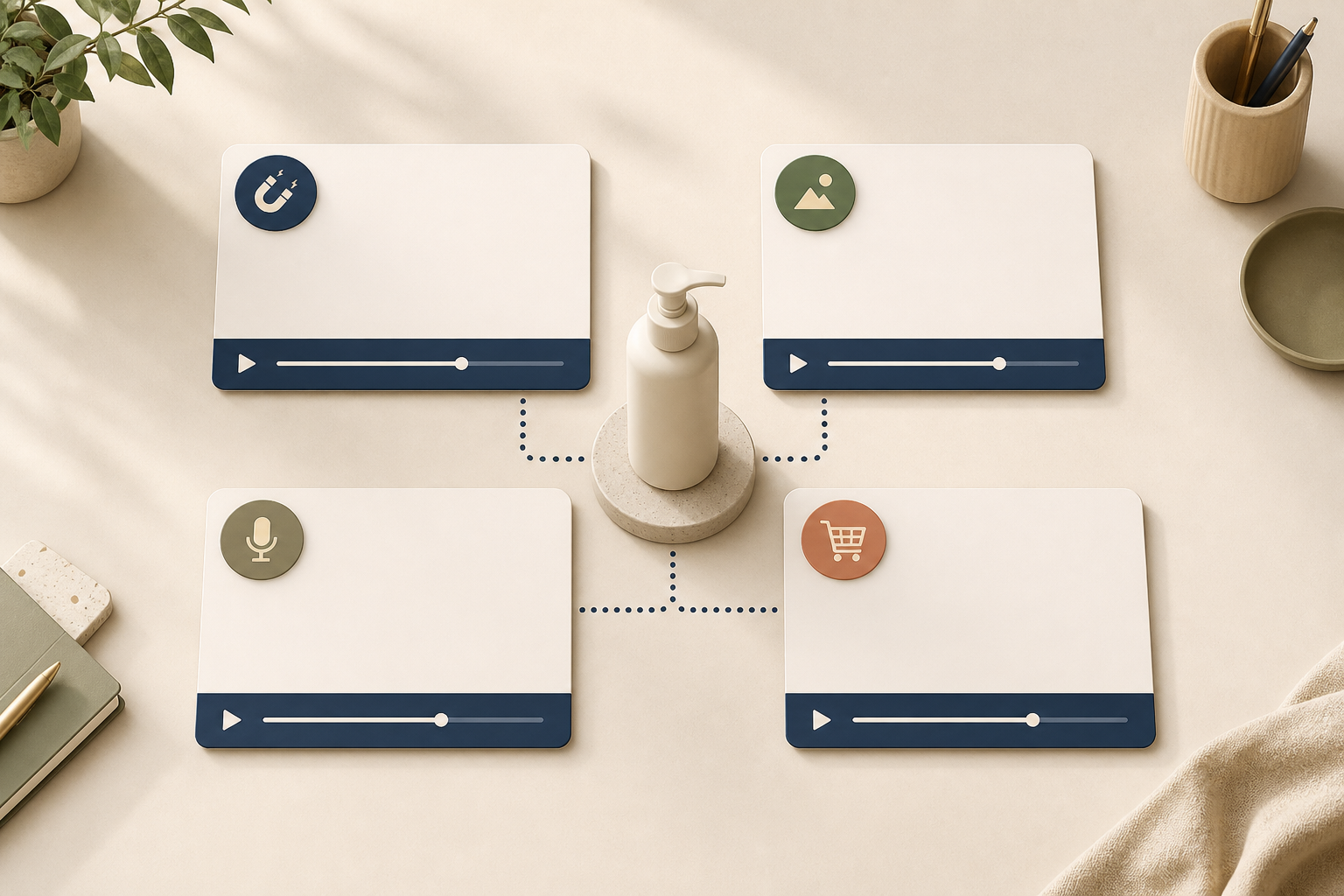
Once the product question is fixed, I create a compact four-cell matrix instead of asking for endless creative. My default cells are:
- Hook: Change only the opening claim or first visual.
- Scene: Keep the script but move from a clean studio to a context that makes the use case obvious.
- Voice: Keep the structure and product, then change the tone from direct and practical to warmer and more conversational.
- Call to action: Keep the creative intact and test the next step: view the product, solve a specific problem, or explore a collection.
Supra UGC Maker makes these controlled changes less tedious: I can preview a scene, adjust the script, reorder or regenerate clips, and reuse the project rather than rebuilding every video from zero. That is different from claiming one generated clip is a campaign. It is a way to create a useful comparison set.
Keep the Product Reference Honest
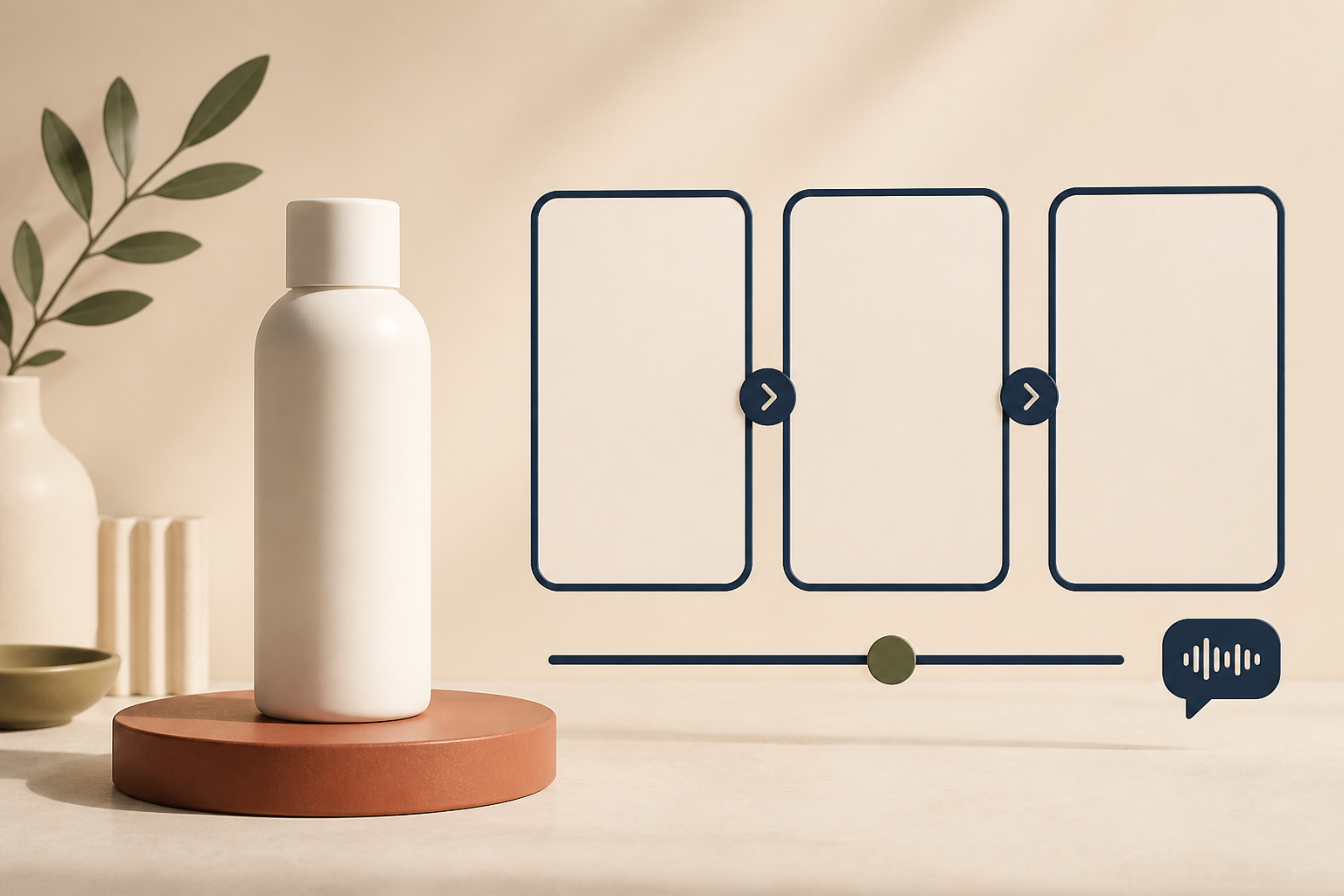
The fastest way to make a product video less useful is to let the visual drift away from the product. I lock the product reference, the claim, and any important usage limitation before writing the variations. Then I check three things in preview:
- Does the product look like the item the shopper will receive?
- Does the script promise only what the product page can support?
- Does the scene make the use case clearer instead of merely prettier?
That last check matters. I have seen a polished lifestyle scene hide the very detail a shopper needed. For that reason, I separate discovery creative from explanation creative. The first can earn attention; the second should demonstrate the product, answer a question, or reduce uncertainty. My earlier post on adding AI UGC videos to Shopify product pages explains why a product-page video has a different job from a scrolling ad.
Put Each Variation Where It Can Do Its Job
I do not send every finished clip to every channel. A short hook-led version belongs in a paid-social test. A slower product demonstration belongs on the product page. A familiar problem-and-solution cut can work in email. A focused “here is how to use it” clip can reduce avoidable support questions after purchase.
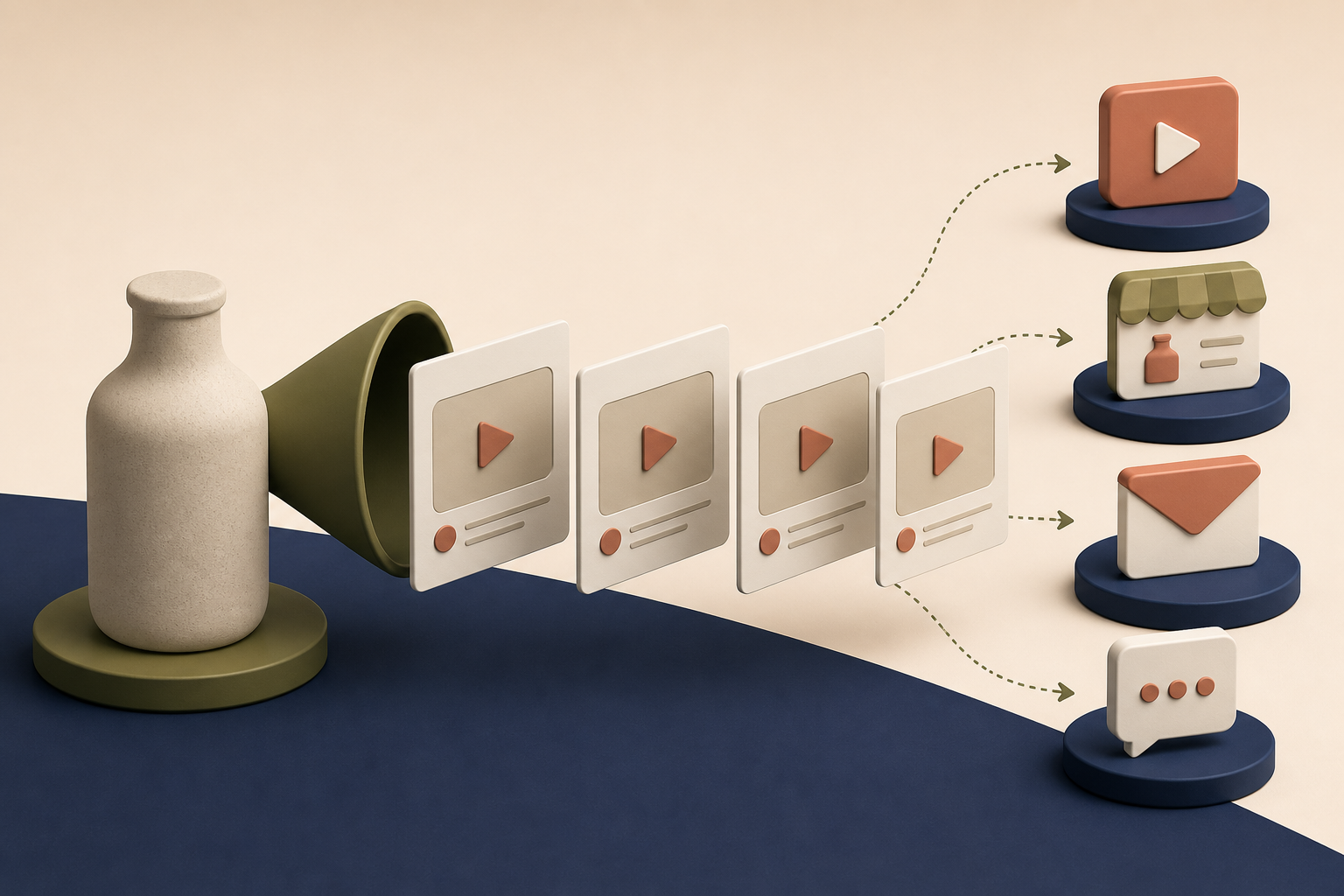
That distribution habit came from building post-purchase Shopify videos that answer questions before support. Placement is not an afterthought; it changes the script, pacing, and CTA. If I need a broader launch set, I also reuse the planning logic from mapping one Shopify product into three UGC video jobs.
Use the Results to Choose the Next Shoot
After publishing, I record only a few signals: thumb-stop or view quality where available, clicks, product-page engagement, add-to-cart movement, and the questions customers still ask. I do not pretend a small test settles everything. I use it to decide whether the winning concept deserves a real creator, more variants, or a permanent product-page slot.
That is the useful role for an AI UGC video generator in a Shopify workflow. It helps me move from “we need more videos” to a specific, reviewable creative system with fewer blind production requests.
If you need a first batch, try Supra UGC Maker with one product and four controlled variations. Keep the product facts fixed, change one creative choice per clip, and let the result tell you what to make next.